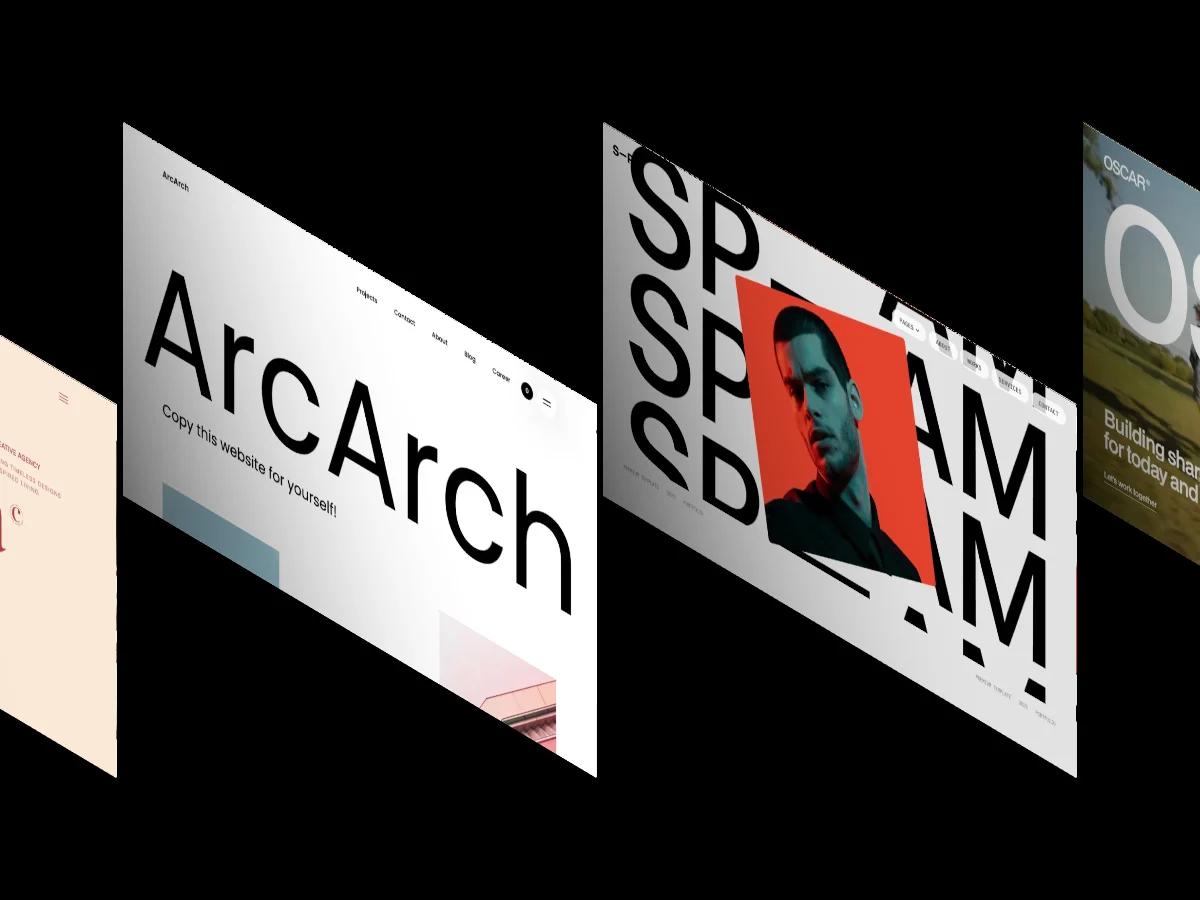
MOSS is a high-quality Webflow template for Portfolio & Agency, Personal, Art & Design, Photography & Videography, Professional Services by Fouroom.
Our Review of MOSS
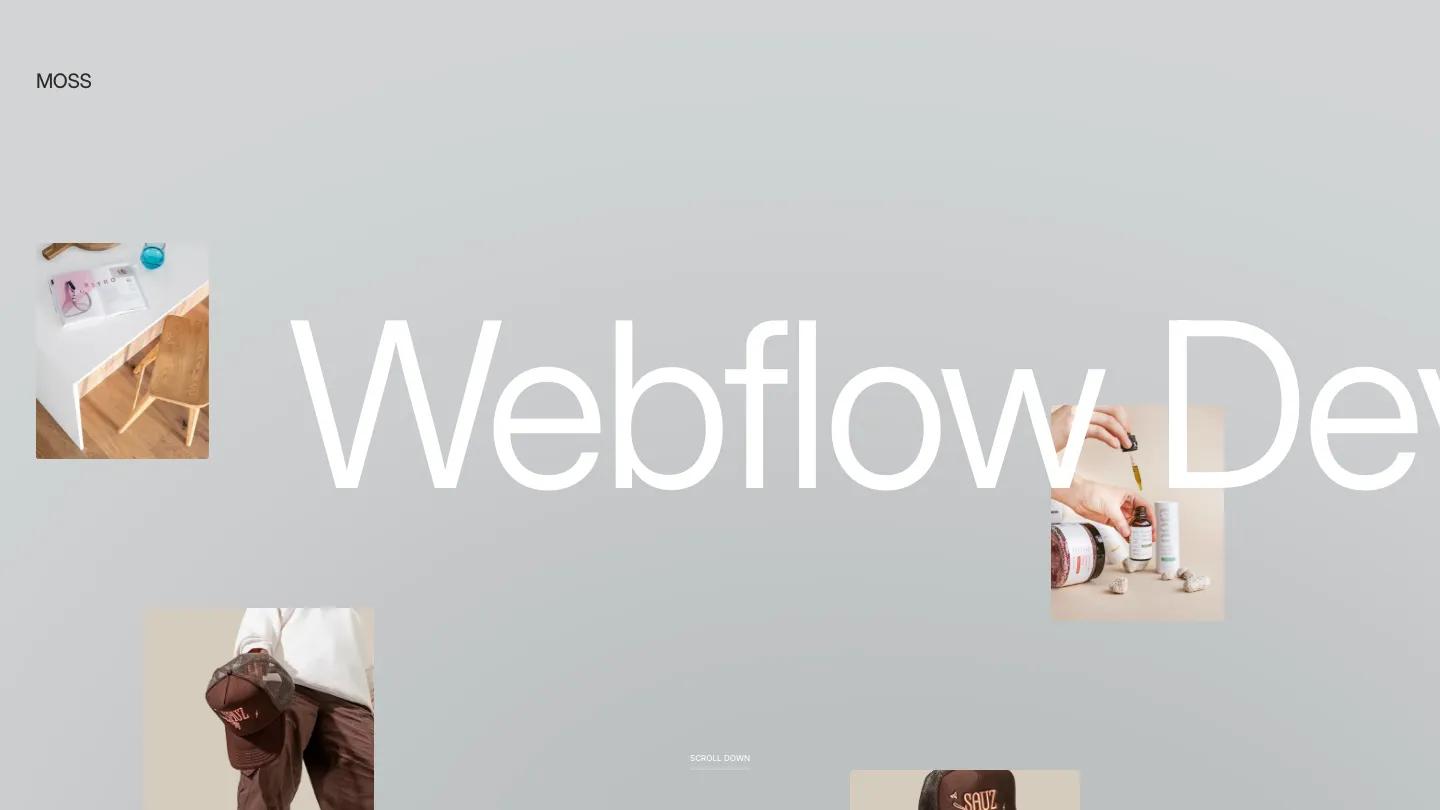
MOSS is a portfolio template for designers, developers, and creative professionals who want to show work in a calm, type-led environment. The hero fills the screen with oversized white type on a soft gray background, reading "Webflow Developer" with three smaller product photography images floating at the edges. The palette stays neutral throughout: grays, whites, black text, and occasional warm product shots. The typography is Intervariable, a sans-serif used for everything from the tiny logo to the massive headline, creating a consistent, modern feel.
The template includes a home page, an about page, a work grid, a notes section for blog posts, and individual project and post detail pages. The work grid alternates between full-bleed images and a bento-box layout of black-and-white creative stills. Each project card links to a detail page. The notes section shows blog entries with dates and repeating headlines, and the social channels section presents a horizontal carousel of Instagram-style images. We like the clean structure and the way the type anchors every screen without shouting. The 3D transforms add subtle depth to image reveals, and the components are simple enough to swap content quickly.
On a 390px phone, the layout stacks cleanly. The hero type scales down but stays bold, the floating images reposition vertically, and the scroll prompt remains visible. The hamburger menu sits in a white circle at the top right, and the logo holds its position at the top left.
MOSS suits creatives who already have strong photography or illustration work and want a restrained frame for it. The demo leans heavily on monochrome art direction, so you'll want to check that your own images carry the same weight. The page set is lean: no services page, no testimonials, no team grid. If your portfolio needs more structure than a work grid and a blog, you'll be building those sections yourself.
Based on the live demo, viewed on desktop and on a phone. The Design and Dev scores come from separate independent reviews. See how we score templates.
Independently evaluated by our team of 6 designers and 5 developers.











Designers score design, developers score development, and each score is the average of their independent ratings. Read about our review team and how we score templates.
More Like This


13 Best Photography Website Templates for Webflow and Framer (2026)
13 Best Portfolio Website Templates for Webflow and Framer (2026)
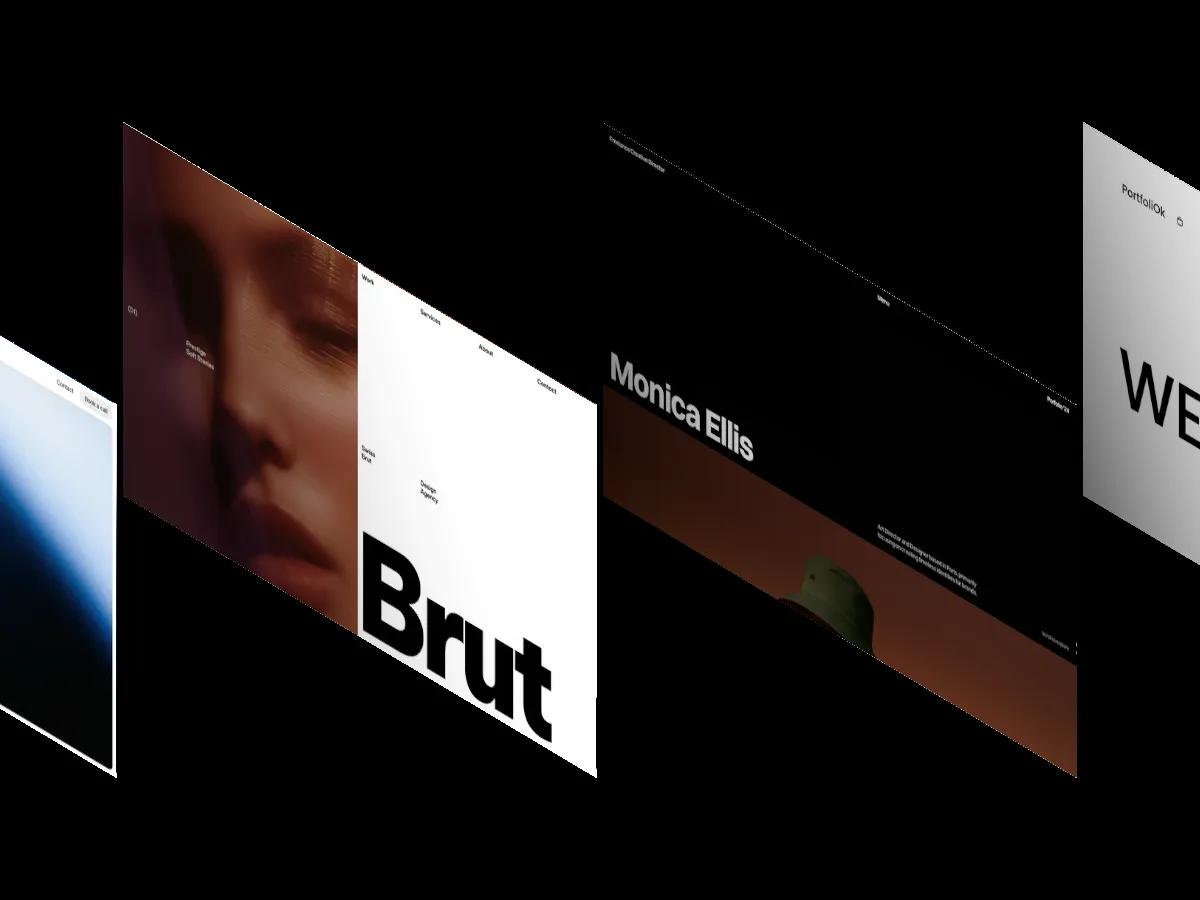
12 Best Personal Website Templates for Webflow and Framer (2026)

How to Use, Customize, and Edit a Webflow Template
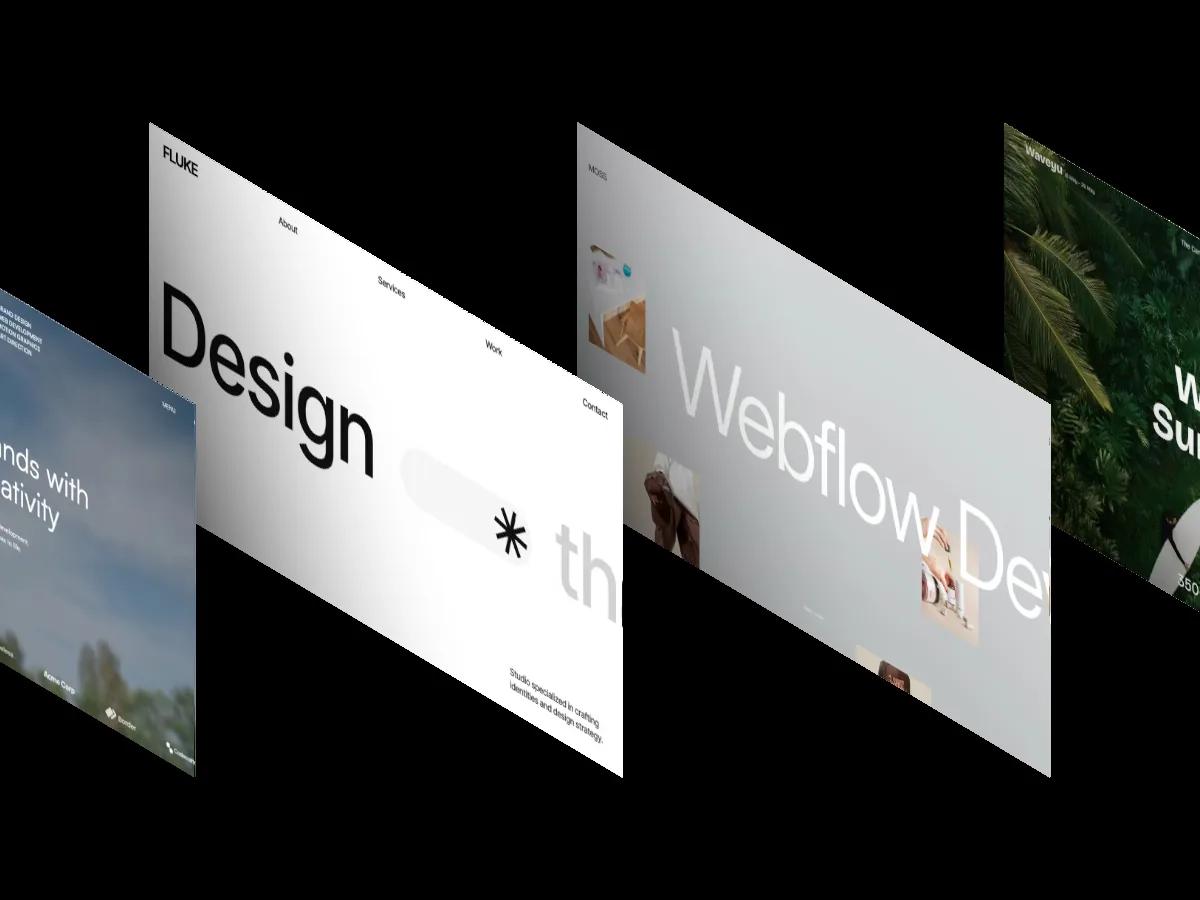
Top-Rated Webflow Templates for Portfolios, Agencies, and Small Businesses (2026)

How to Sell a Webflow Template: From Submission to Payout