How to Sell a Webflow Template: From Submission to Payout


A great client site and a sellable template are different disciplines, which is why most first Marketplace submissions get rejected. Here is how the creator program, the quality rubric, and the 95% commission actually work, plus what 333 scored templates say about pricing.
Building one great Webflow site pays once. Building a great Webflow template pays every time someone launches with it, which is why the creator route attracts so many designers, and why most first submissions get rejected. The gap between a good client site and a sellable template is bigger than it looks from the outside.
We review templates for a living: 333 Webflow templates in our library, each scored on design and development quality by professional reviewers. That vantage point shows exactly what separates the files that sell and score well from the ones that stall in review. This guide covers how selling works, how submission actually goes, and what the quality bar looks like in practice.
How do you sell a Webflow template?
Selling a Webflow template requires joining the Webflow Template Creator program: you apply with your portfolio, get accepted, build a template to Webflow's submission standards, and pass its quality review. Once approved, the template lists on the official Webflow Marketplace, and you earn a 95% commission on every sale, with Webflow keeping 5% to cover payment processing. You can also sell the same template anywhere else using fulfillment links.
The two sales channels work together. The Marketplace handles discovery, checkout, and installation for buyers browsing Webflow's own store. Fulfillment links extend that beyond the Marketplace: you generate a link for your template, list it on your own site or a third-party platform at whatever price you choose, collect payment however you like, and the buyer uses your link to install the template directly into their Webflow account. Creators effectively run their own storefronts now, which is how studios like the ones dominating our score rankings built recognizable catalog brands.
There's no fee to join and no fee per listing. The costs are time, template-quality work takes weeks per file, and ongoing support, since buyers will ask questions and Webflow expects creators to answer them.
How do you become a Webflow template designer?
Apply through Webflow's template designer application with examples of your strongest Webflow work. Webflow evaluates applicants on graphic design fundamentals (typography, hierarchy, contrast, layout), hands-on Webflow experience including CMS and E-commerce depth, class naming discipline, responsive execution, and willingness to support customers and take QA feedback. Acceptance puts you in the Template Creator program; it doesn't guarantee any specific template gets published.
The application review looks for the same things our Dev Score measures, which is worth pausing on. Flawless, logical class naming is listed explicitly in Webflow's criteria. So is responsive quality across all breakpoints and image optimization. A portfolio of visually impressive sites with chaotic internals will read as a client-work portfolio, not a template designer's. If your Webflow projects wouldn't survive a stranger opening the Navigator panel, tighten the builds before applying.
Two personal criteria surprise people: communication and temperament. Webflow's admissions page asks for empathy toward customers, timely support, and willingness to absorb feedback from the Template QA team. Templates are a support product. The sale is the start of the relationship, not the end of it.
How do you submit a Webflow template to the Marketplace?
Once accepted as a creator, you submit templates through your creator dashboard, and each submission goes through a manual review by Webflow's Marketplace team, typically within 3 to 5 days. To pass, a template must meet every submission requirement and score at least "Good" on all sections of Webflow's quality rubric, which covers layout design, functionality, performance, and accessibility. Newcomers may submit one template at a time until they've demonstrated familiarity with the guidelines.
The structural requirements are specific and non-negotiable. Templates must include a Style Guide page styling every essential element (headings, paragraphs, links, lists, buttons, form fields), a Changelog page for tracking updates, and an Instructions page when the template uses advanced interactions. CMS collections must match the content a buyer in that category would actually have, with conditional visibility handling empty fields. E-commerce templates need the complete purchase flow present and working. Preloaders are explicitly discouraged.
The rubric's technical bar is measurable: Webflow references PageSpeed Insights scores in its grading, with the top rubric band requiring accessibility scores of 90 to 100. Falling in the "satisfactory" range gets you feedback and a revision cycle, but failing to reach "Good" everywhere after two rounds of feedback can end in rejection. Guideline infringements, not weak design, are the most common rejection reason, so reading the submission guidelines, quality rubric, and functionality rubric before building saves the most painful kind of rework. (Framer sits at the opposite extreme, publishing templates with no review at all, while Shopify runs the strictest gate of the three; our guides on selling Framer templates and selling Shopify themes cover both models.)
How much can you earn selling Webflow templates?
Earnings per sale are straightforward: 95% of the price you set. Paid Webflow templates across our library of 333 reviewed files range from $24 to $169, with both the average and the median at $79, so a single sale at the median returns about $75. Total income depends entirely on volume, and volume follows catalog size, template quality, and how visible your work is beyond the Marketplace.
Our score data says something useful about how successful creators operate. The top of our Webflow rankings is dominated by a handful of studios, Fouroom, Deveb, JP, Lucas Gusso, each with multiple templates scoring above 9.0 on both axes. None of them got there with one lucky file. They ship consistently, keep a recognizable design language across the catalog, and price mid-band: most of their templates sit between $49 and $129 rather than chasing the ceiling.
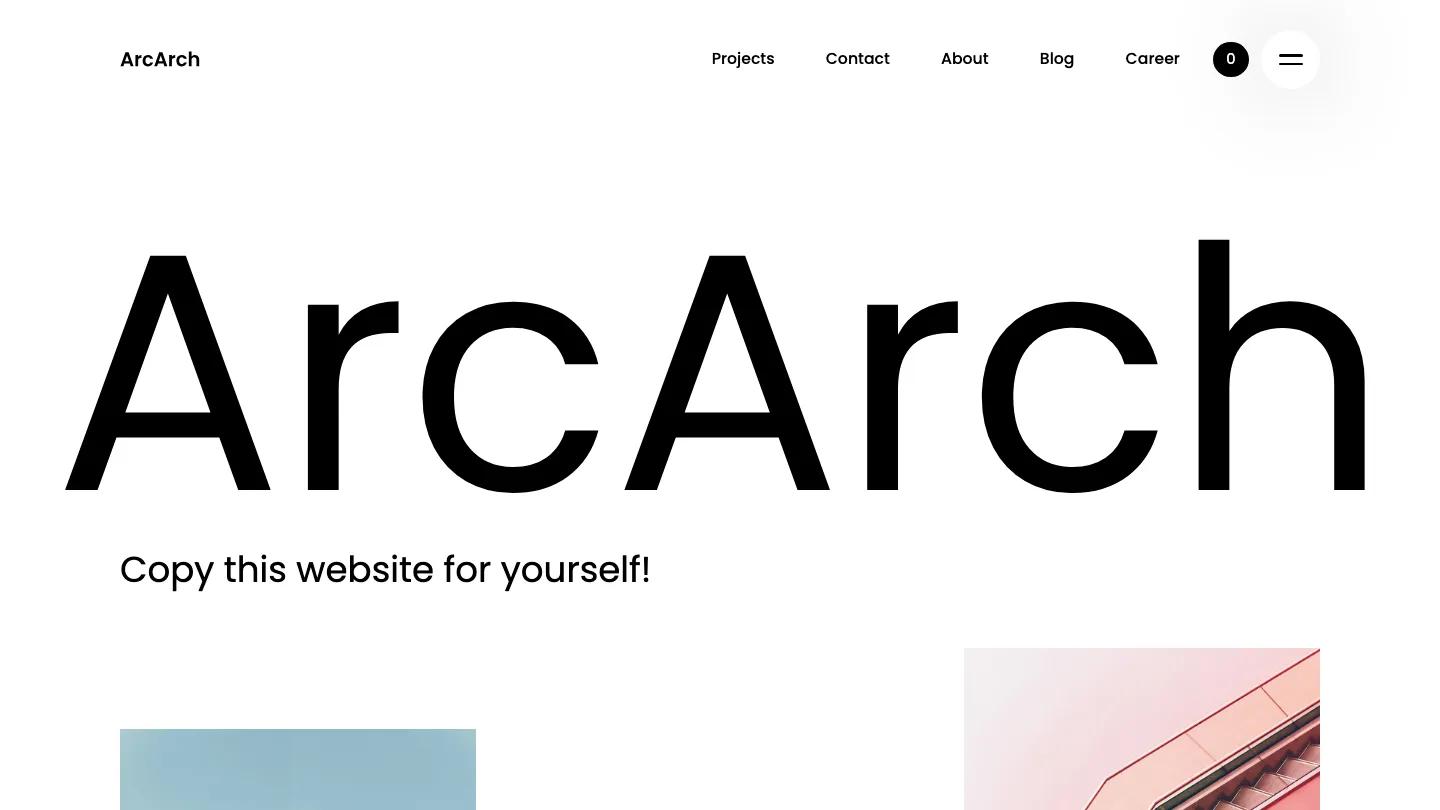
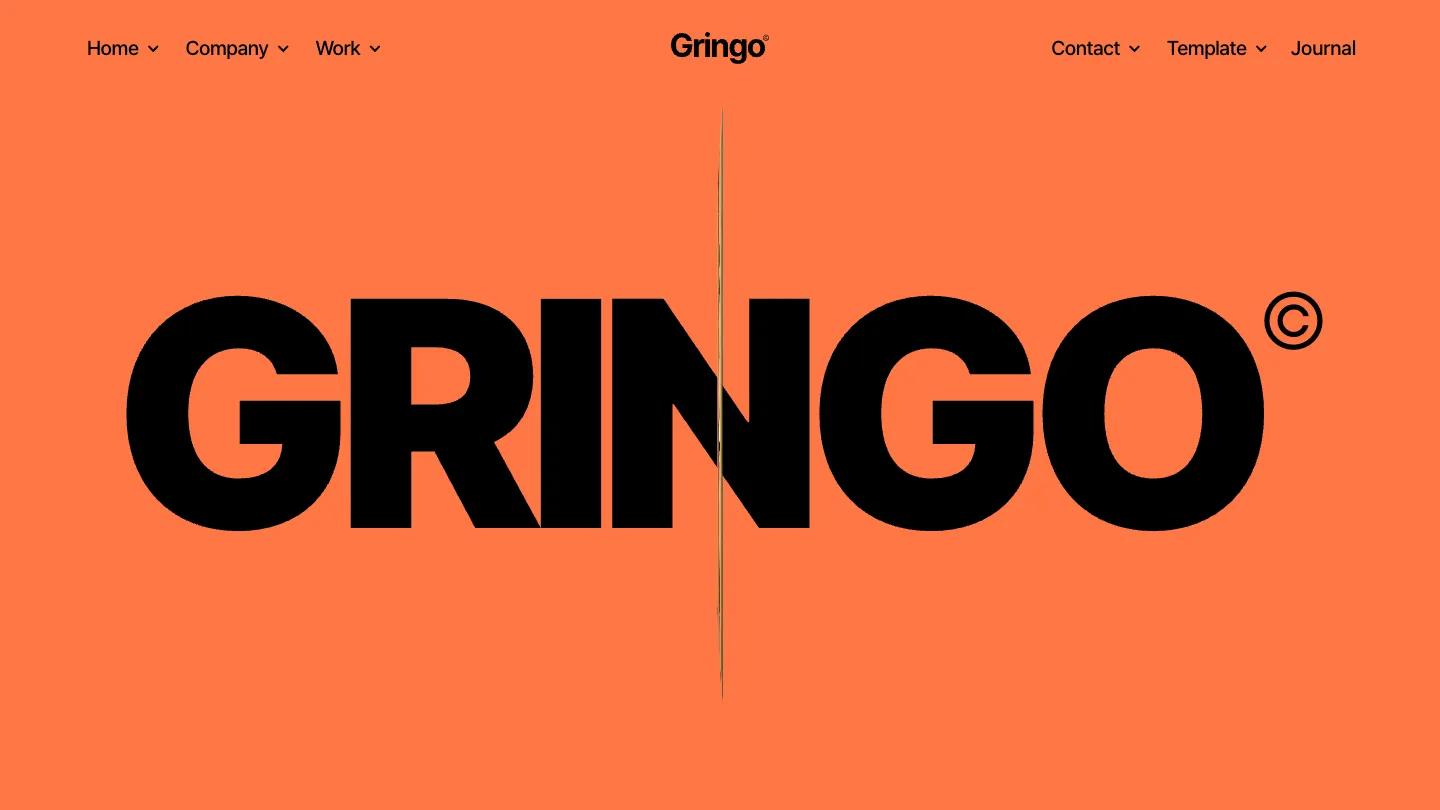
Pricing strategy has a data-backed floor and ceiling. Below $24, no template in our library exists at all; above $129, only a thin premium tier does, mostly deep e-commerce and animation-heavy builds. E-commerce templates average $92 against the $79 general median because working store structures justify the premium. Price to scope, not to hope.
What makes a Webflow template good enough to sell?
A sellable template is a product someone else can build on, which is a different discipline from a beautiful site. In the 333 Webflow templates we've scored, the files that earn Dev: 9.0/10 or higher share the same traits: a consistent class naming convention, a real spacing system instead of per-element values, CMS collections structured for the buyer's content rather than the demo's, and breakpoints that were designed rather than tolerated.
Think about the buyer's second week, not their first impression. In week one they admire the design. In week two they rename the brand, swap the photography, add their forty CMS items, and delete the sections they don't need. Templates fail in week two: hardcoded layouts that break when content lengths change, interactions bound to elements the buyer deleted, combo classes stacked four deep. Every one of those is a support ticket, and eventually a refund request or a bad review.
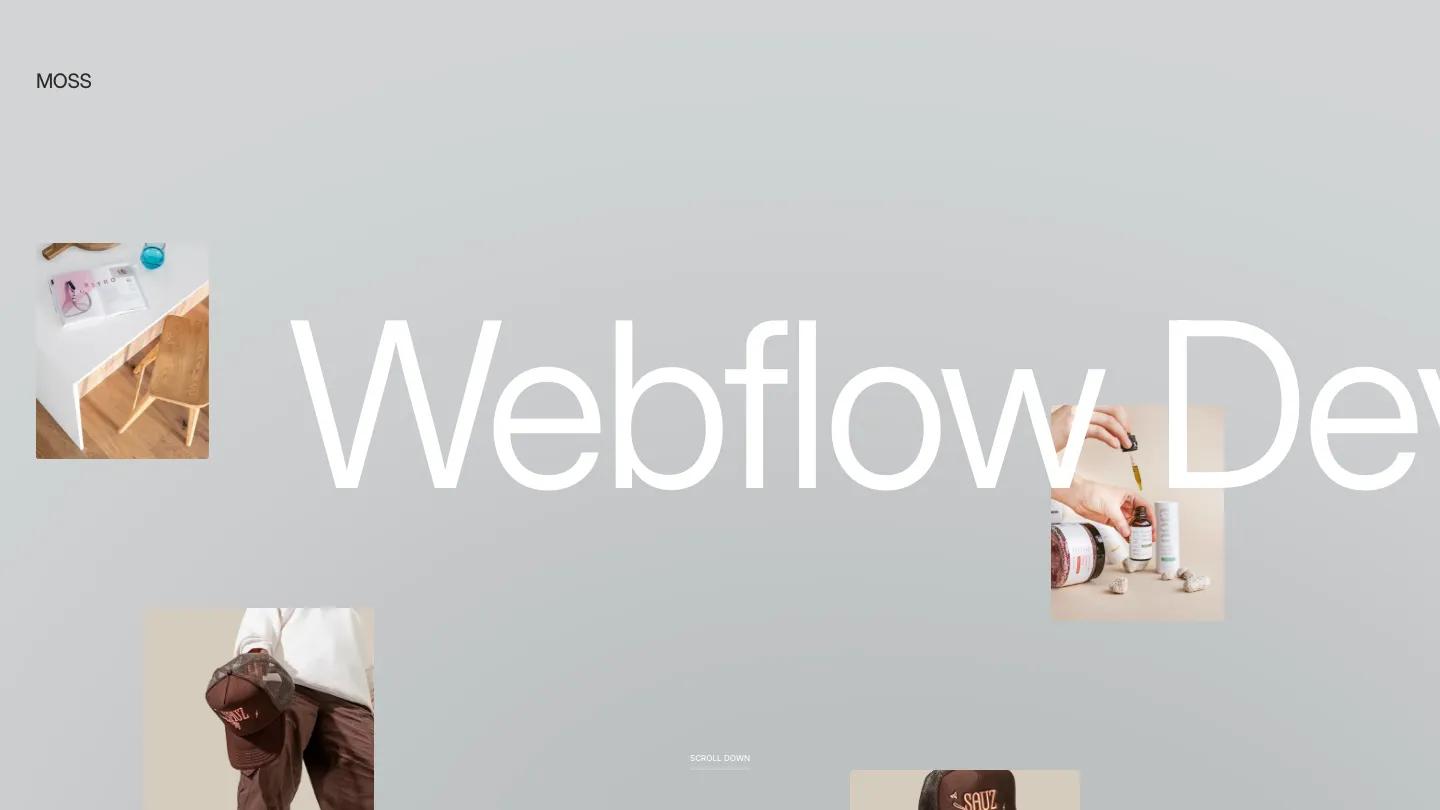
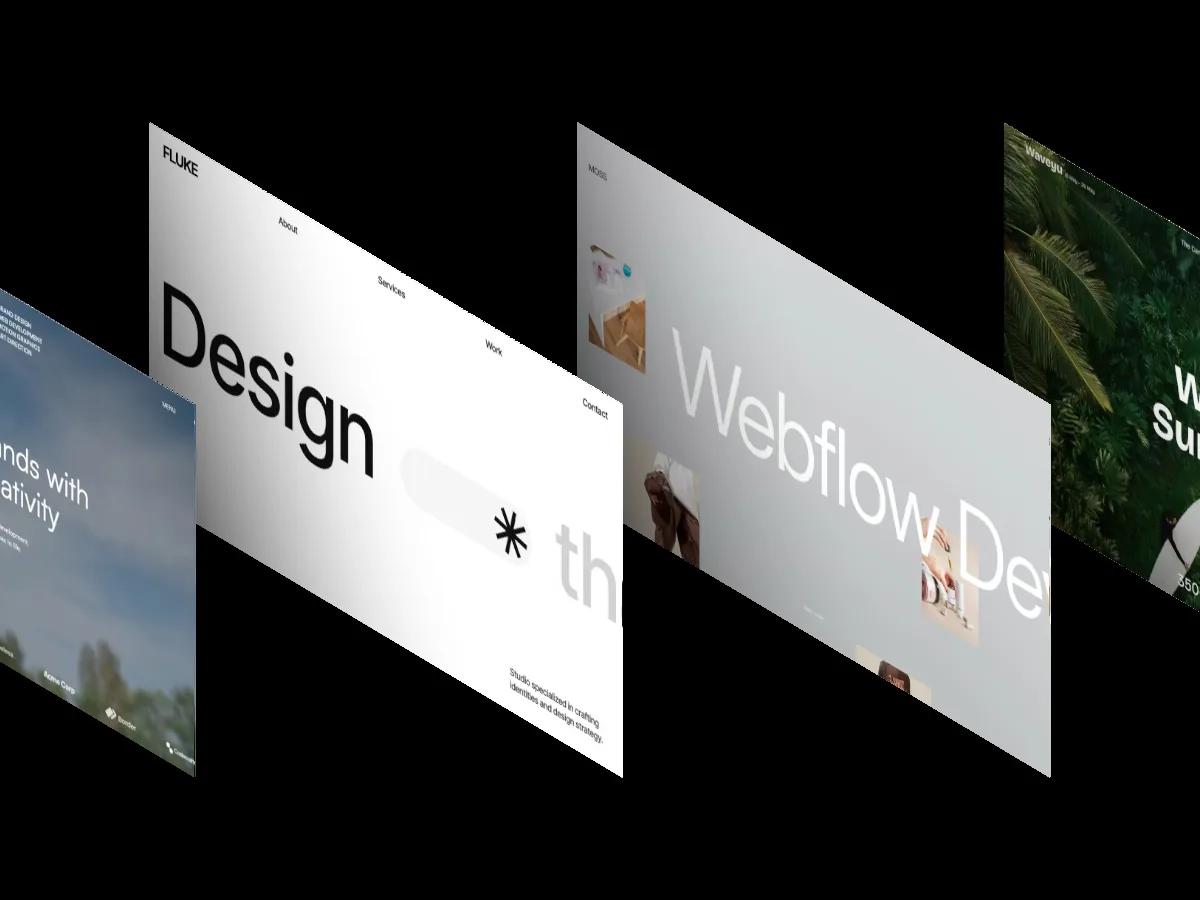
Design-side, the templates at the top of our rankings win through system coherence rather than spectacle. MOSS (Design: 9.8/10, $49) holds our highest overall score with restrained typography and consistent spacing, not heavy animation.
FAQ

How to Use, Customize, and Edit a Webflow Template
by Daniel Harris
Best Webflow Templates for Digital Products 2026
by Lauren Smith

Best Websites to Find Professional Webflow Templates
by Marcus Jones
Top-Rated Webflow Templates for Portfolios, Agencies, and Small Businesses (2026)
by Marcus Jones
15 Best Webflow Templates for SaaS and Tech Startups 2026
by Lauren Smith