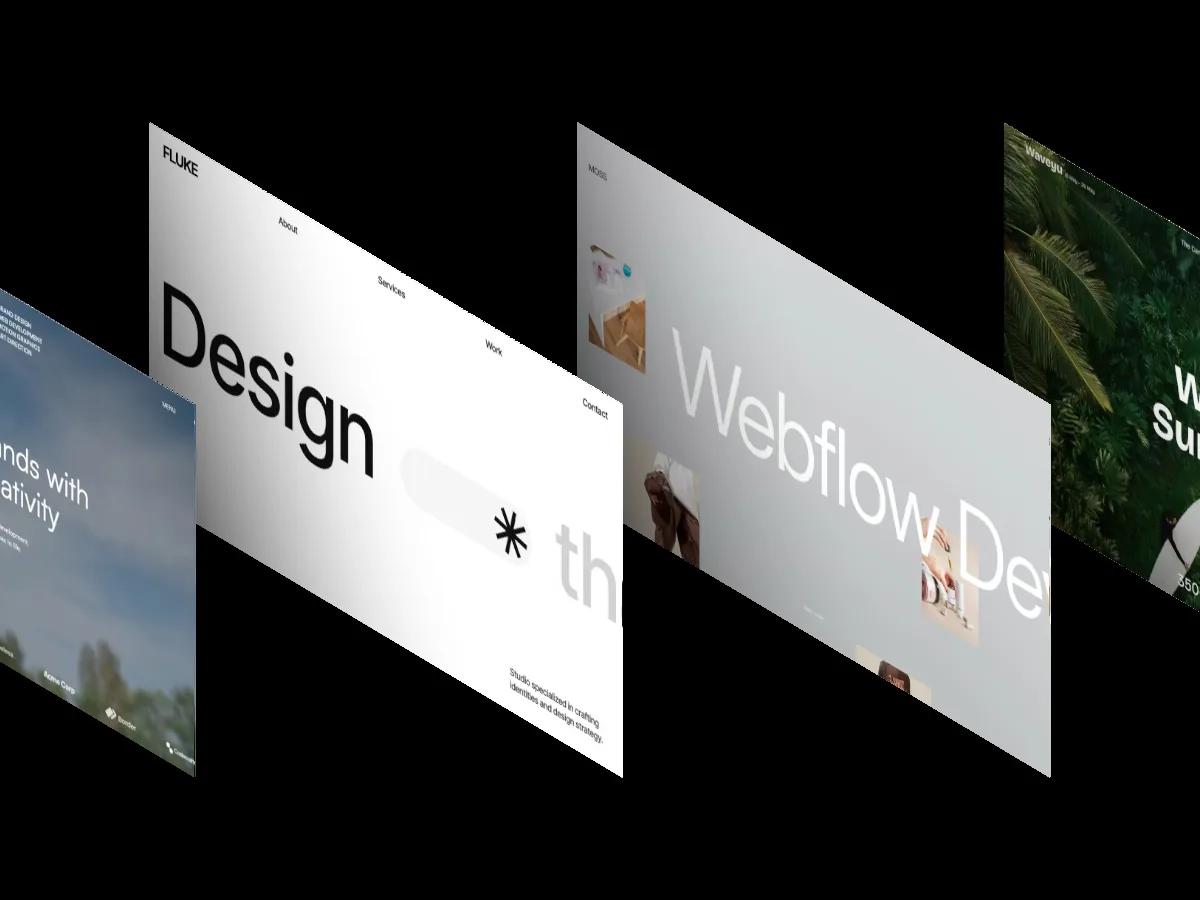
Fluke is a high-quality Webflow template for Portfolio & Agency, Technology & Software, Business & Startup by Kitpro Studio.
Our Review of Fluke
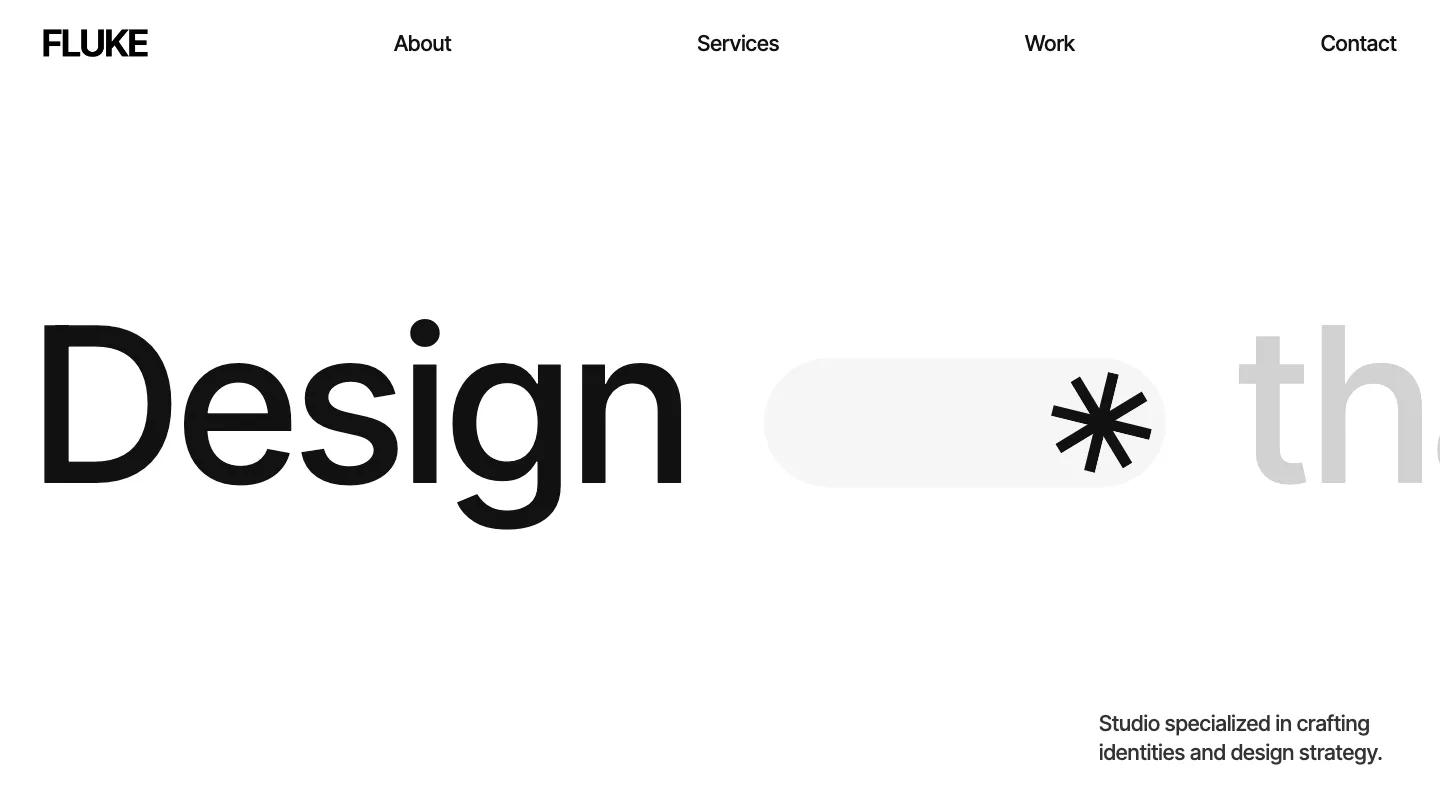
Fluke is built for design studios, creative agencies, and tech consultancies that want a typographic, high-contrast presence. The homepage opens with oversized black type on white, spelling out "Design that matter" in Inter Tight, with a small asterisk and a faint gray "tha" ghosting behind. The palette is monochrome with occasional red blocks and bright yellow accent screens showing mockups on laptops and phones. A persistent dark modal in the corner offers two call-to-action buttons and a Kitpro credit line, which you can close but reappears on scroll.
The demo includes about, services, work, and contact pages, plus a style guide that documents color, typography, and button styles. We like the clean structure and the included style guide, which makes customization more predictable. The homepage runs through eight sections over roughly 29 screens, mixing large type treatments, full-bleed image blocks, and white space. Subtle parallax and scale effects appear on scroll, adding depth without breaking the minimal aesthetic. There's one form visible, likely on the contact page. No CMS collections appear on the homepage, so portfolio work and case studies will need manual setup or your own CMS planning.
On a 390px phone, the layout stacks cleanly. The large "Design" heading scales down but keeps its weight, the persistent modal shrinks to fit, and the navigation collapses to a hamburger. The type remains legible and the spacing breathes.
We'd pick Fluke for studios that want a bold, type-first impression and are comfortable working with a small page set. The demo is light on content variety, so if you need blog layouts, detailed case study templates, or team pages, you'll be building those from scratch. The yellow accent screens are striking but will need replacing with your own work to avoid a generic tech-product feel.
Based on the live demo, viewed on desktop and on a phone. The Design and Dev scores come from separate independent reviews. See how we score templates.
Independently evaluated by our team of 6 designers and 5 developers.











Designers score design, developers score development, and each score is the average of their independent ratings. Read about our review team and how we score templates.