Brandguide is a high-quality Webflow template for Professional Services, Portfolio & Agency, Digital Products, Business & Startup, Art & Design by Jacob Nielsen.
Our Review of Brandguide
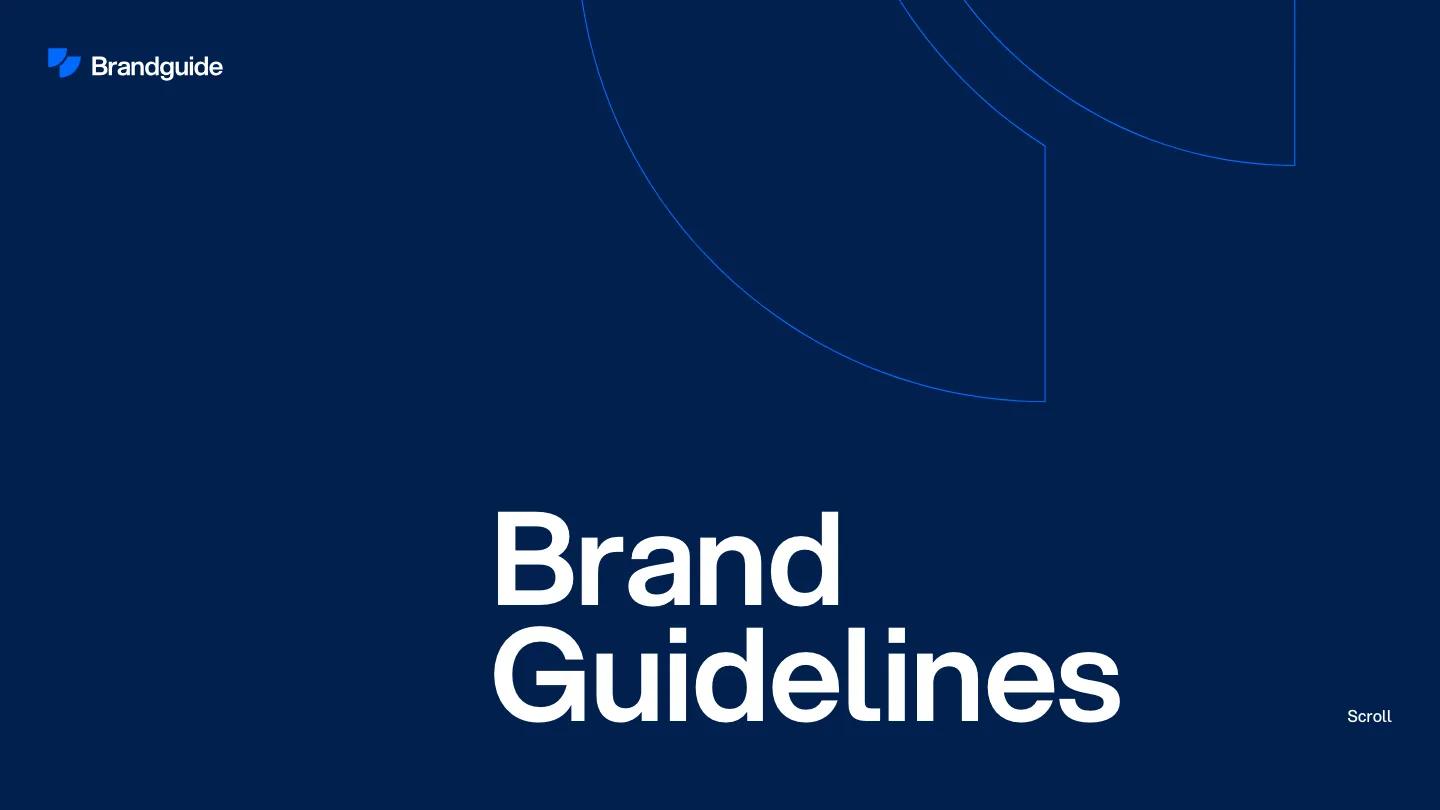
Brandguide is something you don't see often in a template library: a ready-made online brand book. It puts logo rules, colors, and assets on one web page instead of in a PDF. The cover is a deep navy screen with thin bright blue arcs drawn in outline across the top, a Brandguide wordmark with a split blue mark in the corner, and "Brand Guidelines" set large in white Aspekta at the bottom, with a small Scroll cue on the right.
Past the cover, Jacob Nielsen switches to a light, documentation-style layout. A pale grey sidebar holds the wordmark and a fixed chapter list, from Brand and Logo through Typography, Colors, Icons, and Patterns to Website, Social Media, and Templates, with a blue dot marking where you are. The Logo chapter shows construction lines and safe space on grey canvases, then every logo version, including dark, blue, and monochrome ones, each above an outlined Download .svg button. Colors lays out full tint scales from 900 to 100 with hex codes printed on every swatch, for a blue primary, neutrals, and a green secondary. Templates ends on a collage of slide designs in navy and blue. The separate style guide page is plain white, with a huge Styleguide heading and a short Colors section.
On a phone, the cover holds up, with the wordmark at the top and the title anchored at the bottom, though most of the screen is empty navy above it.
We'd pick Brandguide for studios handing off identity work, or startups that want a public brand page. It's one very long page, so you'll need finished assets for every chapter before it looks complete. And you'll want to replace every logo, swatch, and slide with your own, since the demo brand runs through all of it.
Based on the live demo, viewed on desktop and on a phone. The Design and Dev scores come from separate independent reviews. See how we score templates.
Independently evaluated by our team of 6 designers and 5 developers.











Designers score design, developers score development, and each score is the average of their independent ratings. Read about our review team and how we score templates.