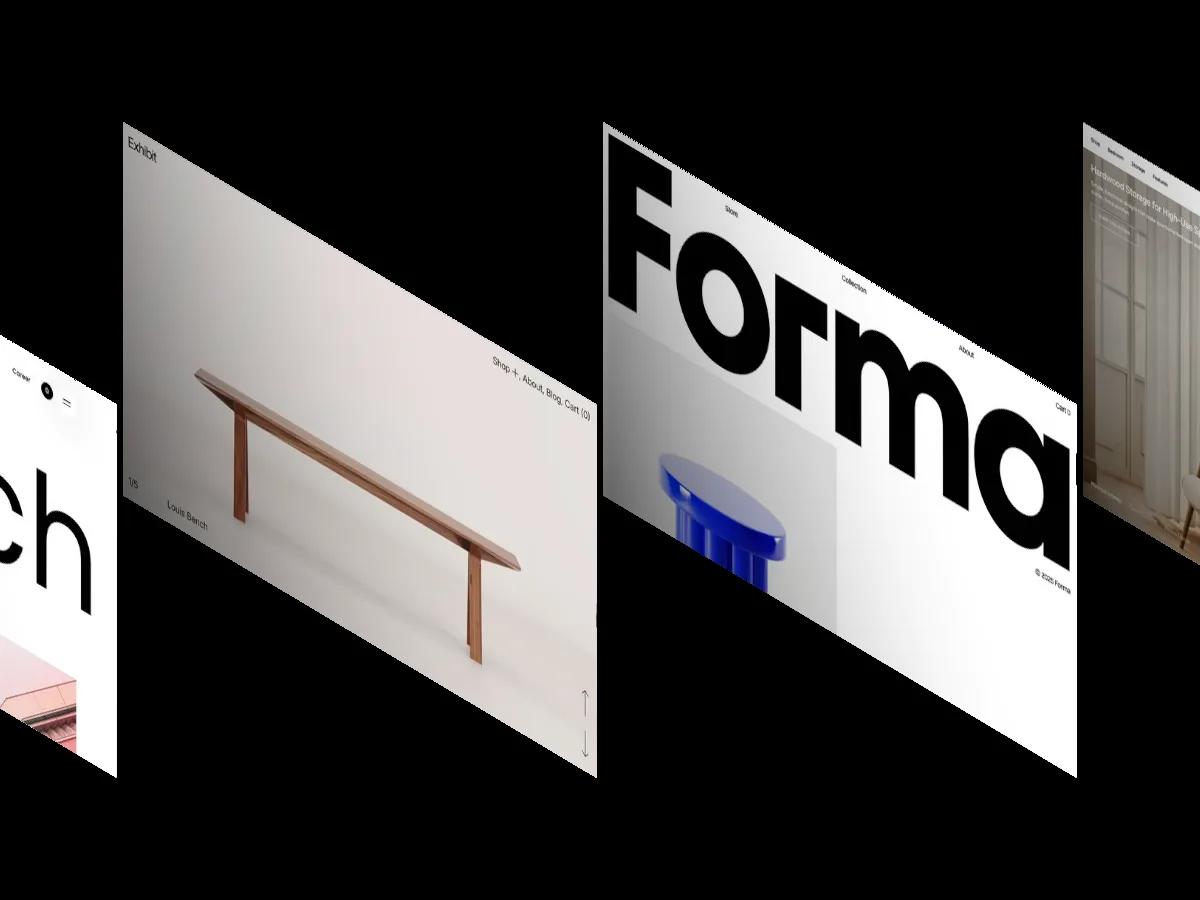
Daniel is a high-quality Framer template for Portfolio & Agency, Personal, Art & Design, Photography & Videography, Professional Services by Mata Nguyen.
Our Review of Daniel
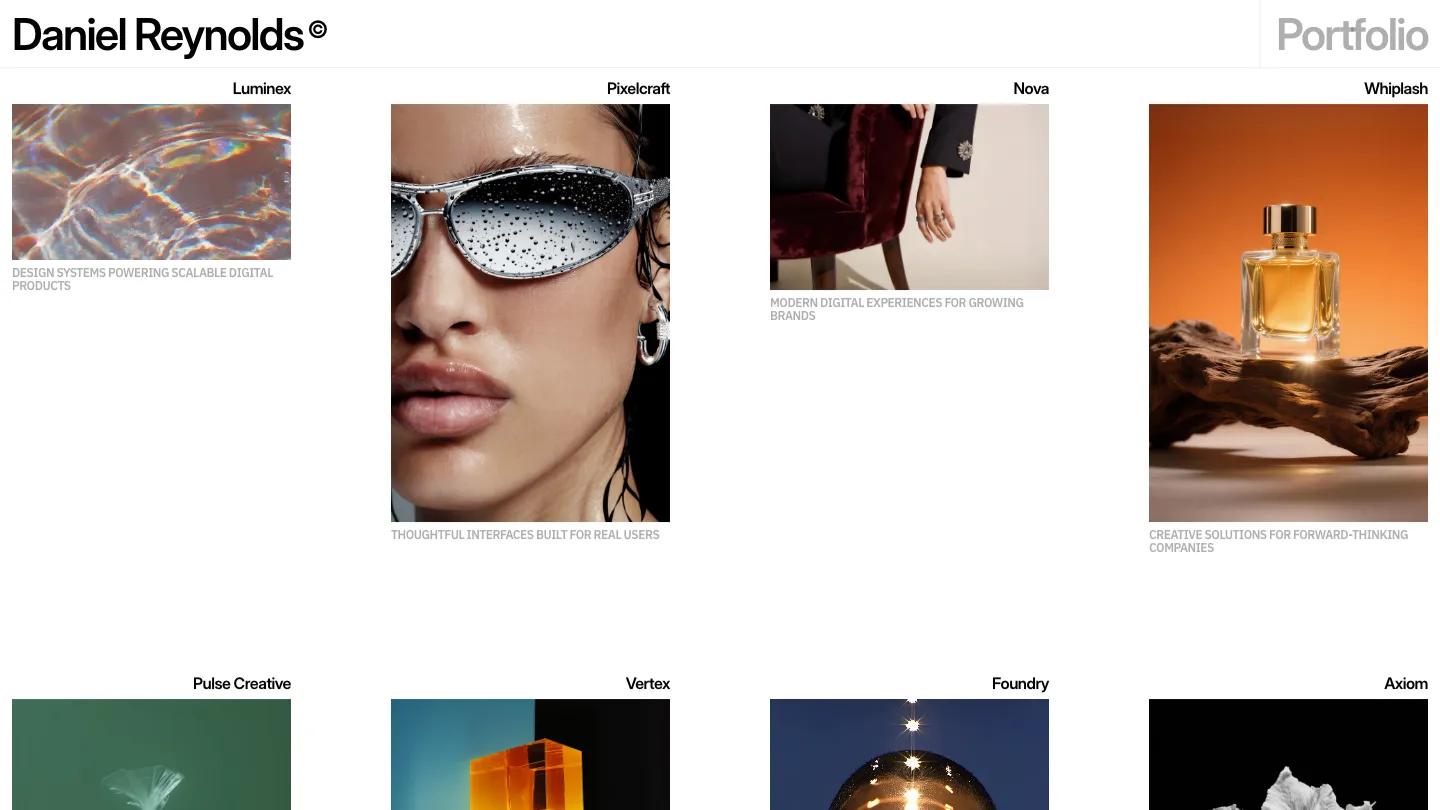
Daniel is a Framer portfolio template by Mata Nguyen, and it gets straight to the work. There's no hero and no intro paragraph to scroll past. "Daniel Reynolds" sits in bold black Inter Display in the top left, a grey "Portfolio" label answers it on the right, and the project grid starts directly underneath. The page is white, the type is black and grey, and the images bring all the color: a goldfish in a plastic bag on deep green, a glowing amber cube, a perfume bottle on driftwood.
The homepage is essentially that grid. Four columns of project cards, each with the client name aligned right above the image and a short uppercase caption in light grey below. Image heights change from card to card, some wide and some tall, so the rows feel loose and editorial. At the bottom, plain social links sit beside a live local time, and the page closes on a blurred portrait under "Ready to collab?" A small black pill holding Work, About, Playground and Contact floats at the bottom of the screen. Project pages stay just as quiet: a large title with a grey one-line summary, the cover image on the right, and a client, field and deliverable list with a Visit Website button. We like how disciplined it is. Nothing competes with the pictures.
On a 390px phone the grid drops to a single column of full-width images, and the floating menu pill stays at the bottom.
We'd point art directors, photographers and visual designers with striking, finished imagery toward Daniel. The catch is that the layout has almost no words, so it can't explain your process for you. If clients expect written case studies, you'll be adding that text yourself.
Based on the live demo, viewed on desktop and on a phone. The Design and Dev scores come from separate independent reviews. See how we score templates.
Independently evaluated by our team of 6 designers and 5 developers.











Designers score design, developers score development, and each score is the average of their independent ratings. Read about our review team and how we score templates.