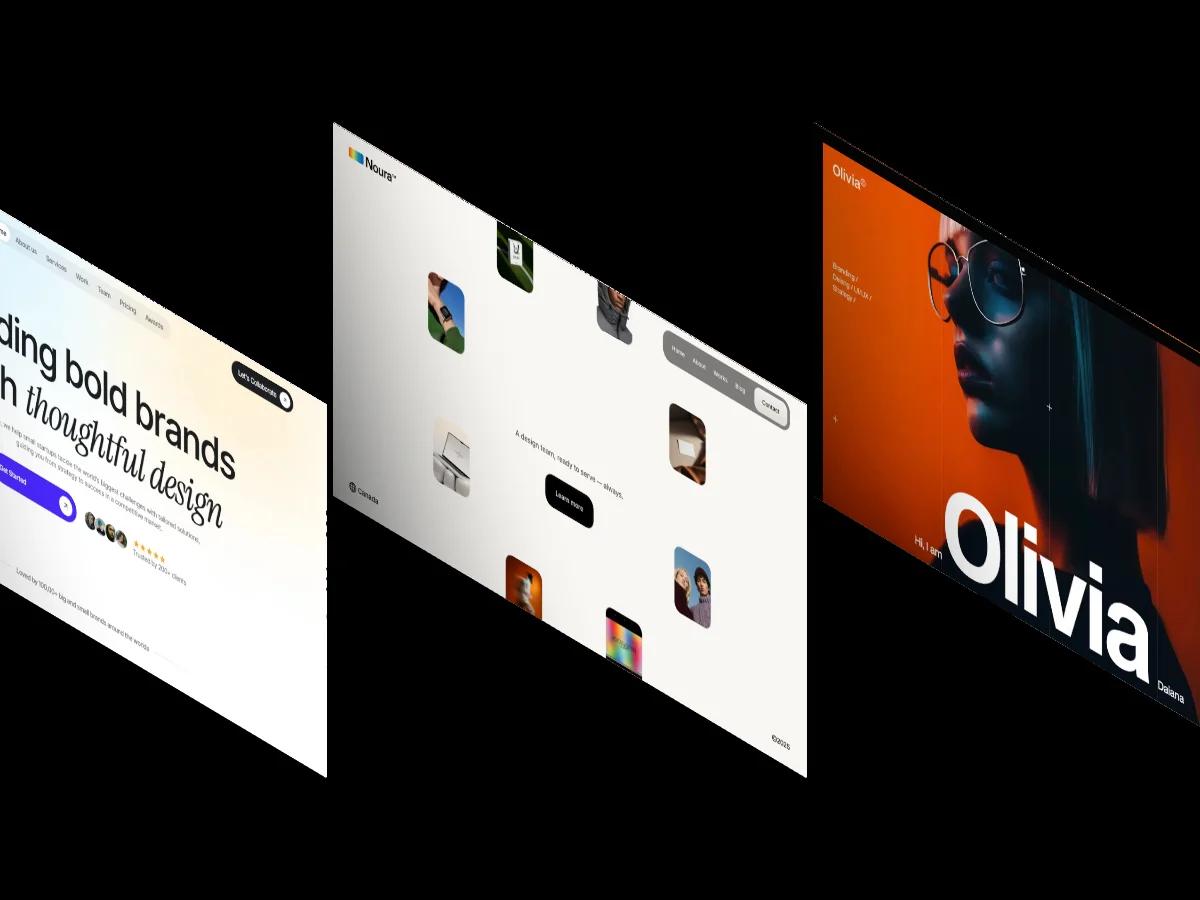
Best Webflow Templates for Events and Entertainment 2026

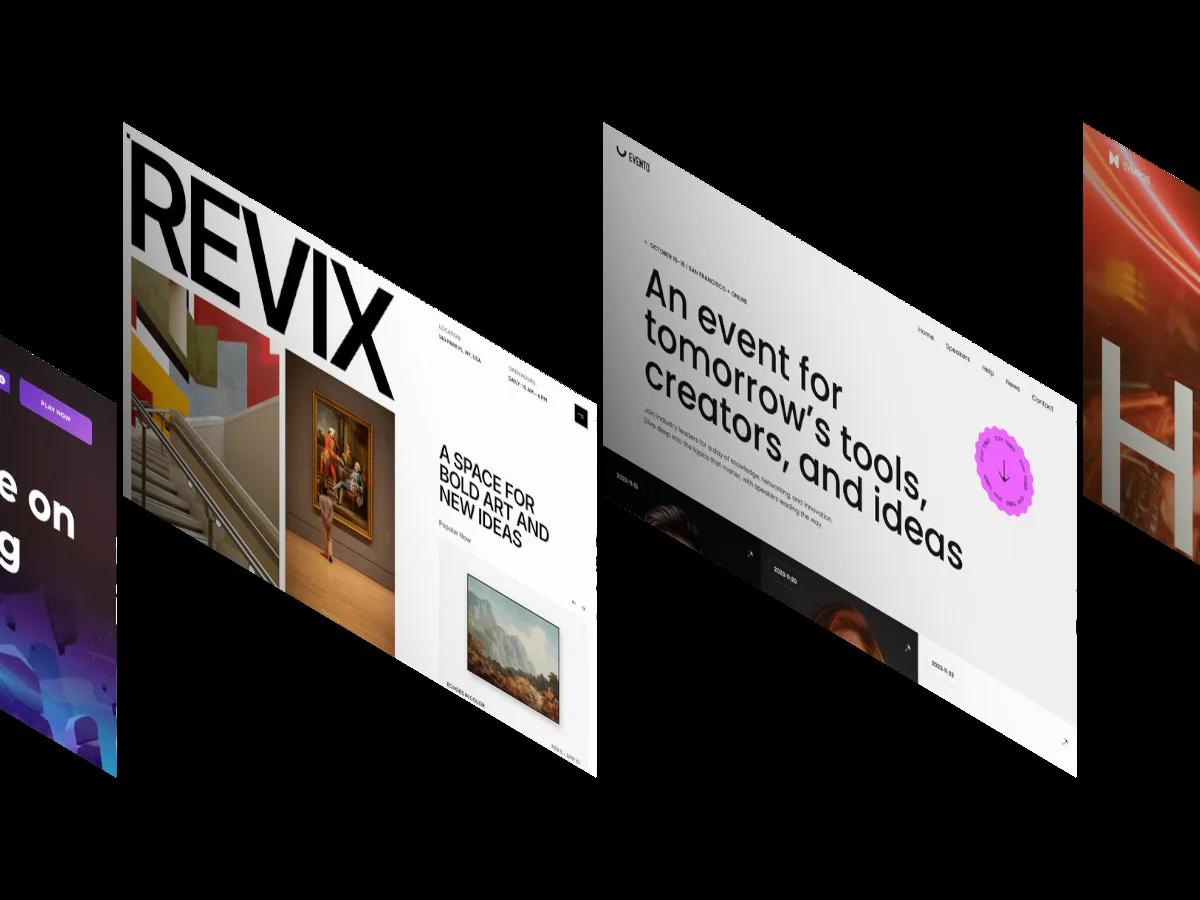
Event sites that feel static don't sell tickets. We found Webflow templates that use animation purposefully, structure content toward action, and provide a CMS built for events instead of borrowed from portfolios.
Event and entertainment sites live or die on visual momentum because visitors decide within seconds whether something feels worth attending. A conference landing page that feels static, a festival site that doesn't communicate urgency, a venue portfolio that bores instead of excites all fail before anyone scrolls past the fold. Most Webflow templates treat events as an afterthought, applying the same grid-based structure that works fine for SaaS or agencies but strips away the narrative tension.
We looked through our Webflow library for templates that actually understand this. The ones that work use animation purposefully, not as decoration. They structure content to build toward a call-to-action rather than laying everything flat. They give you a CMS that lets you manage multiple events, ticket tiers, speaker bios, or schedule blocks without forcing you into a generic "blog post" structure. What separates a template that feels like a real events platform from one that feels like someone stretched a portfolio template shows up in how the homepage moves, how information hierarchy works, and whether the backend is built for this specific use case or just borrowed from something else.
We evaluated every event and entertainment template in our library against two independent scores: Design, which measures visual hierarchy, animation quality, and whether the layout actually communicates what's happening; and Dev, which looks at CMS structure, customization depth, and whether a non-technical team member can manage events without breaking the layout. Every template here scores 7.0 or above on both. You can browse the full Events & Entertainment category for the complete list, but these picks are the ones that genuinely solve the problem of making an event feel unmissable.
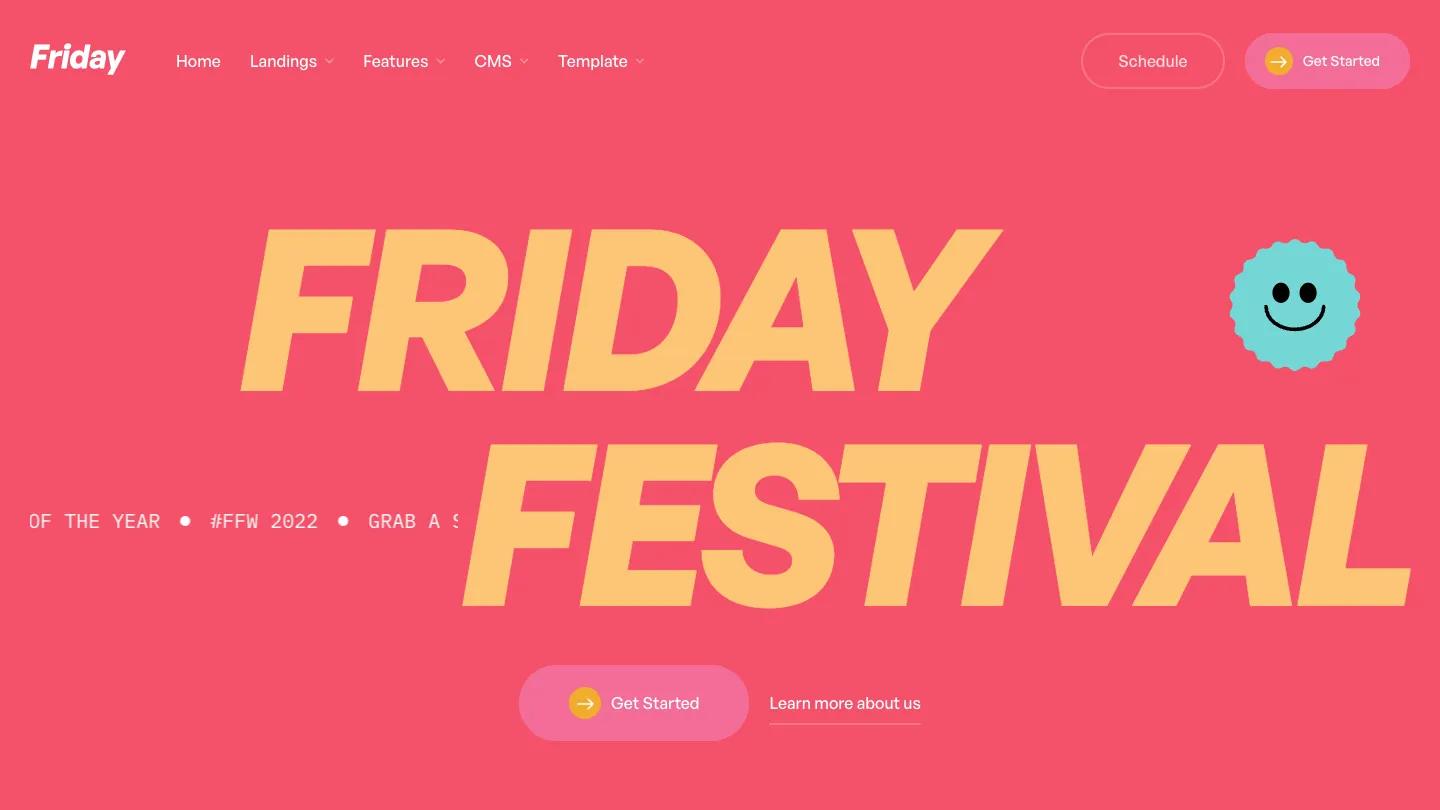
Friday
Overall Score: 8.9/10
Design Score: 8.6/10
Development Score: 9.2/10
Price: $149
Perfect for: Conference organizers or training companies that want bold visuals without sacrificing backend flexibility
Friday pairs colorful illustration styles with serious CMS power because multi-layout pages and ecommerce hooks let you sell tickets or merchandise while keeping the front-end playful. The 9.2 development score reflects solid responsive design and components ready to scale, though the illustration-heavy aesthetic won't suit every corporate client. If you need a Webflow event template that handles both workshops and product drops, start here at $149.
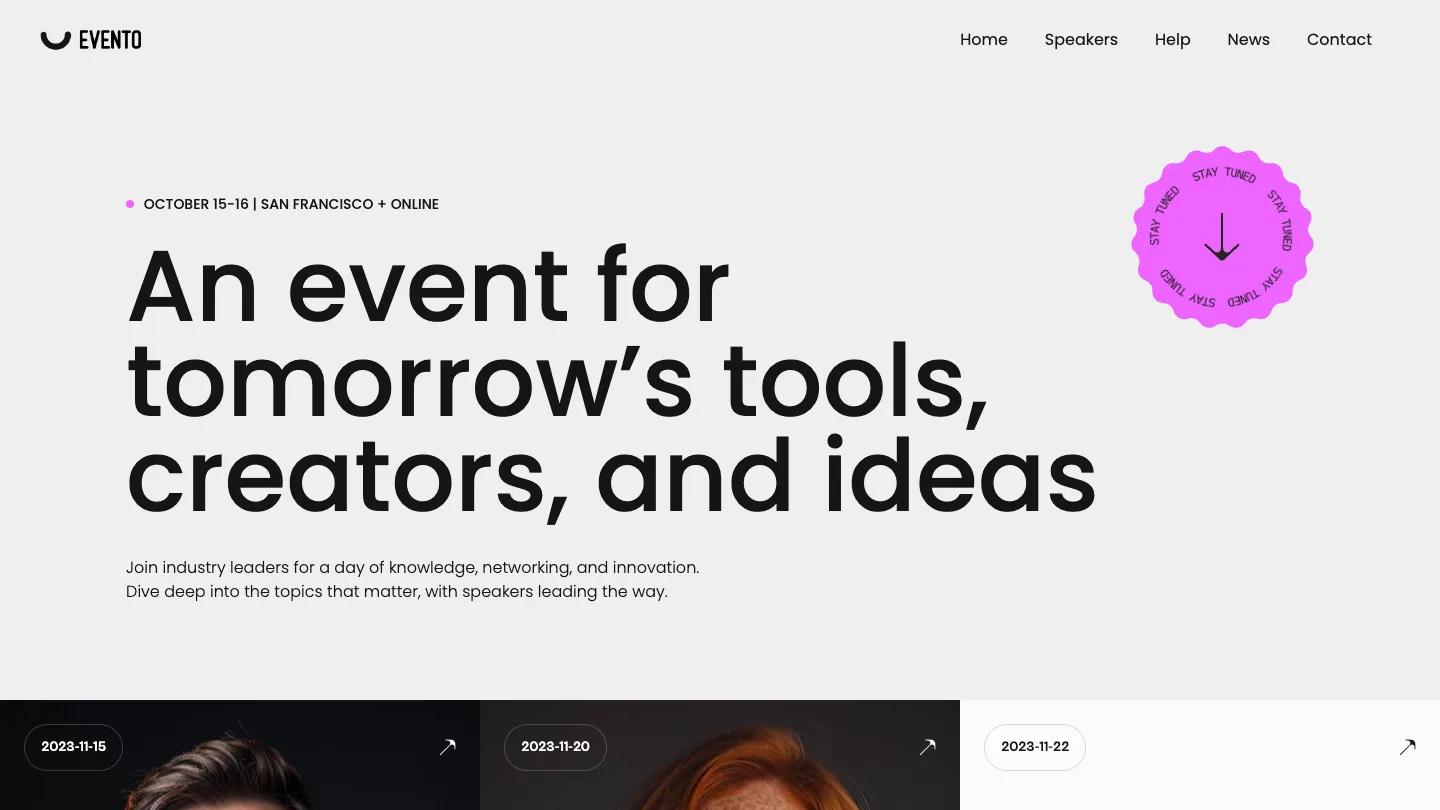
Evento X
Overall Score: 8.4/10
Design Score: 8.3/10
Development Score: 8.4/10
Price: Free
Perfect for: Event planners and venue managers who need a professional presence without a budget for premium themes
Evento X includes CMS-driven event listings, a blog, and ecommerce features at no cost, which is rare for a free Webflow template. The minimal, corporate-leaning design keeps pages readable across devices, and the form and contact components handle inquiries without extra plugins. This one covers event management essentials for zero dollars.
Sympos
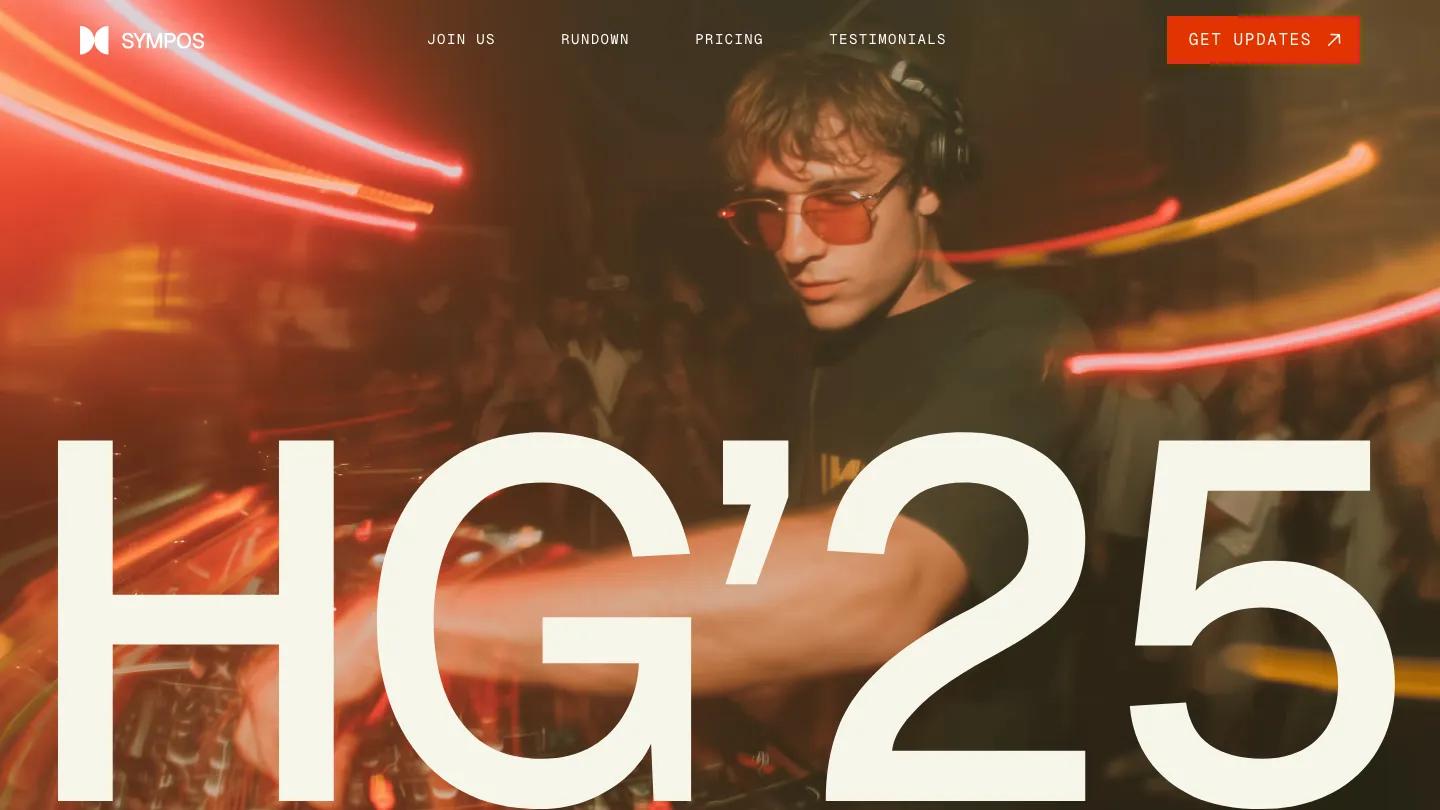
Overall Score: 8.1/10
Design Score: 7.8/10
Development Score: 8.3/10
Price: Free
Perfect for: Tech conferences or music festivals that want a bold, no-cost starting point with waitlist functionality baked in.
Sympos ships with dark modern styling, multi-page structure, and forms ready to collect signups before tickets go on sale. It's free, responsive, and scores 8.3 on dev because the code is clean enough that you won't spend days fixing layout bugs. If you need elaborate ticket tiers or payment flows, you'll add those yourself; this template handles the announcement and early interest phase well.
Digital Makers
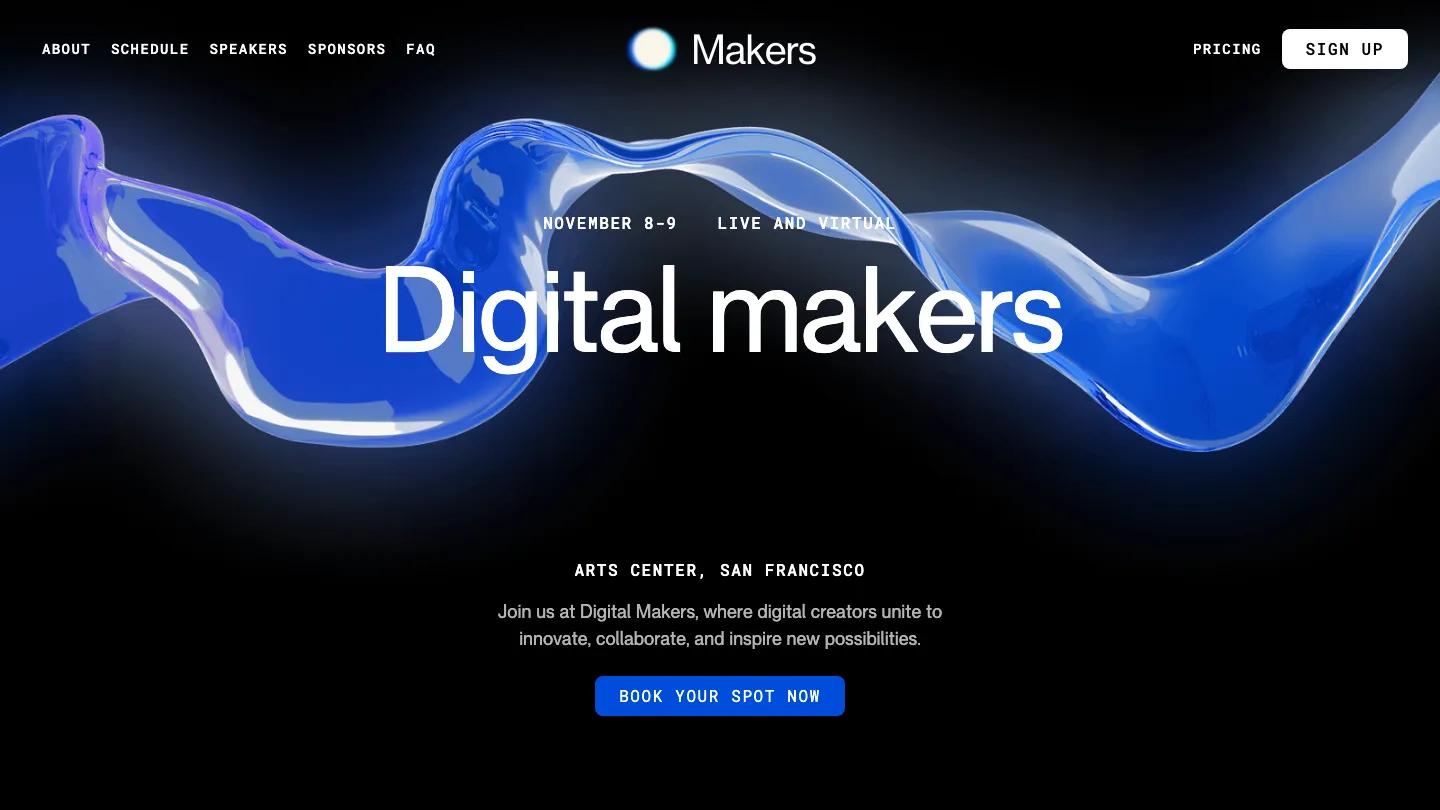
Overall Score: 7.6/10
Design Score: 7.7/10
Development Score: 7.5/10
Price: Free
Perfect for: Conference organizers or training companies that need a free starter site with pricing and registration forms already in place.
Digital Makers ships with a dark, corporate aesthetic and built-in components for pricing tables, background video, and multi-page structure, useful when you're announcing speakers or workshop tiers. The typography leans professional rather than playful, so if your event brand skews creative or festival-like, you may want to soften the palette and swap in warmer accent colors.
Filmx
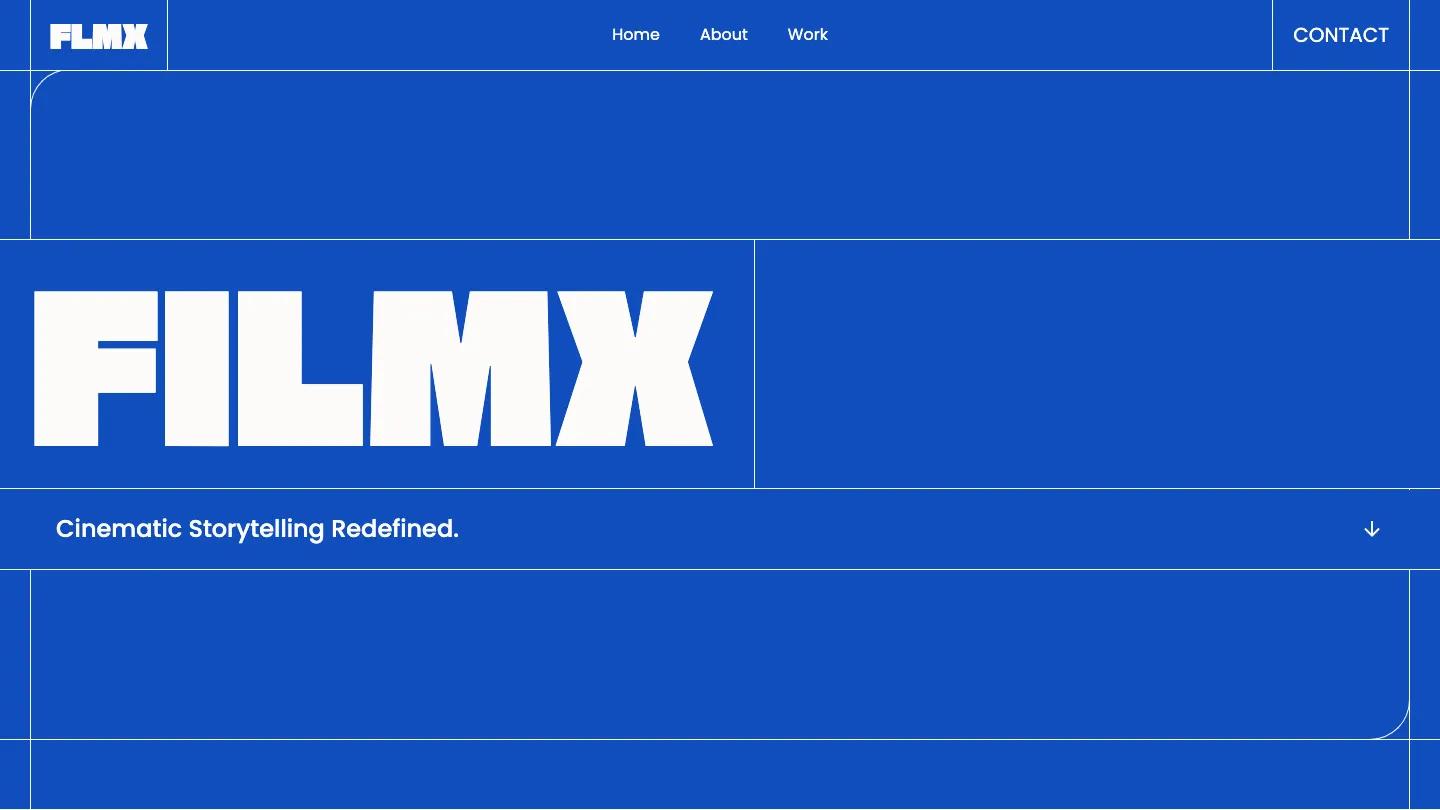
Overall Score: 7.5/10
Design Score: 8.0/10
Development Score: 7.0/10
Price: $49
Perfect for: Film production houses and creative agencies that want a portfolio site with personality
Filmx balances bold typography and colorful accents with a clean layout, CMS-ready for project showcases, services, and an about page that doesn't feel generic. At $49, it ships with responsive design and a 404 page, though its 7.0 dev score means you may need to tighten interactions or add custom code if you want advanced filtering. If your work leans more corporate tech than creative media, check out these SaaS and tech startup templates instead.
Revix
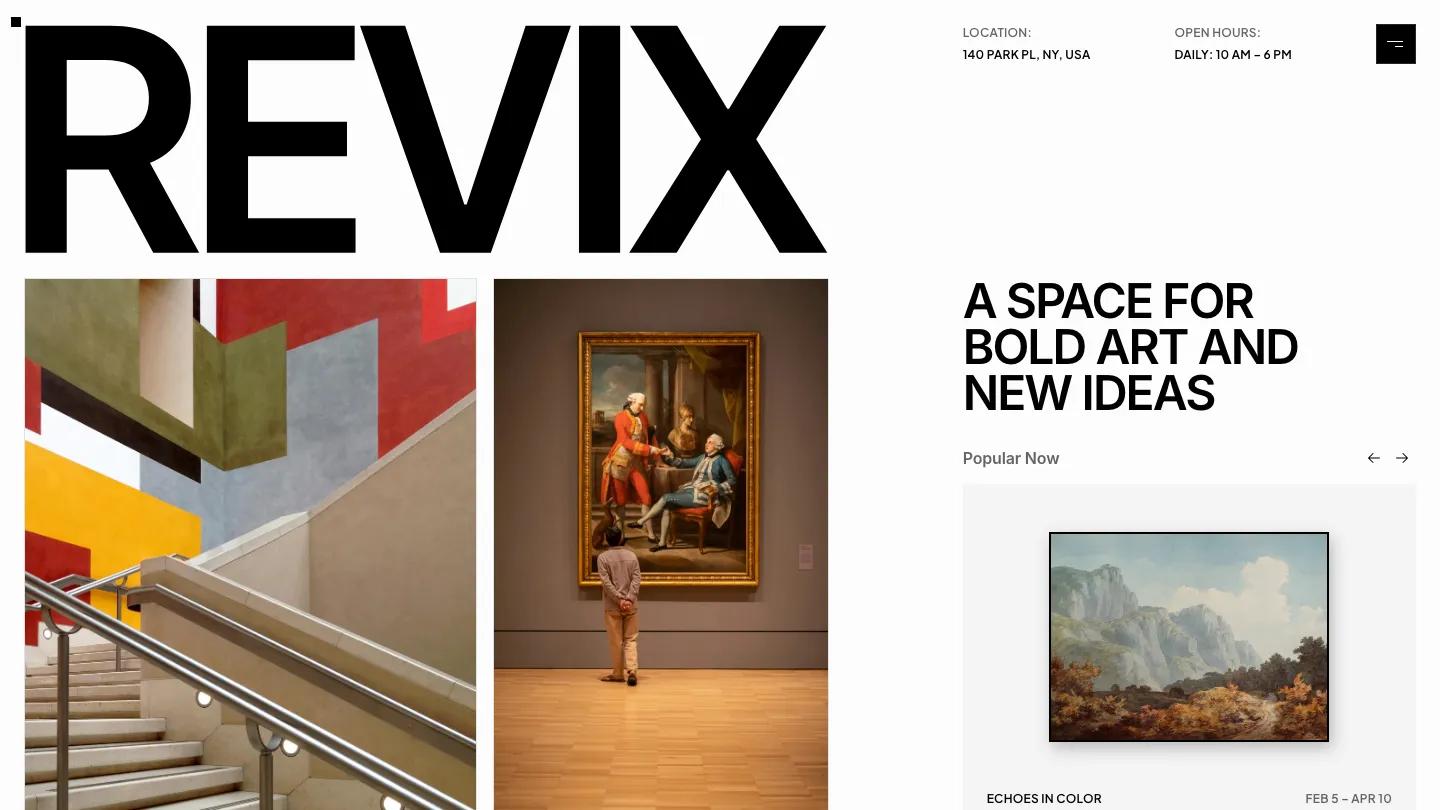
Overall Score: 7.5/10
Design Score: 7.0/10
Development Score: 8.0/10
Price: $49
Perfect for: Creative agencies or event studios that want a flexible foundation with strong typography and room to customize
Revix ships with CMS-ready blog and project pages, light and dark mode options, and enough animation to feel polished without slowing load times. The $49 price gets you a clean multi-page structure that works for event portfolios or editorial sites because the CMS handles basic content well, though if you need complex scheduling features, you'll build those yourself or link externally. The typographic approach pairs well with portfolio templates on Webflow if you're showcasing past work alongside upcoming events.
WoodWave
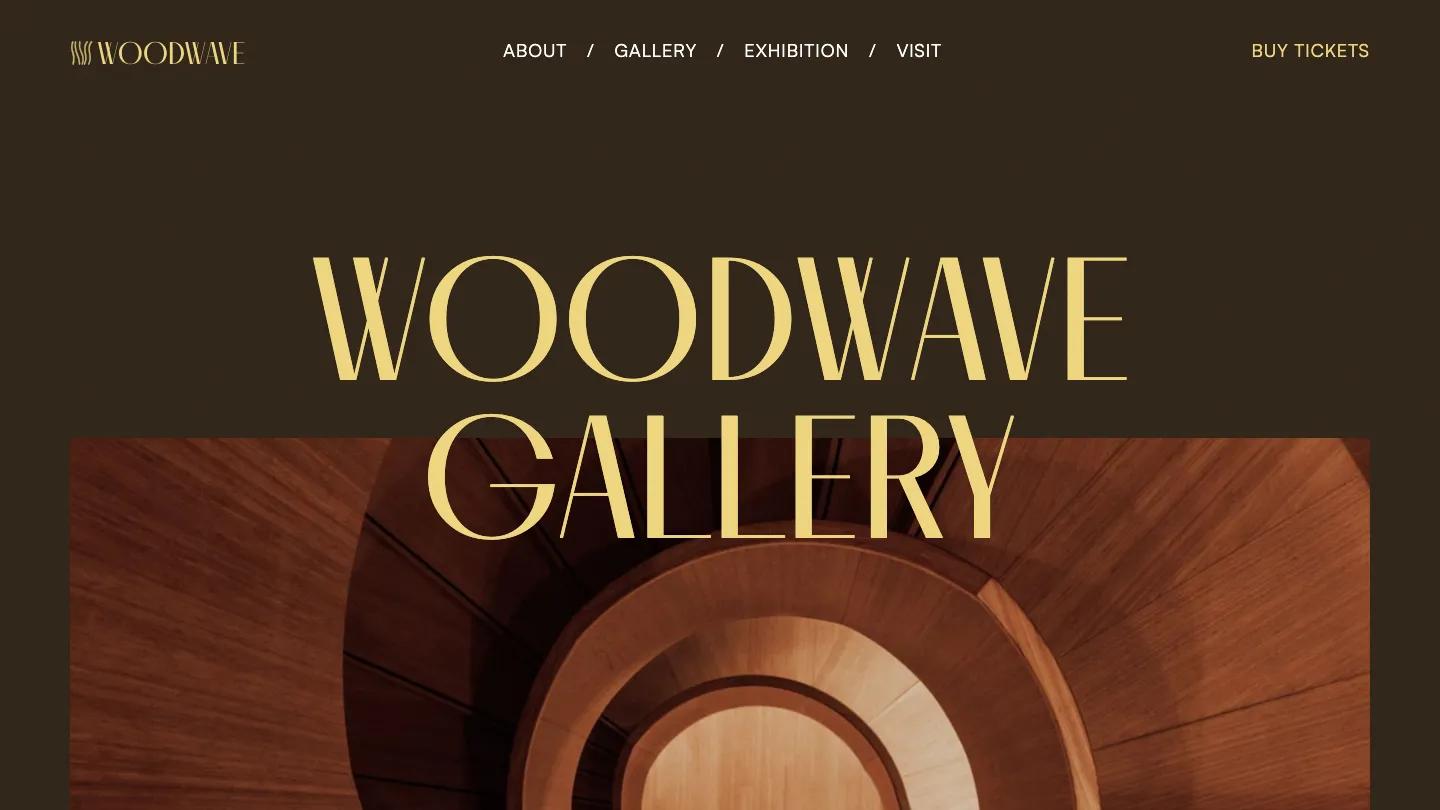
Overall Score: 7.4/10
Design Score: 7.3/10
Development Score: 7.6/10
Price: $29
Perfect for: Small cultural organizations or indie event producers who want a portfolio-first site that also handles announcements and ticket links.
WoodWave pairs clean typography with optional dark or light modes, making it easy to spotlight past events or artist profiles without clutter. At $29, you get responsive layouts, form blocks, and animation hooks, though it lands mid-pack on both design (7.3) and dev (7.6) scores, solid if you're not demanding custom interactions. If you're still comparing Webflow to other platforms, this template proves you can launch quickly without needing a second CMS for blog posts.
Cinematicframe
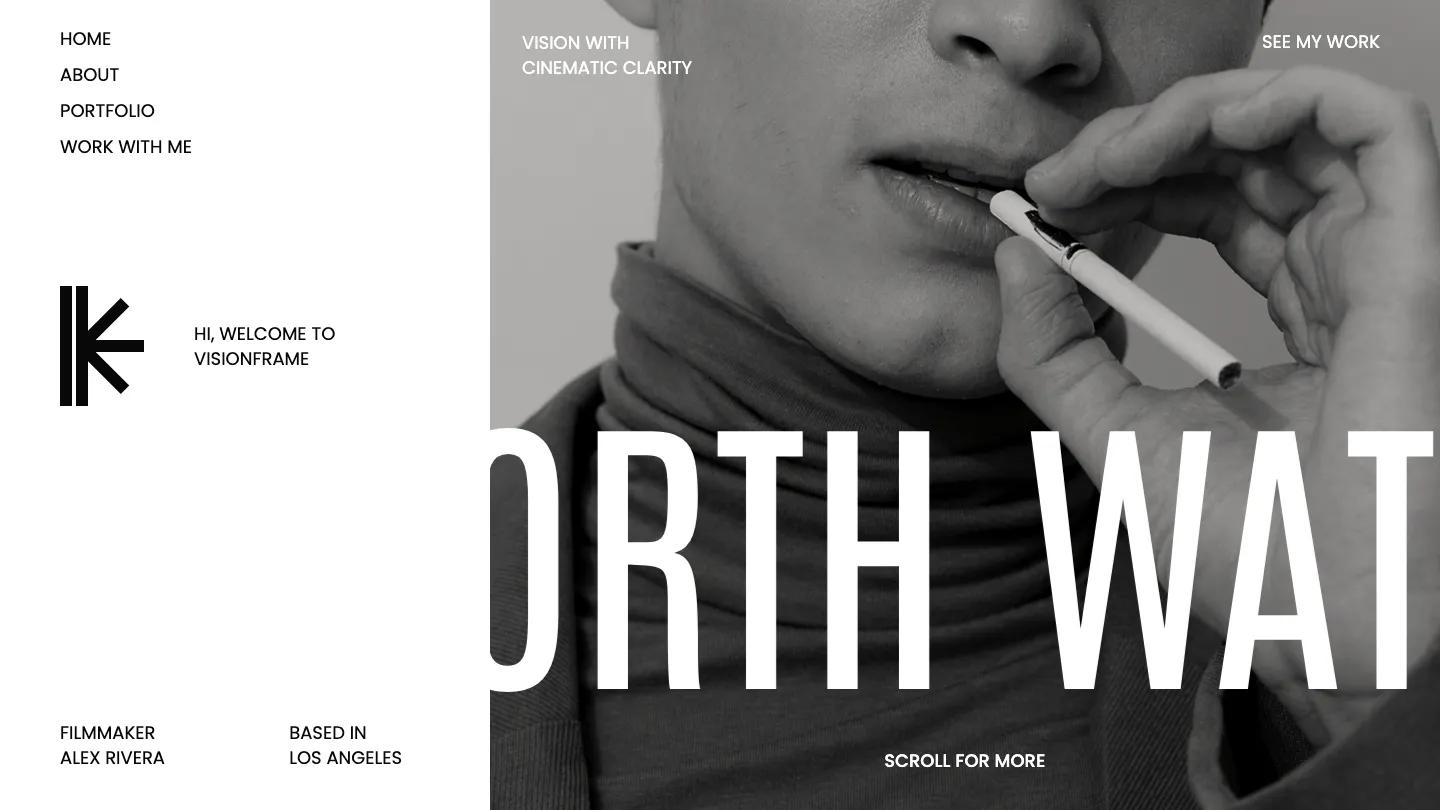
Overall Score: 7.3/10
Design Score: 7.5/10
Development Score: 7.0/10
Price: $39
Perfect for: Film production companies and video agencies that want a portfolio-first site without visual clutter
Cinematicframe centers on full-width background video and a monochrome palette that keeps attention on your work. CMS-driven project pages, 3D transforms, and a services section make it easy to showcase reels and case studies at $39. If you need event booking flows or ticketing, you'll add those yourself; this template stays focused on portfolio presentation, though you can how to customize a Webflow template to layer in forms and contact blocks already included.
Gameplay
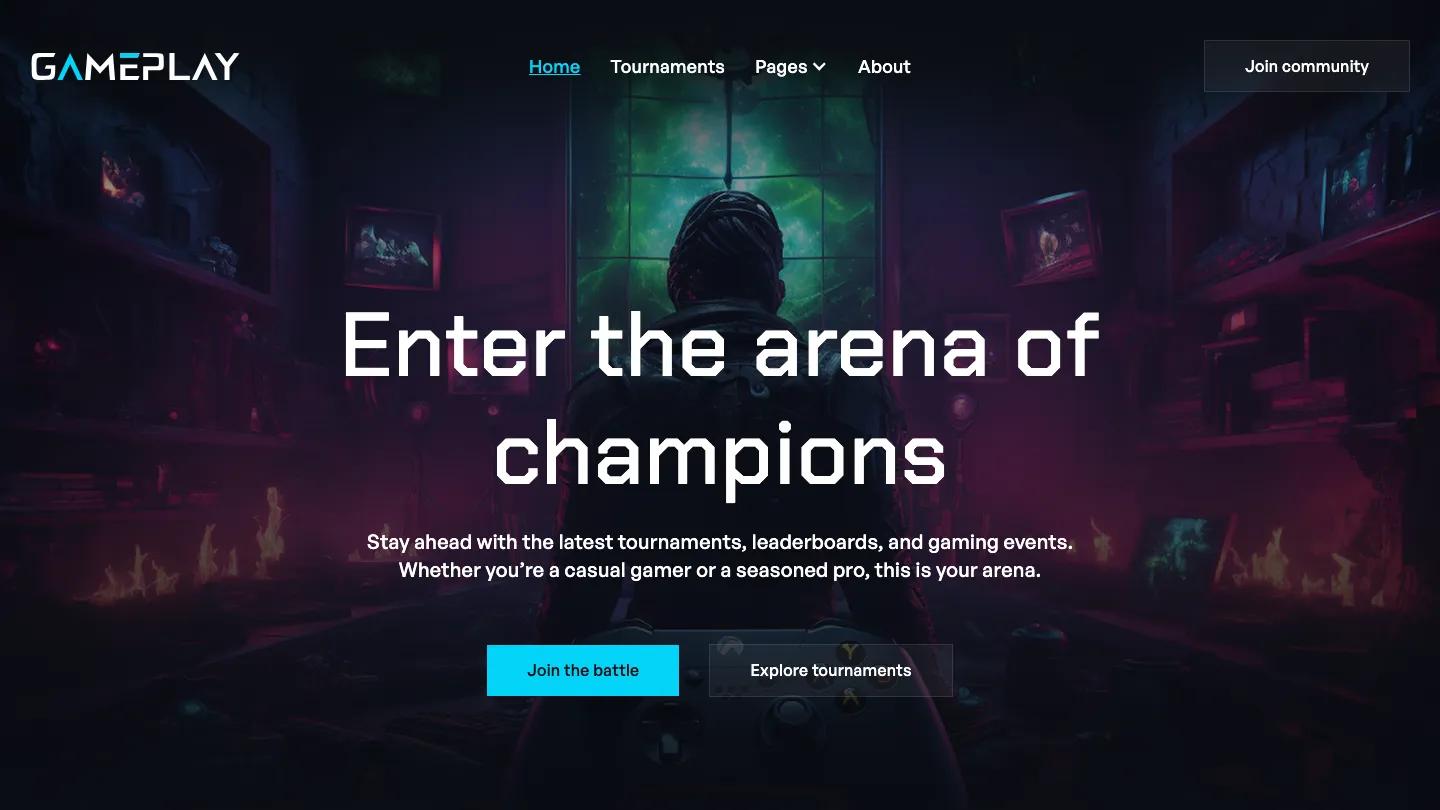
Overall Score: 7.3/10
Design Score: 7.0/10
Development Score: 7.5/10
Price: $49
Perfect for: Gaming tournaments, esports leagues, or streamers who want bold branding without hiring a designer
Gameplay leans into illustration and dark backgrounds with playful typography. The CMS handles event schedules and blog posts, while the grid layout keeps multiple game announcements organized. At $49 it's affordable for smaller crews, though its overall score sits toward the lower end of our template review standards, so expect to refine interactions and mobile spacing yourself.
Astro
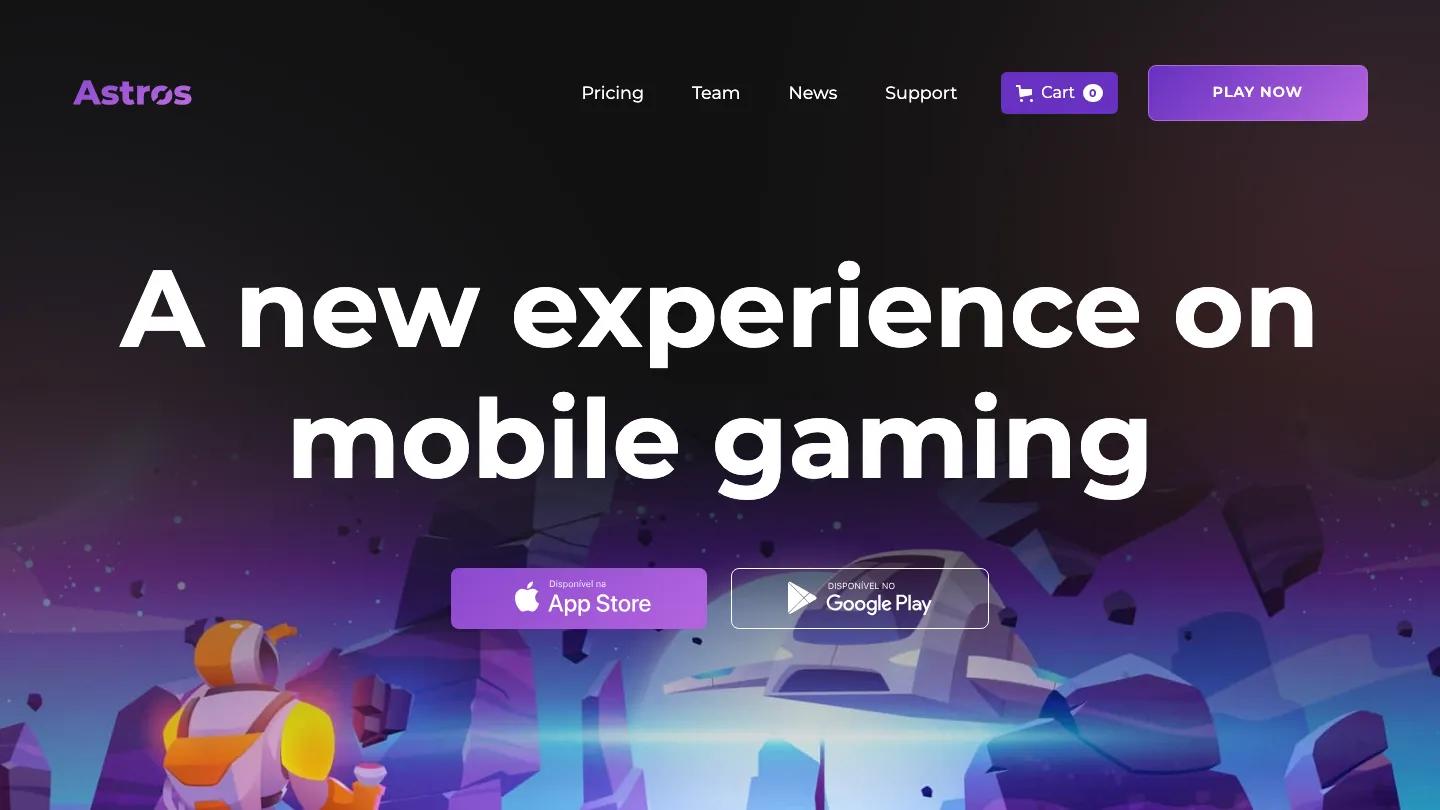
Overall Score: 7.1/10
Design Score: 6.7/10
Development Score: 7.4/10
Price: $129
Perfect for: Gaming events, esports tournaments, or entertainment brands that want a dark, bold look without heavy customization
Astro ships with background video support, CMS collections for blog posts, and ecommerce pages if you sell tickets or merch. The dark palette and playful illustration style suit gaming and nightlife, though the design score reflects simpler layouts: expect clean structure over intricate visual detail. At $129, you get responsive forms, a 404 page, and pricing blocks ready to adapt, making it a solid starting point if you need where to find Webflow templates that cover events and retail in one package.
Final Thoughts
The gap between a template that works and one that actually saves you time shows up fastest in the events category. A portfolio template can coast on aesthetics. An event site lives or dies on whether someone can find ticket information in under three seconds and whether the booking flow doesn't create friction at the moment it matters most. The ten templates here all handle that part well. They're built by people who understand that a beautiful countdown timer is worthless if the actual event details are buried three scrolls down.
If you're choosing between these, start by asking what happens after someone lands on your site. Do they need to buy tickets immediately, or are you building community and FOMO first? Do you have a speaker lineup to showcase, or is the event itself the draw? Are you running one event or managing a series? Friday and Evento X handle recurring events and series elegantly, which matters if you're building something that runs more than once. Sympos and Digital Makers are stronger if you're emphasizing talks and speakers as the primary content. Filmx, Cinematicframe, and Revix lean into visual storytelling, which works brilliantly for festivals and brand experiences but requires strong imagery to carry them. The remaining templates offer solid middle ground, which is exactly what many organizers need. None of these will feel generic once you customize the color palette and swap in your own content. If you're still uncertain whether Webflow is the right platform for what you're building, our guide to best Webflow templates across categories covers the full library and can help you see whether another niche might suit your project better. The real test comes when you put the booking flow in front of actual people before launch. Watch how fast they can answer the question they came to your site to solve. That speed matters more than any design detail.