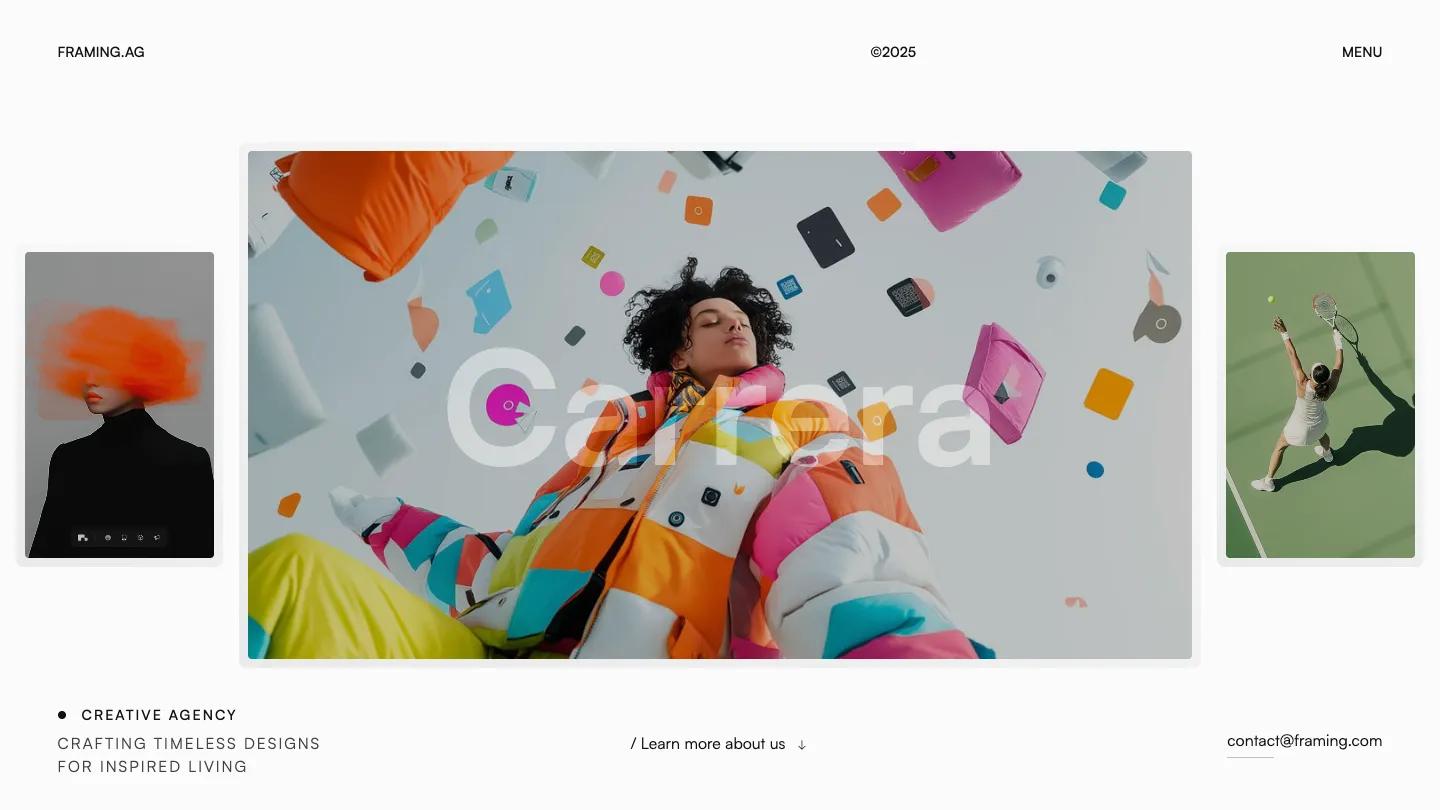
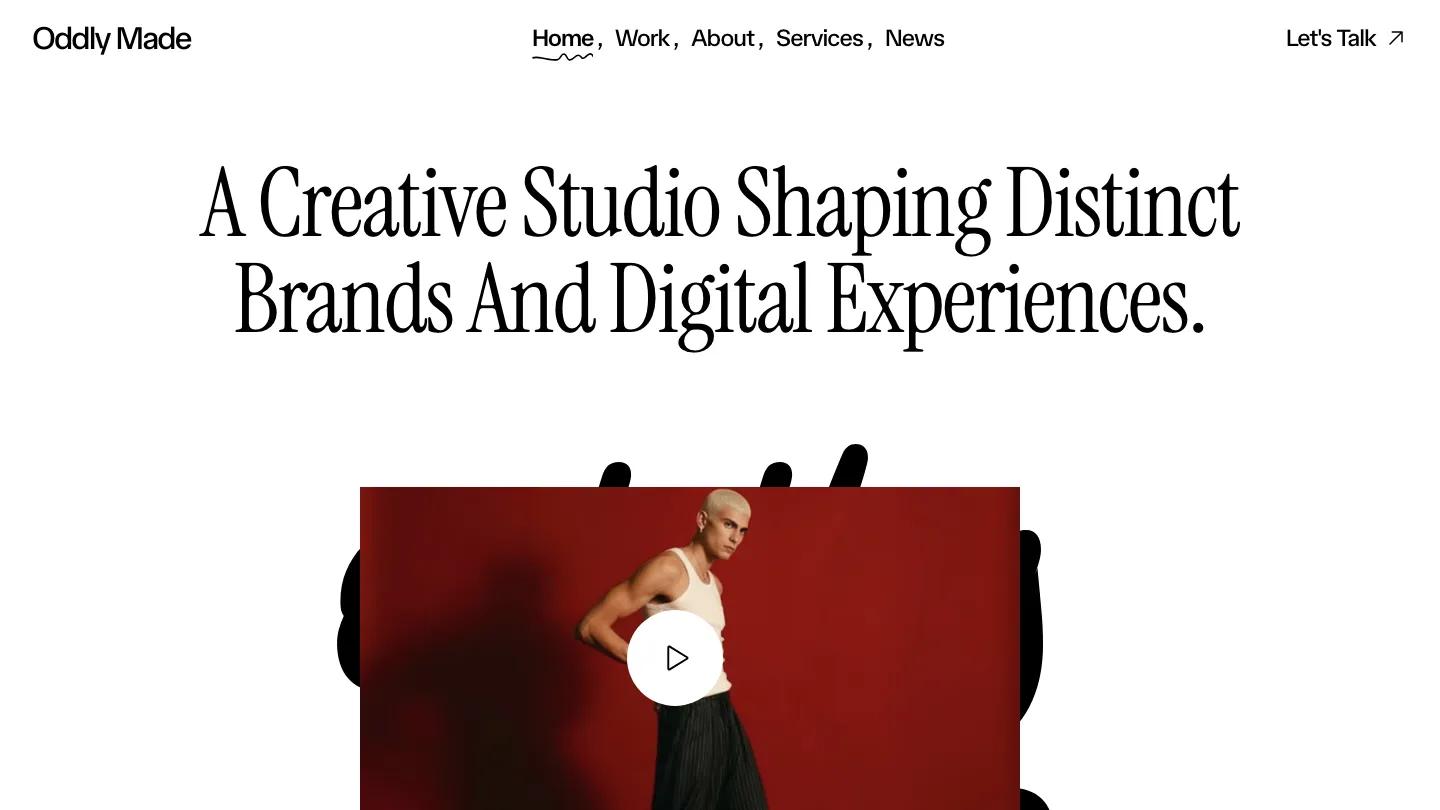
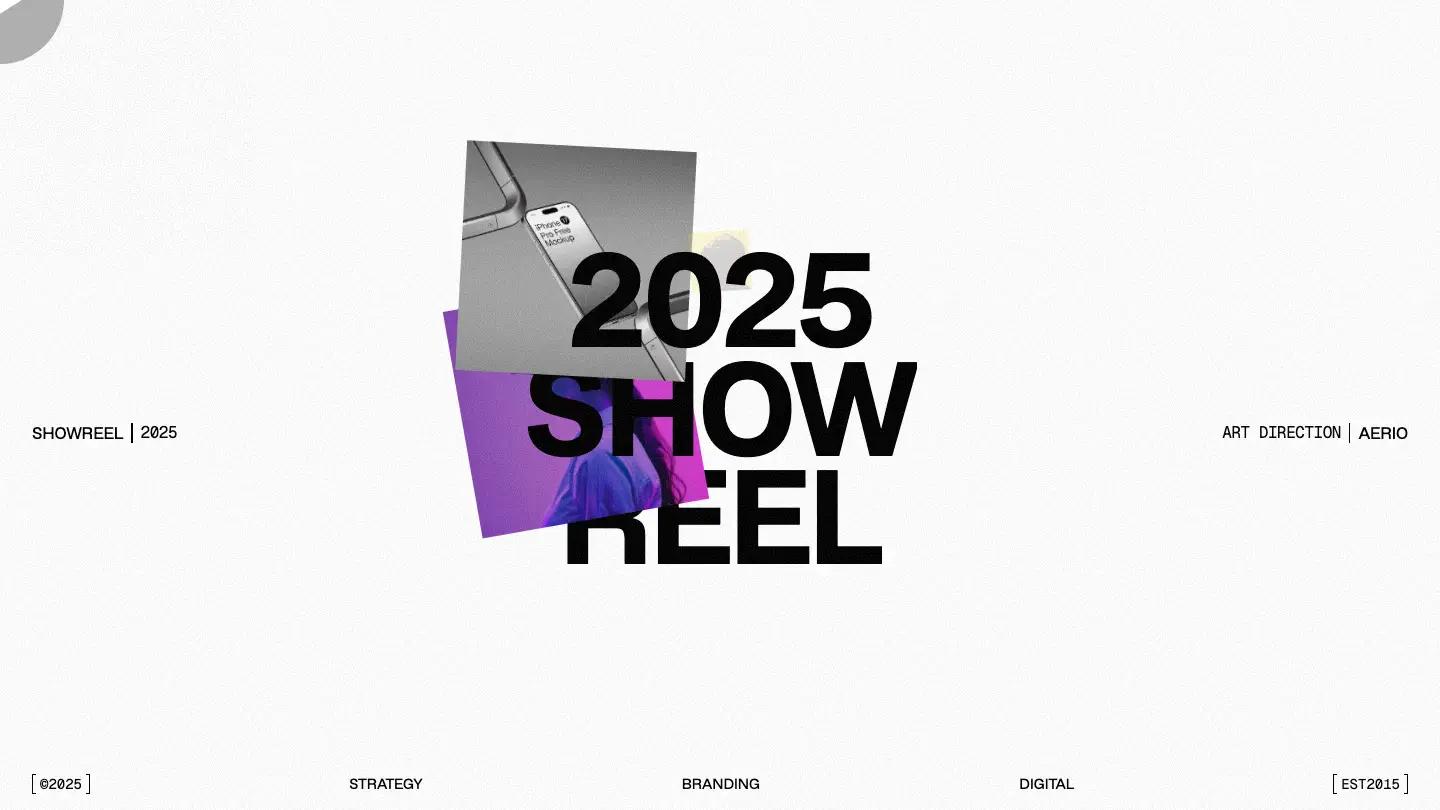
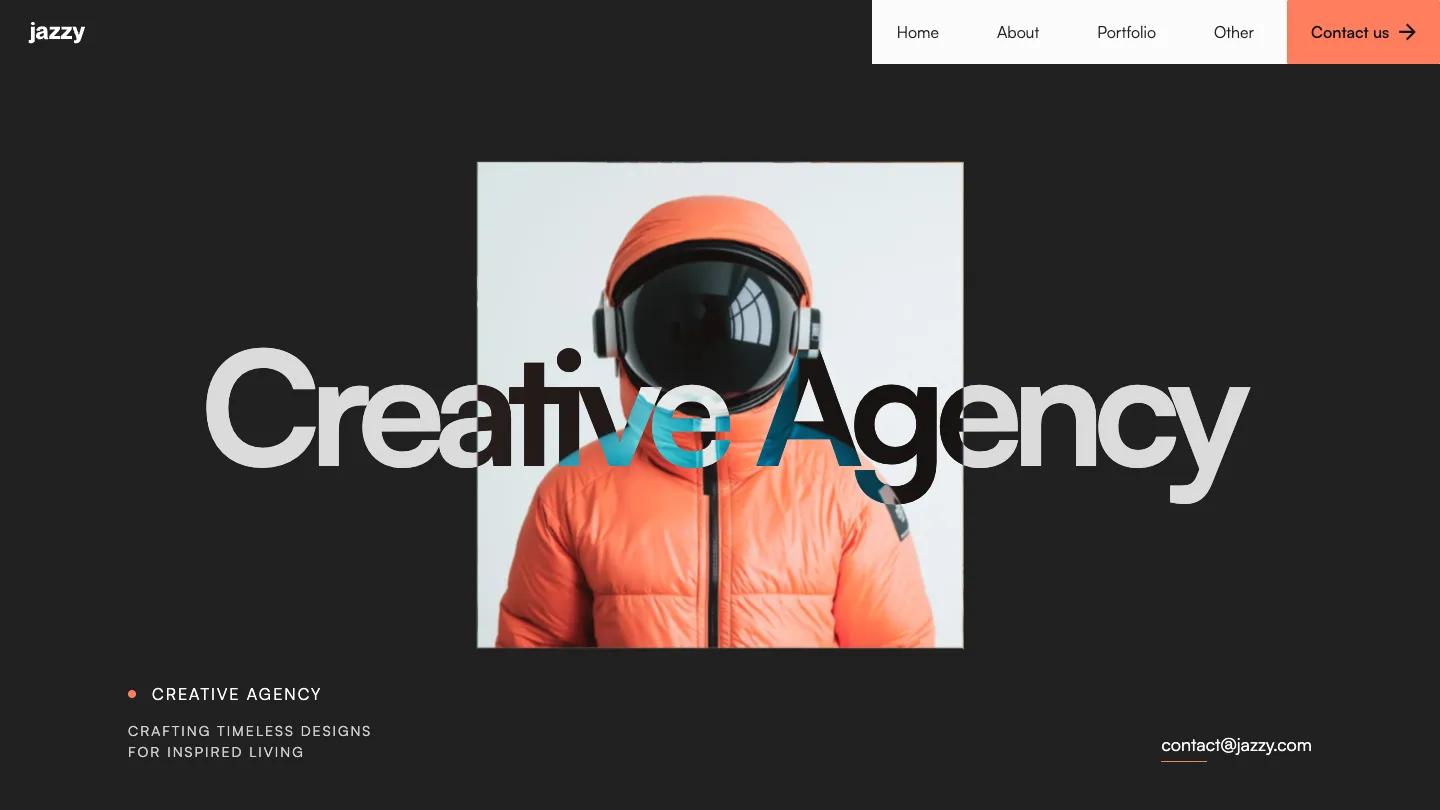
Prime Studio is a high-quality Webflow template for Portfolio & Agency, Professional Services, Business & Startup, Art & Design, Photography & Videography by Lucas Gusso.
Our Review of Prime Studio
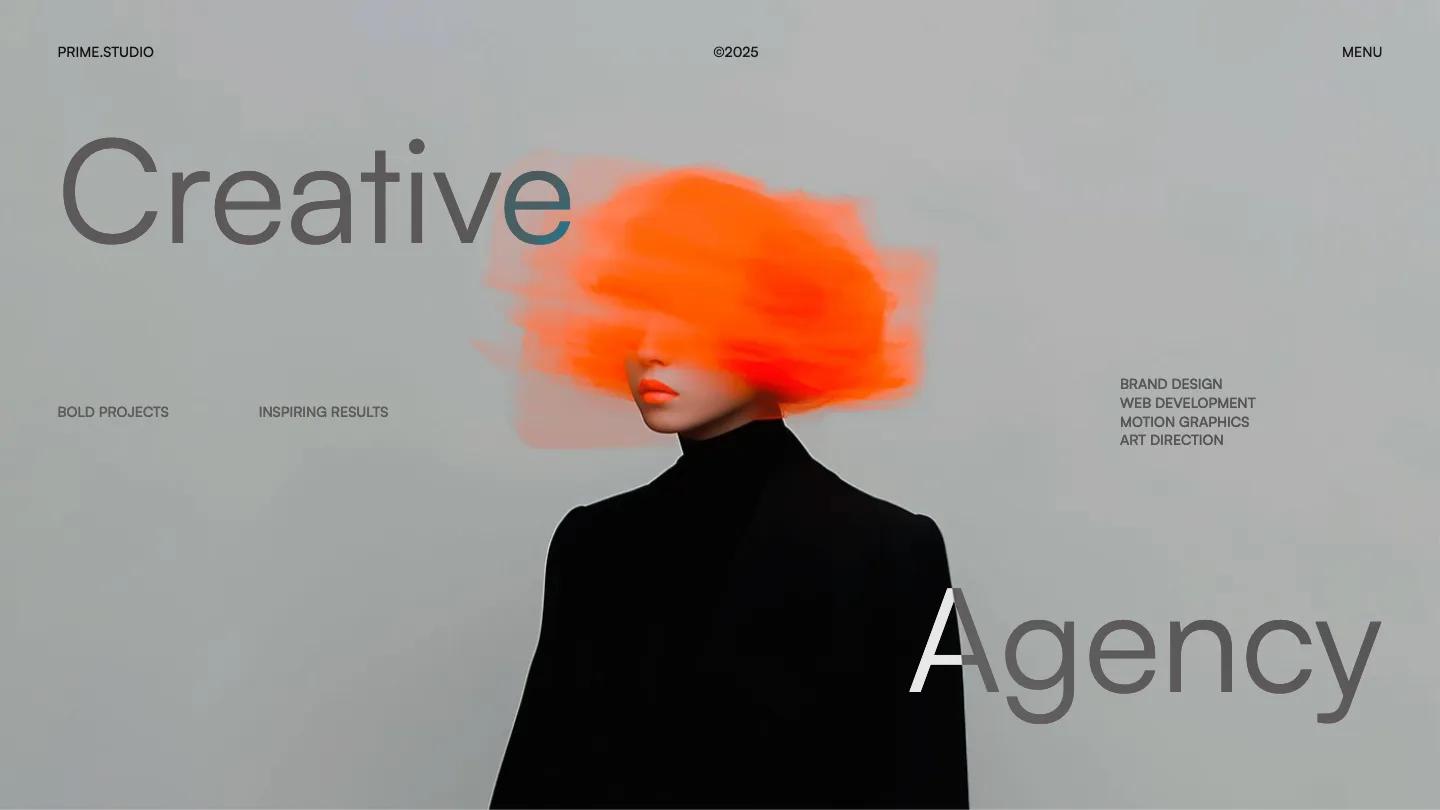
Prime Studio is a starter kit for a creative agency, and its demo homepage works more like a showroom than a finished site. The hero is the strongest part: a silhouetted face in glowing orange glasses against a saturated cyan backdrop, with "Creative" set high on the left and "Agency" low on the right in light Satoshi, so the words frame the portrait. Small uppercase labels, Bold Projects and Inspiring Results on one side and a short list of services on the other, sit at eye level. The header is just a studio name, a year, and Menu.
Below that, Lucas Gusso uses the page to introduce the template rather than an agency. A wide reel of glossy blue 3D blocks plays in a framed video panel, then a card explains the editable Figma file with a screenshot of the design canvas. "Explore every corner of Prime Template" leads into a grid of preview cards for several homepage, about, work, and contact layouts, plus team, e-commerce, and work category pages, each a thumbnail with its name. The footer has a "Let's talk" heading on charcoal, crossed by a light marquee band of Say Hello and Ready to Connect. The contact page we opened is spare: a large Contact us heading, email, phone, and address in clear label pairs, and an underlined form with a solid black Submit Message button.
On a phone, the cyan portrait fills the screen, the two hero words stay at opposite corners, with the labels across the glasses.
We'd pick Prime Studio for small agencies that want to pick and mix layout styles. Plan to replace the showcase homepage with one of the real home layouts, and swap the demo email, phone, and Melbourne address on the contact page for your own.
Based on the live demo, viewed on desktop and on a phone. The Design and Dev scores come from separate independent reviews. See how we score templates.
Independently evaluated by our team of 6 designers and 5 developers.











Designers score design, developers score development, and each score is the average of their independent ratings. Read about our review team and how we score templates.