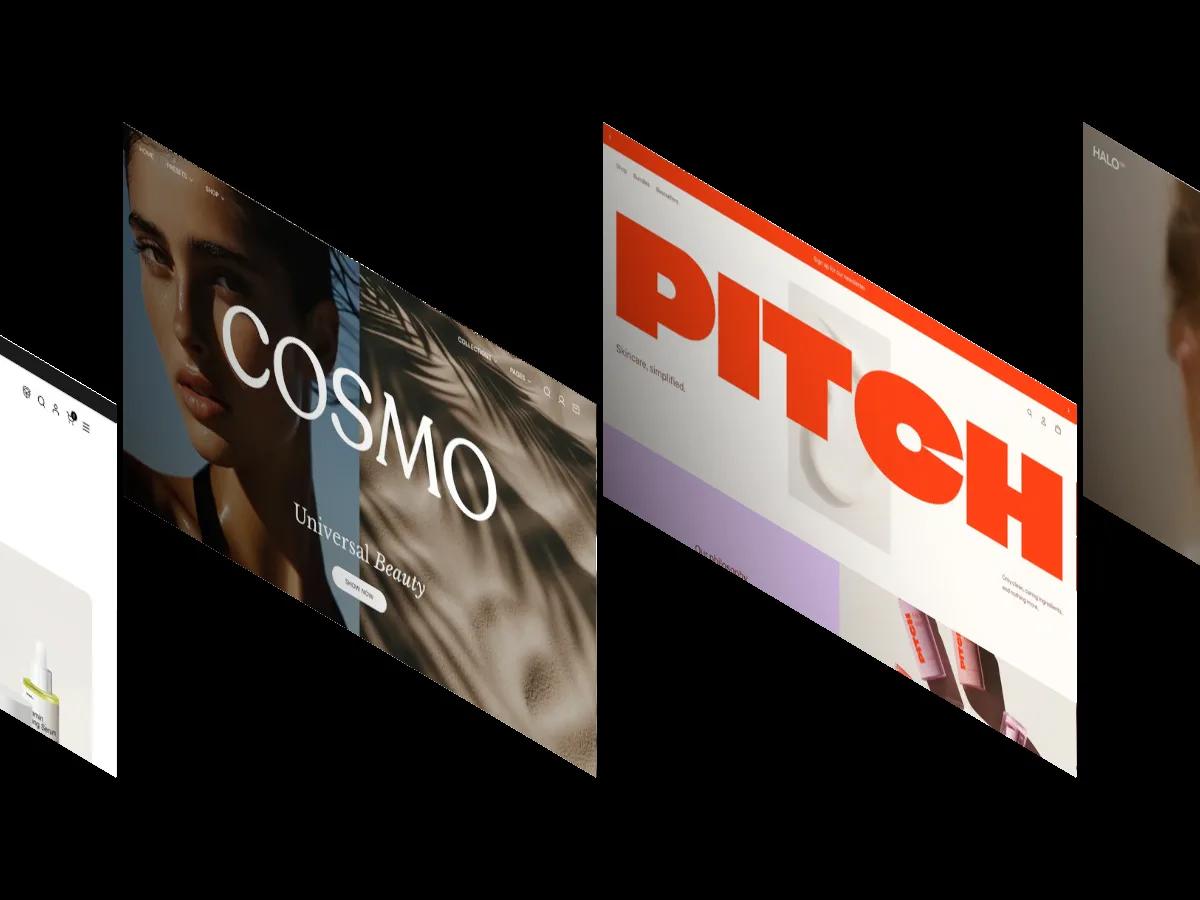
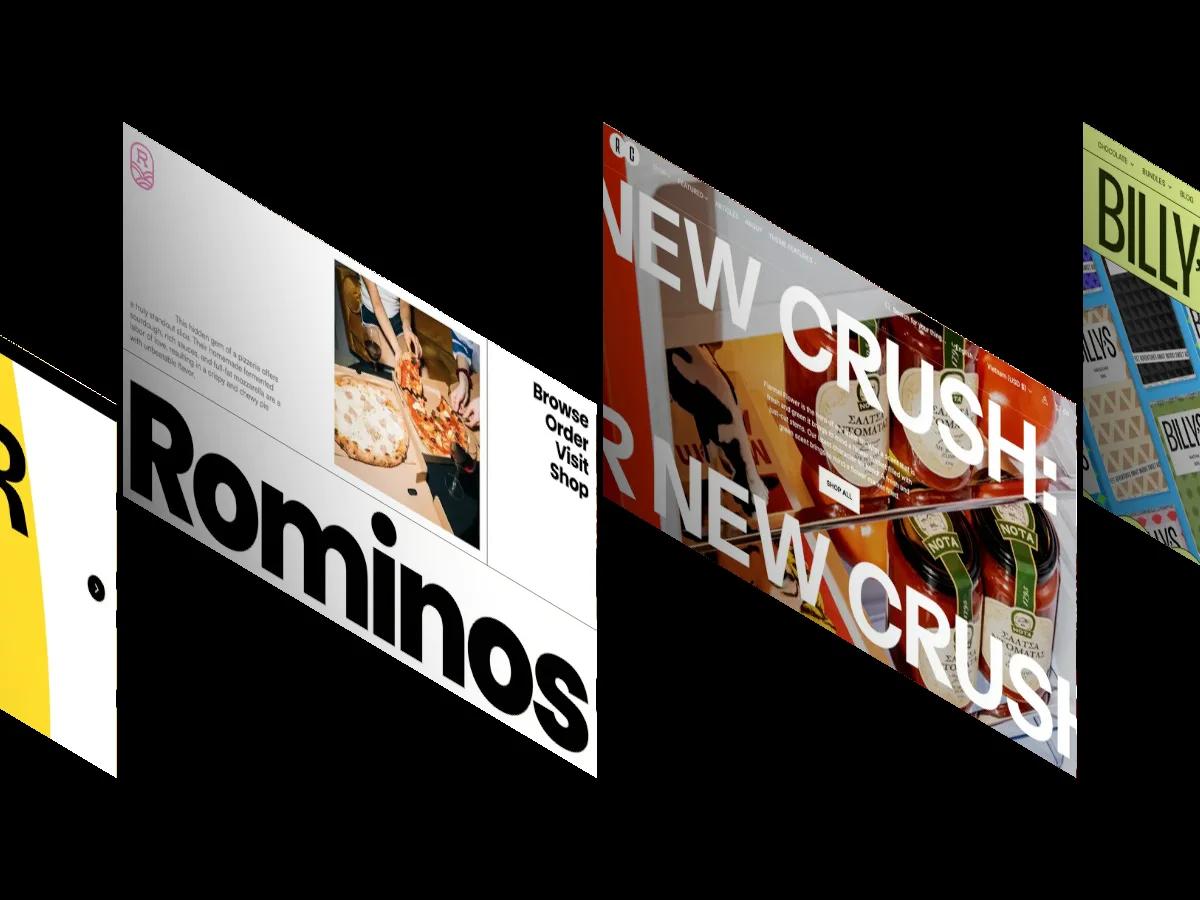
Blush is a high-quality Shopify template for Retail & E-commerce, Beauty & Personal Care by Krown Themes.
Our Review of Blush
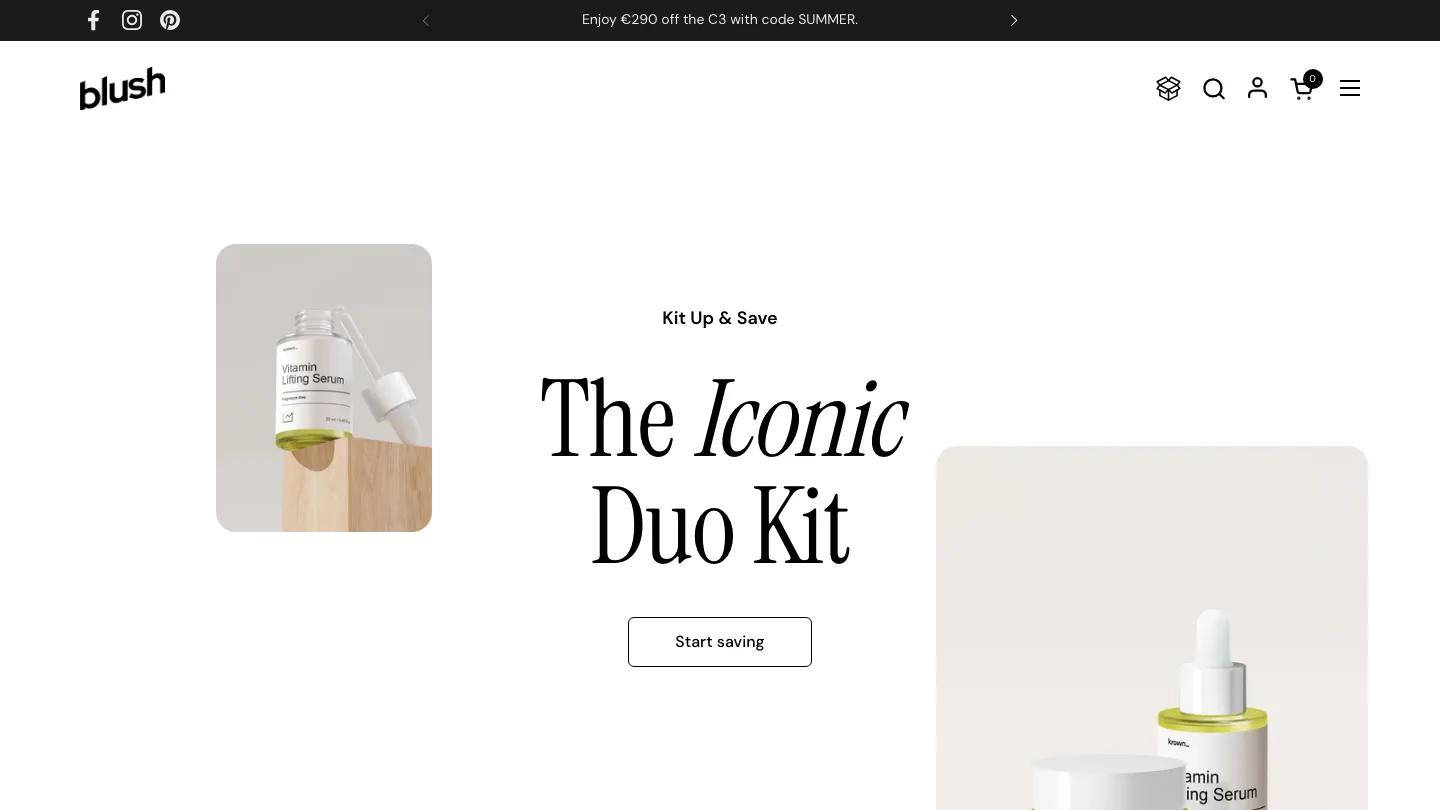
Blush is a beauty and skincare theme from Krown Themes, and its standout idea is selling sets, not single products. The hero makes the pitch with "The Iconic Duo Kit" in a tall condensed serif, the middle word in italics, while product shots in rounded frames sit off-center on either side. Build Your Kit gets its own spot in the main menu next to Shop, Our Kits, and Bestsellers, which tells you where this theme puts its weight.
The homepage backs that up. A Build Your Own Set block lays products side by side, lets shoppers pick a shade from color swatches under each one, and then adds the set from a single button. Product cards elsewhere carry their options right on the card, so a skin oil shows Dry and Sensitive choices and a hand wash shows its bottle sizes without a trip to the product page. There's also a popular categories carousel of clean cut-out packshots, before and after and how-to-use sections, testimonials, and recent articles. The product page pairs a two-image gallery with a big serif title, a customer reviews summary, benefit chips like Gentle and Calming, and a low-stock bar.
On a phone, the hero restacks around a close-up portrait and a cruelty free badge, the headline keeps its serif character, and the cart and search icons stay in the header.
We'd pick Blush for skincare and cosmetics brands that sell routines and bundles. Two things to check before you commit. The homepage is long and stacks a lot of selling sections, so decide early which ones you'll keep. And long option names get cut off at the edge of the product cards, so keep variant labels short.
Based on the live demo, viewed on desktop and on a phone. The Design and Dev scores come from separate independent reviews. See how we score templates.
Independently evaluated by our team of 6 designers and 5 developers.











Designers score design, developers score development, and each score is the average of their independent ratings. Read about our review team and how we score templates.