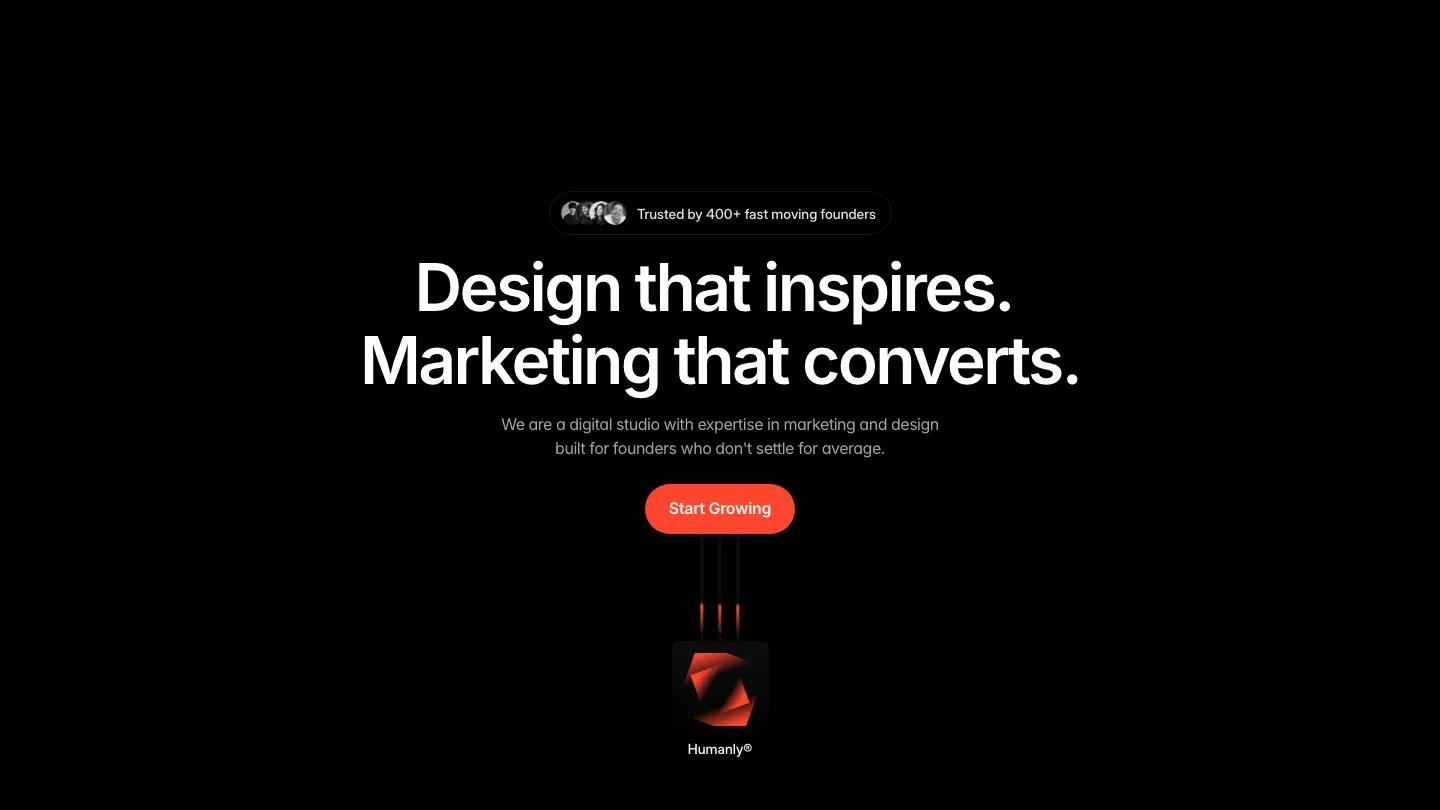
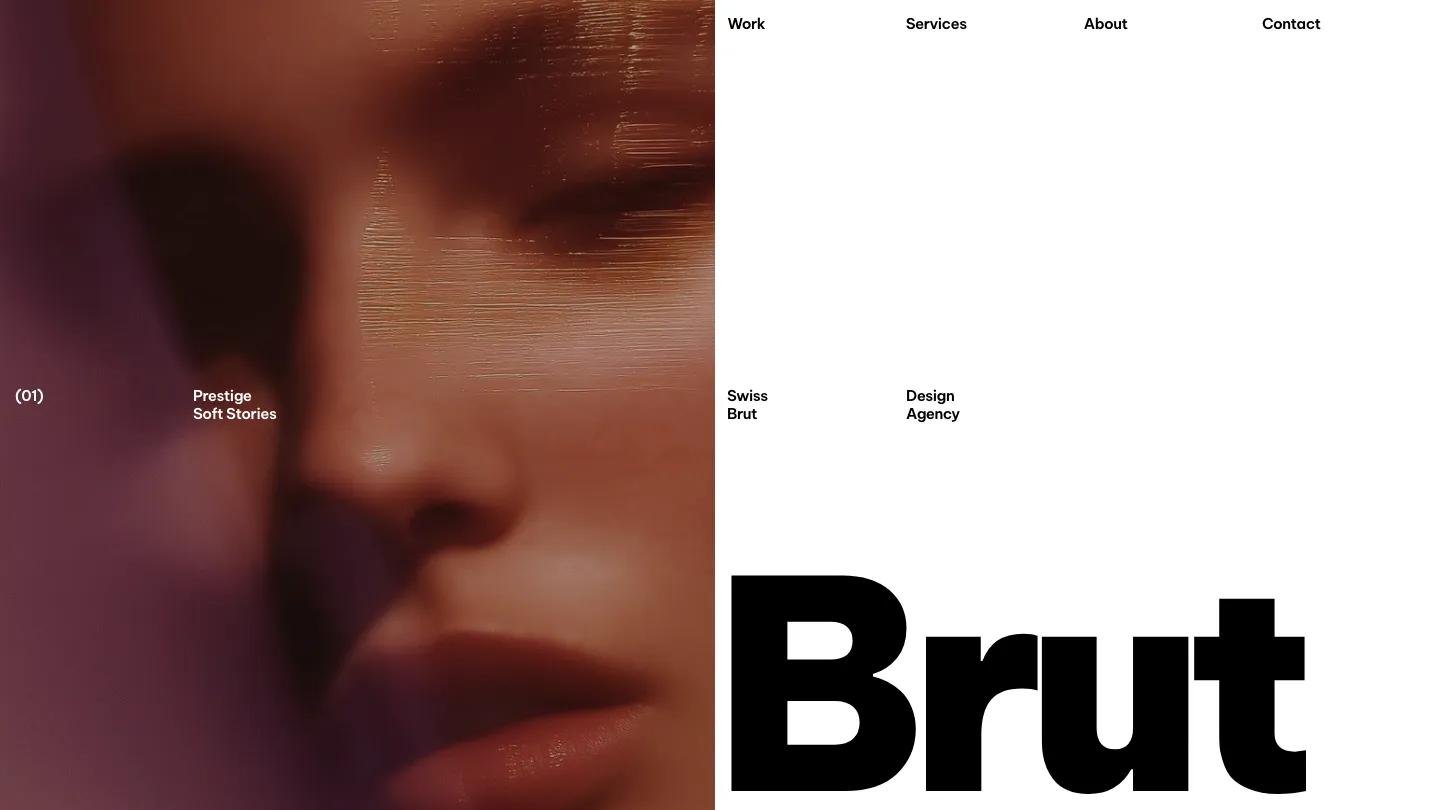
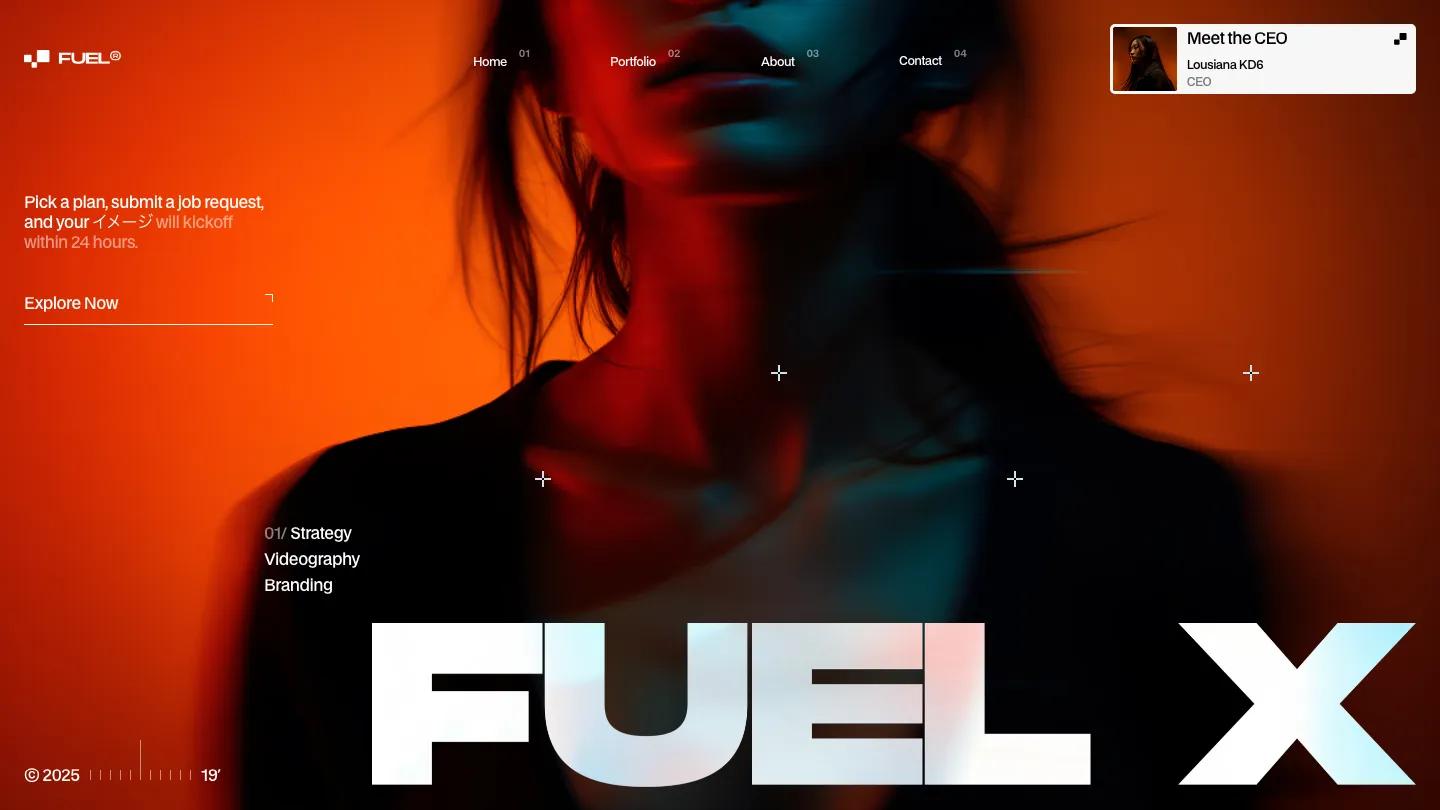
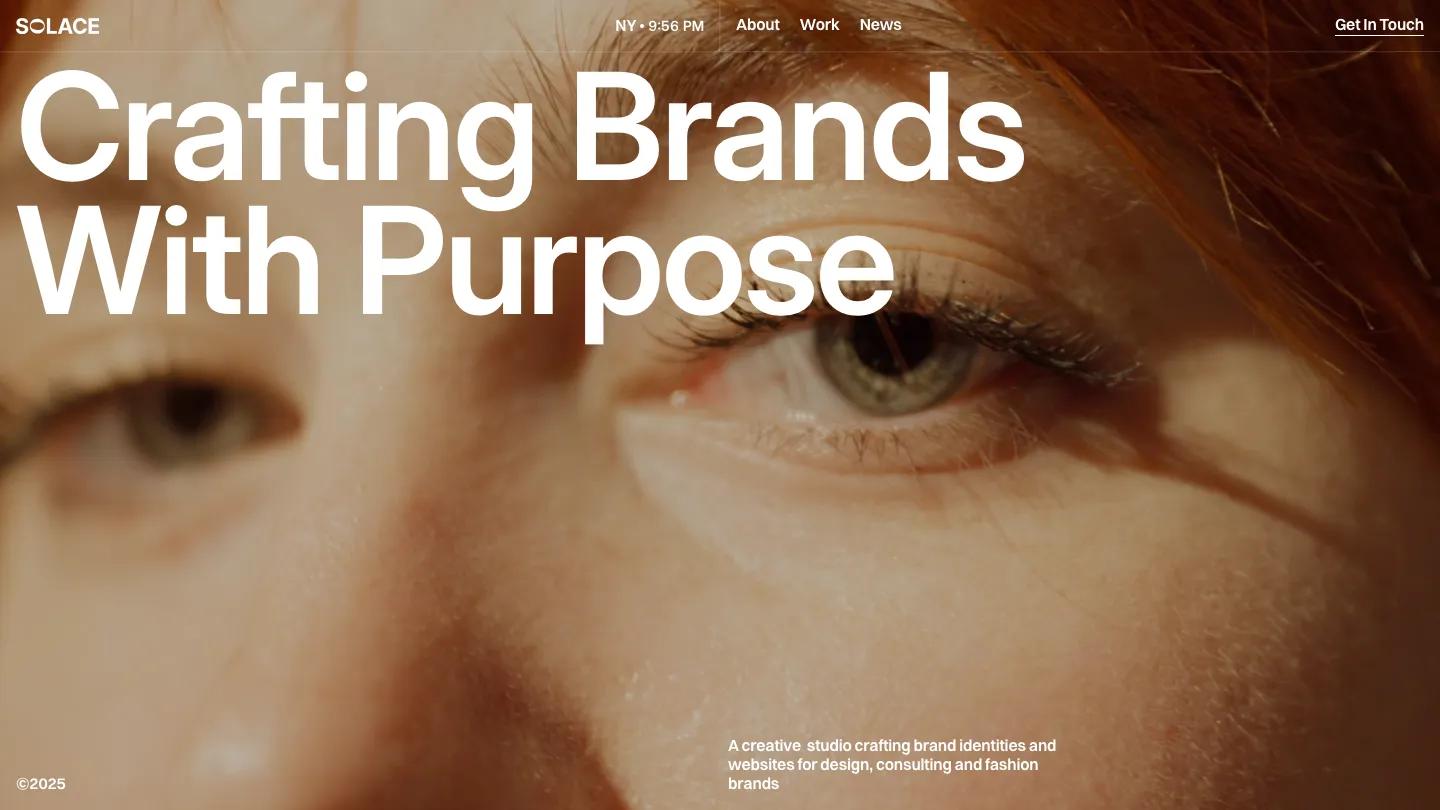
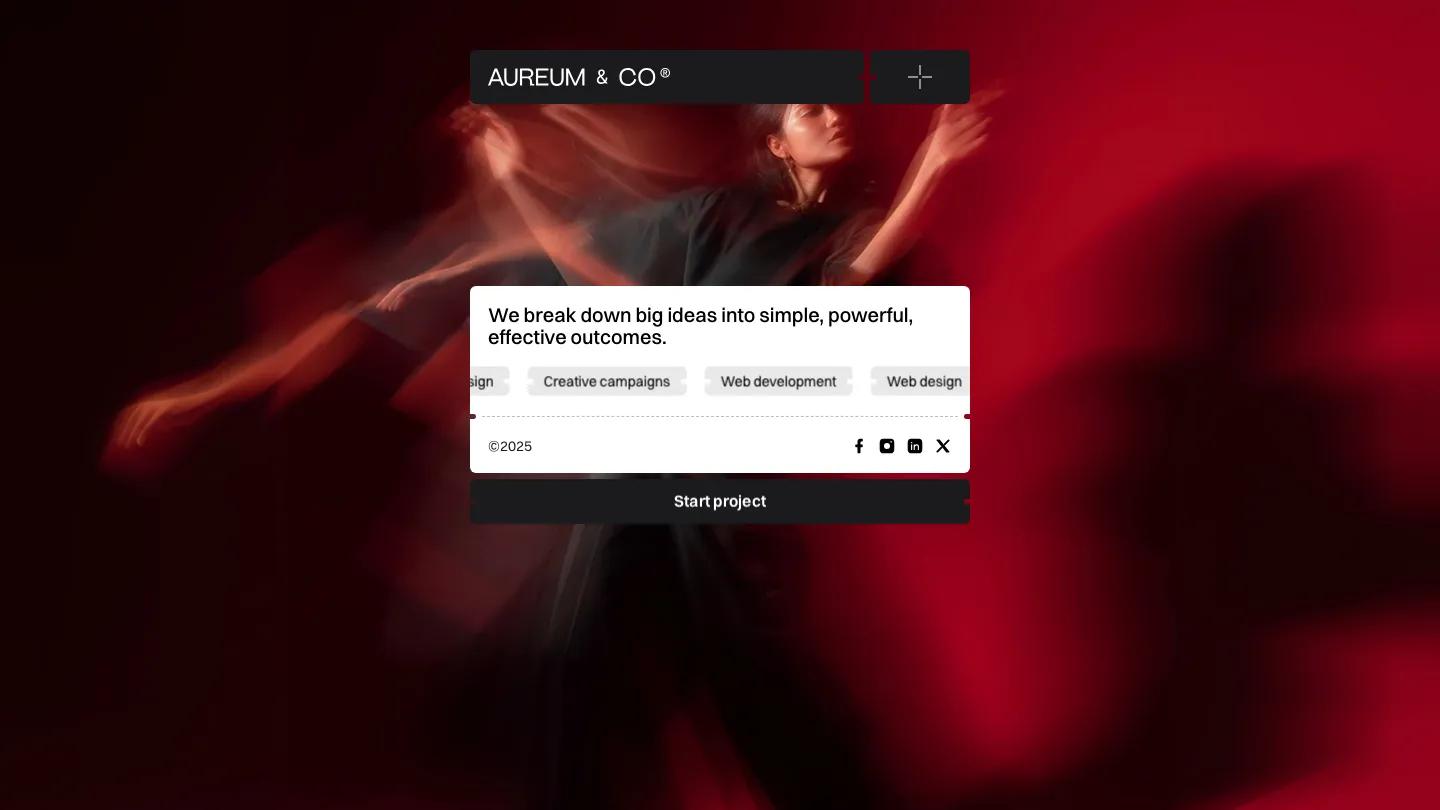
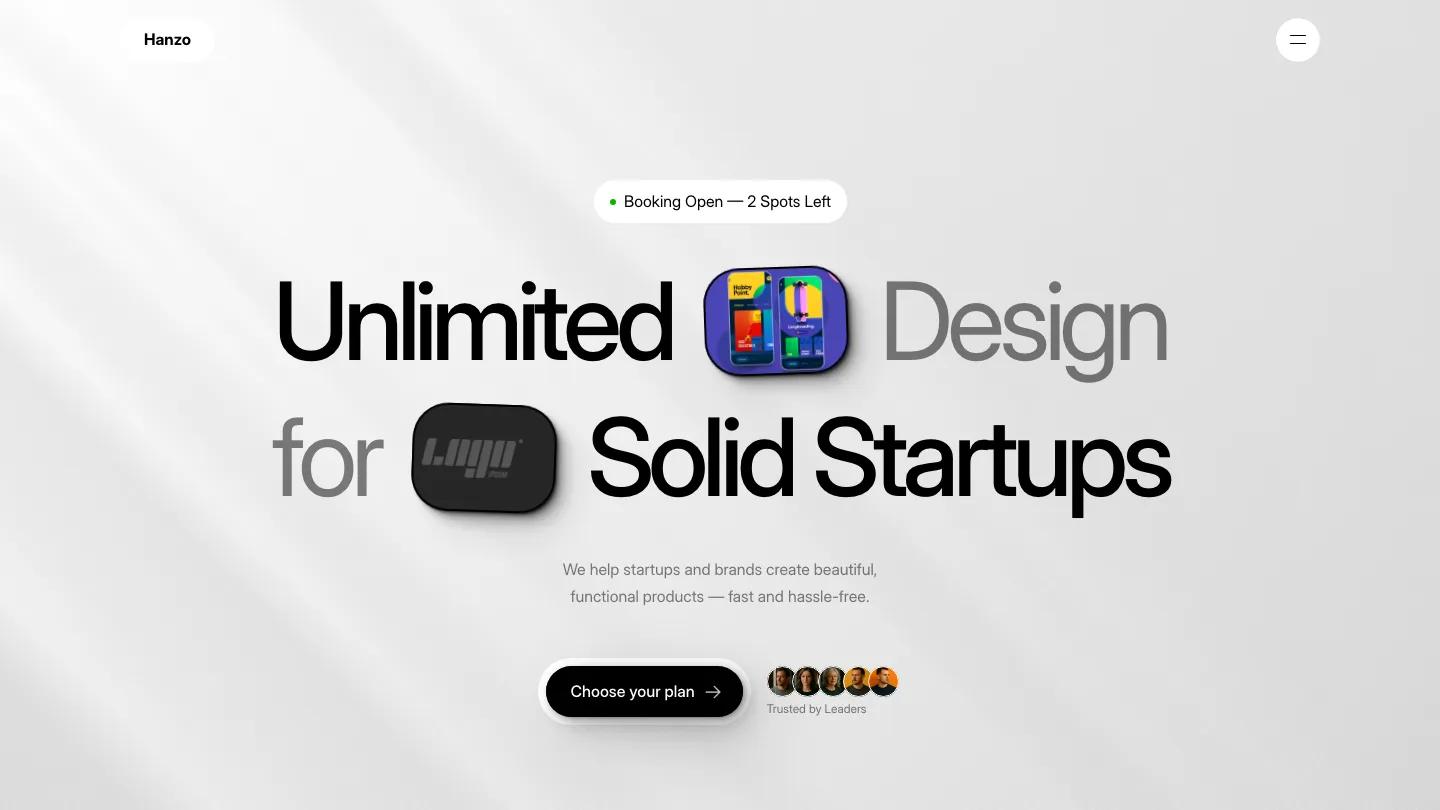
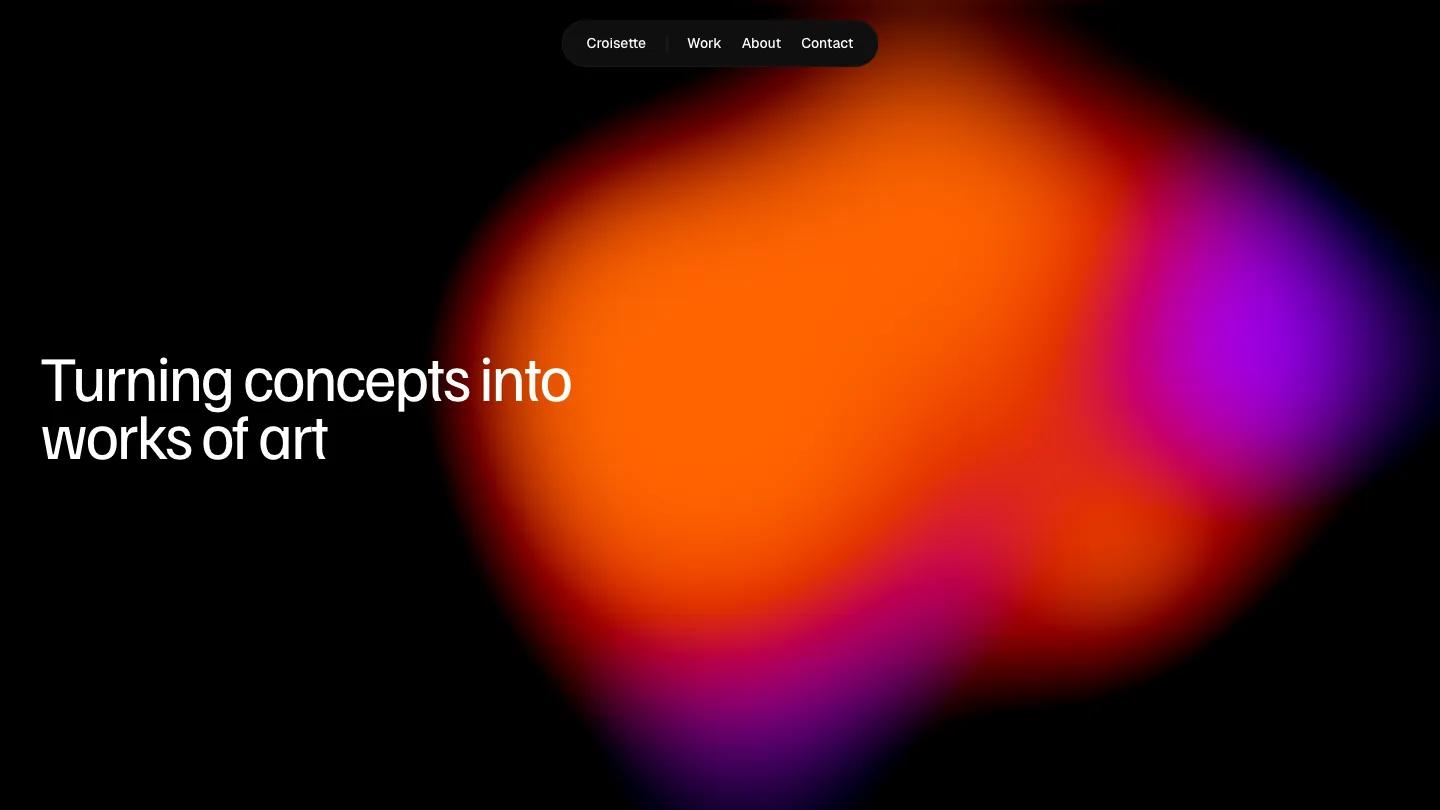
Orbs Studio is a high-quality Framer template for Portfolio & Agency, Professional Services, Business & Startup, Art & Design by sebd studio.
Our Review of Orbs Studio
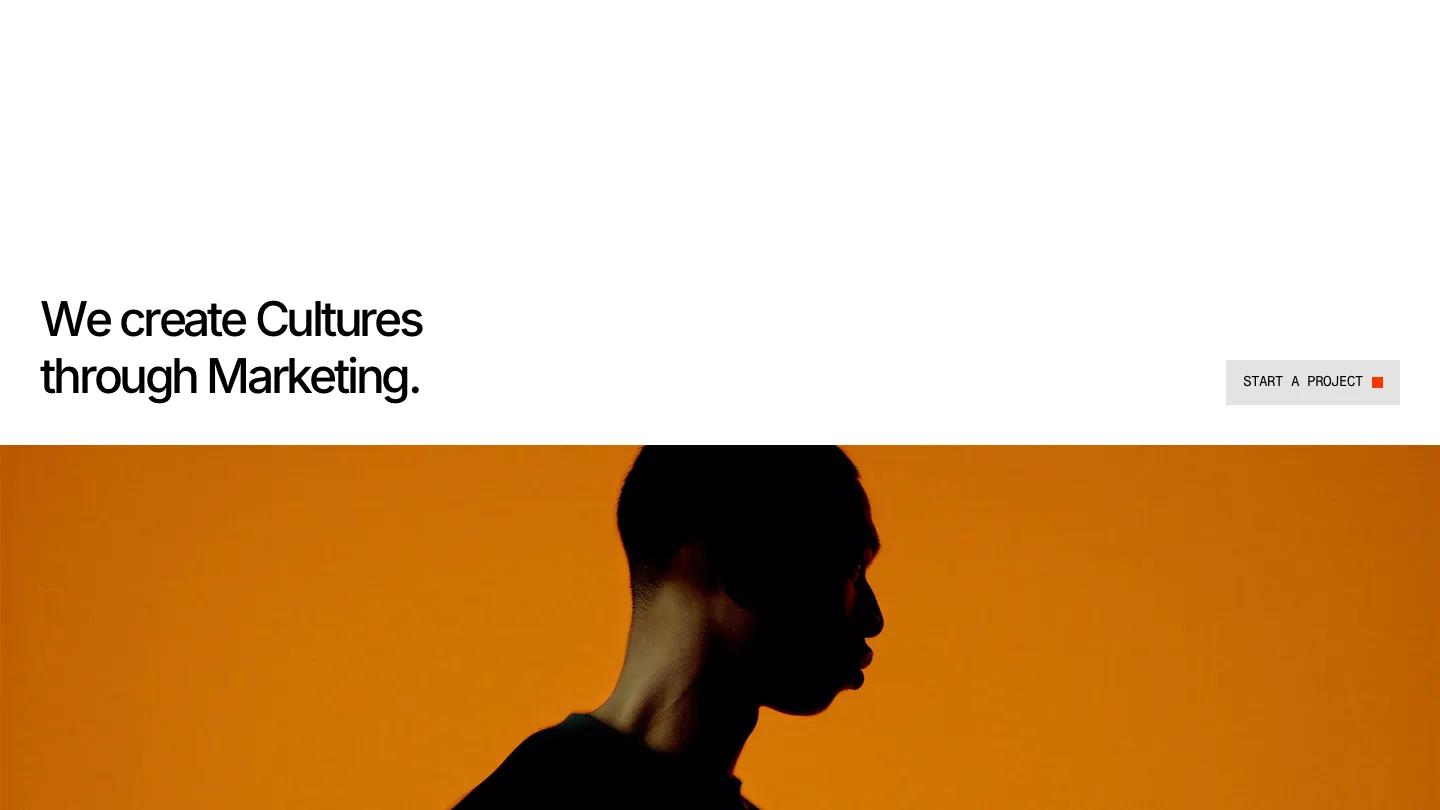
Orbs Studio is a compact Framer site for a branding or marketing studio, and it runs on a simple contrast: generous white space, black type, and photography soaked in orange and saturated color. The hero puts "We create Cultures through Marketing." in tight Inter at the lower left, a grey Start a Project button with a small red square on the right, and then a full-width photo of a man in silhouette against a burnt orange wall. Labels and buttons use a monospaced face in capitals, which gives the page a studio-index feel. The header is just the Studio Orbs wordmark, Index, Works and Studio links, and a Get Started button.
The homepage stays short. An About block sets one paragraph in the right column, then Featured Works shows projects in a two-column grid of large images, each captioned with a number on the left and a name like Black Zero or Still Life on the right. A View All button runs into a thin rule, and Let's Get in Touch pairs "Start a conversation" with a plain grey form. The footer returns to orange, with Orbs Studio in big mono letters over a silhouette photo. The Works page by sebd studio keeps the same captions but varies image widths, so a wide shot sits beside a narrow portrait.
On a phone, the headline and button stack neatly over the orange portrait, and the menu becomes a small plus icon in the corner.
We'd pick Orbs Studio for small branding studios and creative directors with a tight portfolio of strong, colorful images. The featured works intro and the about paragraph both contain broken placeholder sentences, so rewrite them first. The look also leans on that orange photo set, which you'll need to replace with imagery just as bold.
Based on the live demo, viewed on desktop and on a phone. The Design and Dev scores come from separate independent reviews. See how we score templates.
Independently evaluated by our team of 6 designers and 5 developers.











Designers score design, developers score development, and each score is the average of their independent ratings. Read about our review team and how we score templates.