Best Framer Templates for Art and Design 2026

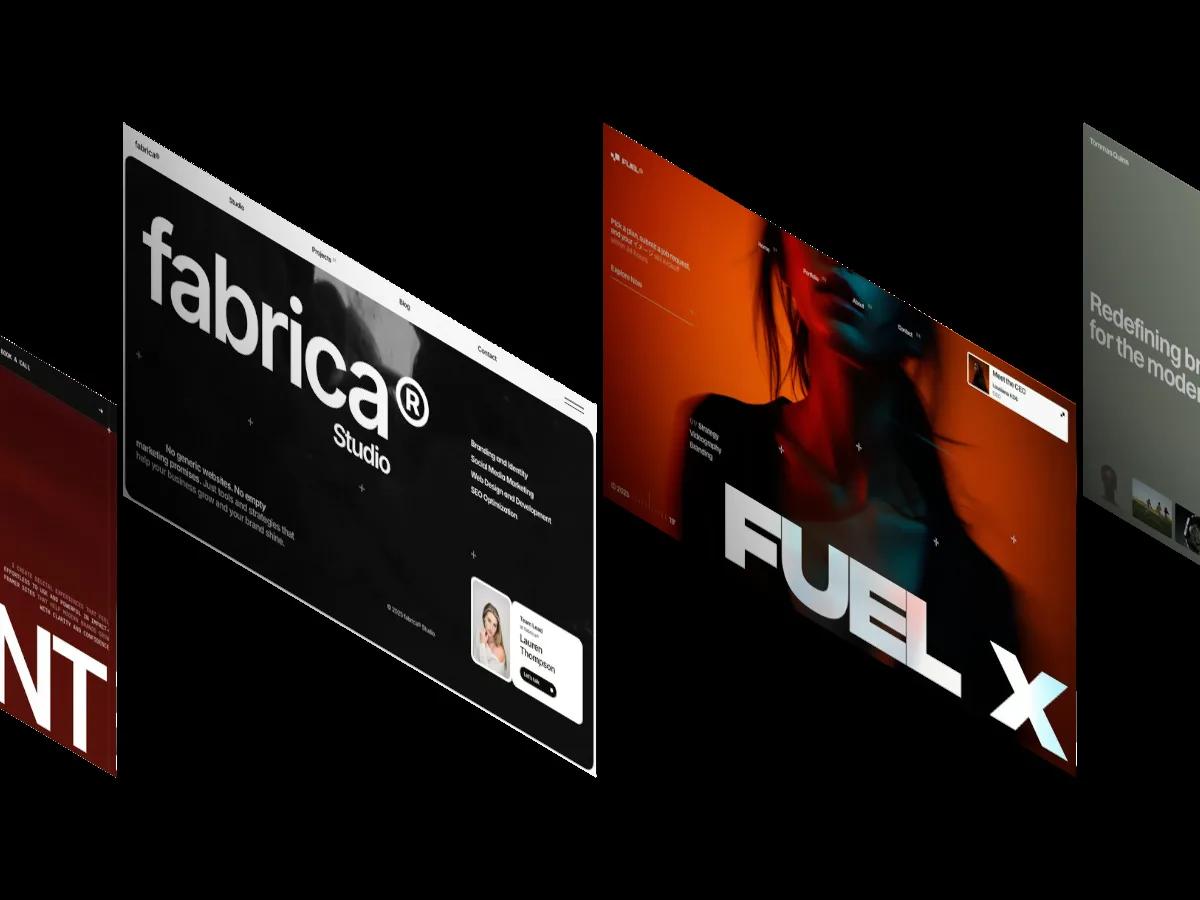
Most art and design templates force a choice between showcasing work and adding interactivity. We tested Framer portfolio templates and selected ones that let visitors focus on your art without distracting animations or slow navigation.
Most Framer art and design templates fall into one of two camps: portfolio sites that prioritize the work over everything else, and showcase platforms that layer in so much interactivity that the design becomes the distraction. Finding the middle ground, where the template gets out of the way and lets the work breathe, is harder than it should be.
The best templates in this category understand that artists, illustrators, and designers need something different from a standard portfolio. A photographer's site can rely on a grid and a clean navigation, but an artist's site needs to handle variable aspect ratios, support deep project narratives, and move smoothly between intimate detail shots and full-scale installations. A motion designer needs video embeds that don't slow down the page. A graphic designer needs a way to show process work, not just the final output.
We reviewed the Framer templates in the art and design category and scored each one on how well it solves these specific problems. Design Score measures whether the template's layout, typography, and visual hierarchy actually support the work you're showing. Development Score measures whether the CMS structure lets you organize content intuitively, whether customization is straightforward without breaking the layout, and whether the performance holds up when you load dozens of high-resolution images. You can also browse the all Framer Art & Design templates in our full library if you want to explore beyond this selection.
TITARVL
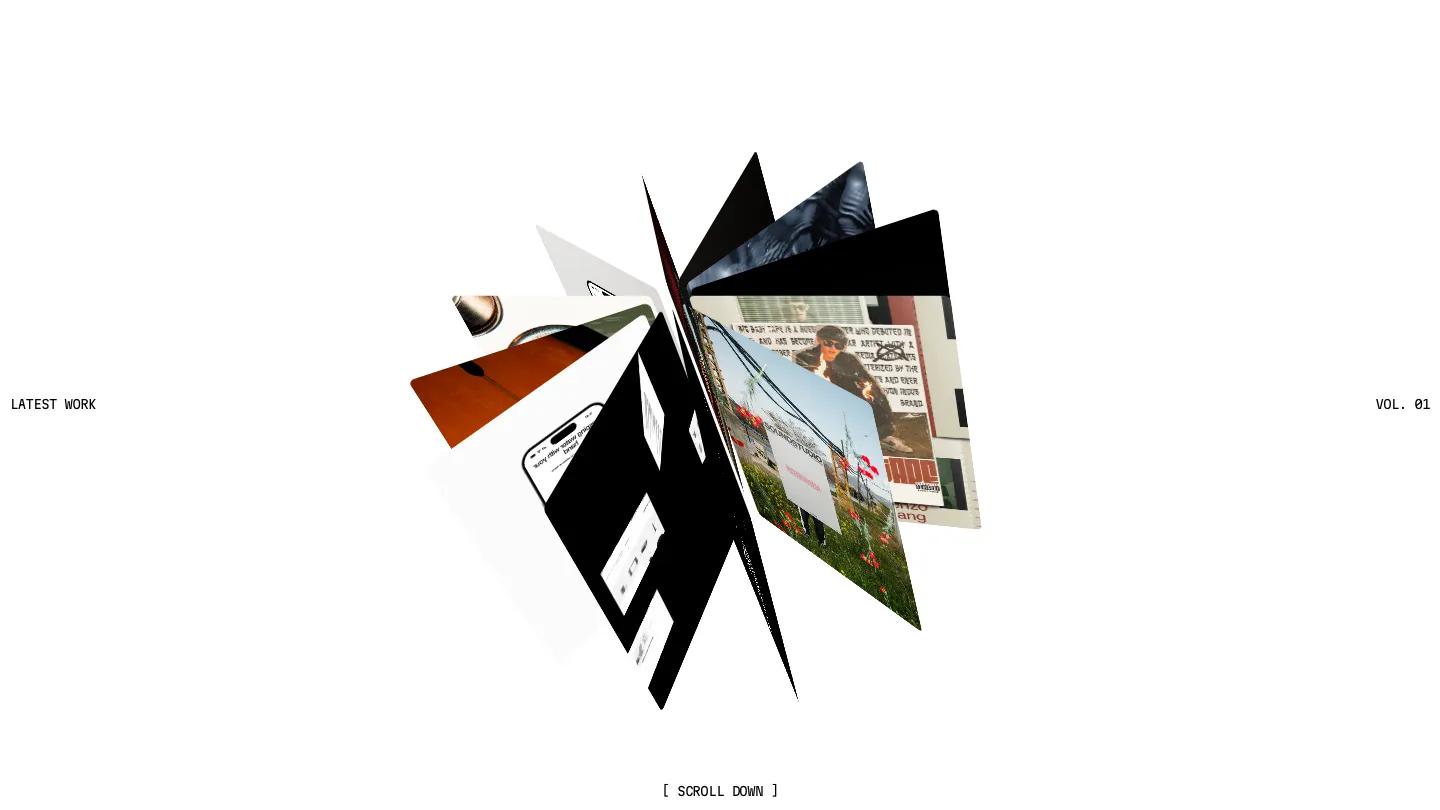
Overall Score: 9.7/10
Design Score: 9.7/10
Development Score: 9.7/10
Price: $49
Perfect for: Designers and creative studios who want bold typography and custom interactions without coding.
TITARVL ships with 3D transforms, custom cursors, and sticky scroll effects already wired up. At $49, you get a CMS-ready portfolio with slideshow components and layout templates that handle projects, services, and contact forms across devices. If you're comparing all Framer Art & Design templates, this one leans modern and typographic rather than image-heavy galleries.
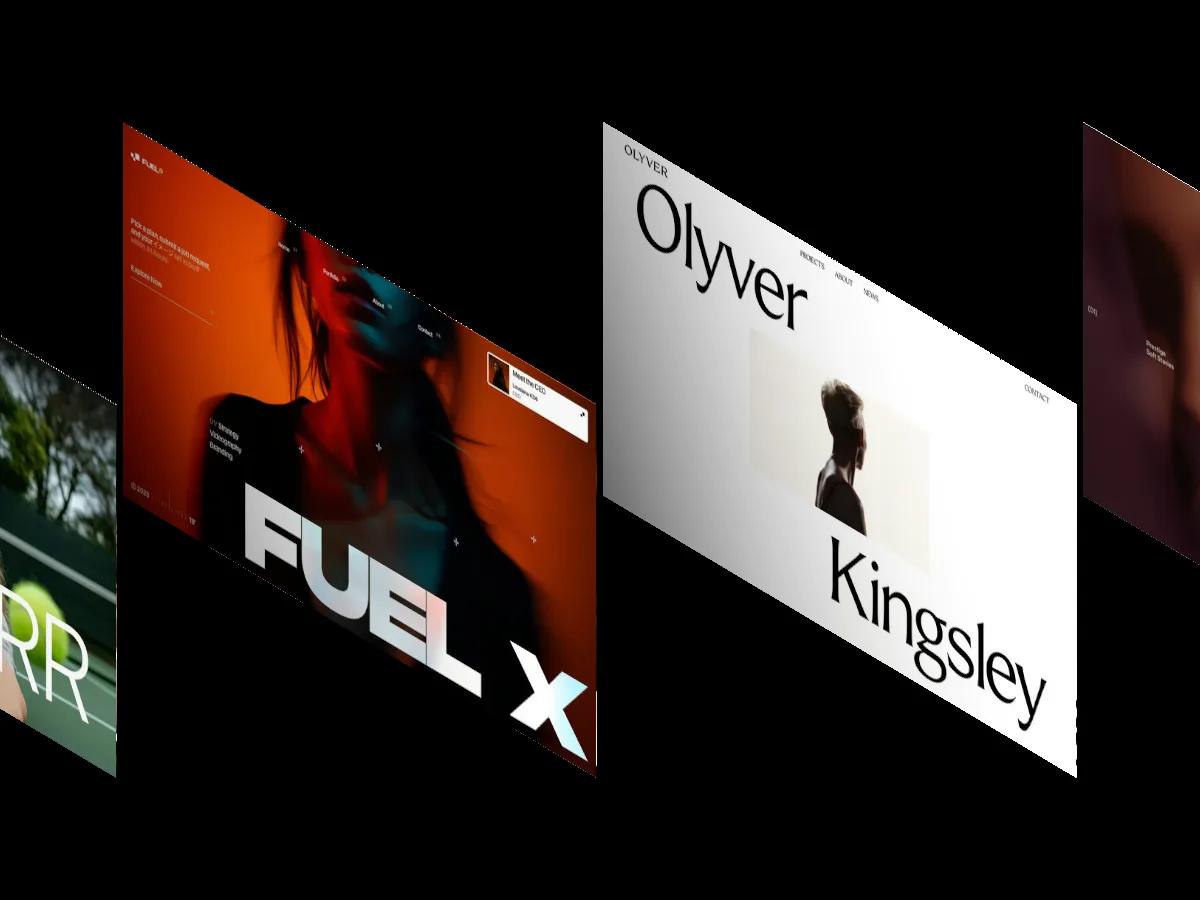
Olyver
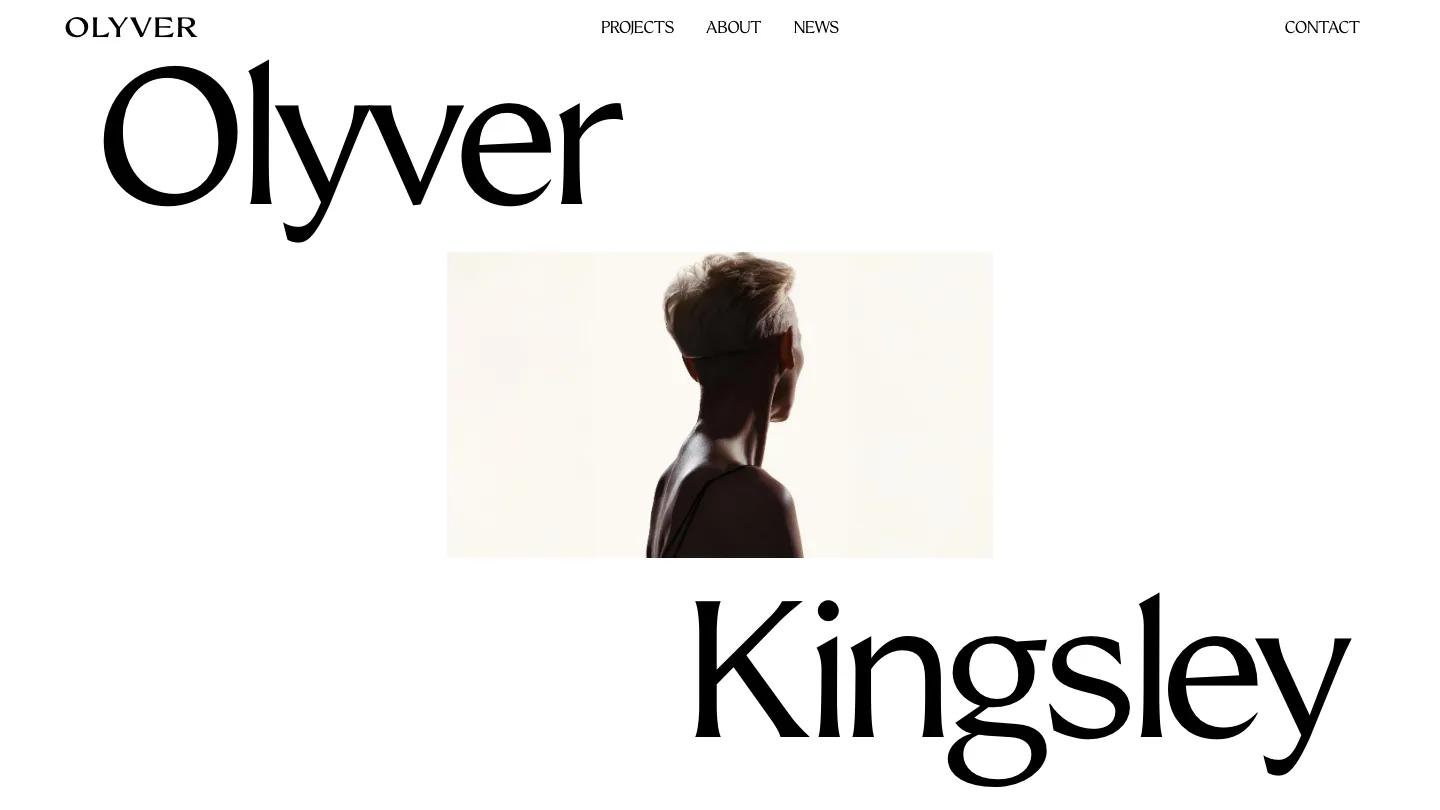
Overall Score: 9.6/10
Design Score: 9.6/10
Development Score: 9.7/10
Price: Free
Perfect for: Designers and creative professionals who want a portfolio that feels deliberate, not cluttered.
Olyver runs on Framer's CMS so you can update projects without touching code. This free template pairs custom cursors and scroll effects with a typographic backbone that doesn't shout. Multi-page structure includes blog, about, and contact forms; the 9.7 dev score reflects clean responsive behavior and reusable components you can adapt without breaking layouts.
Unmade
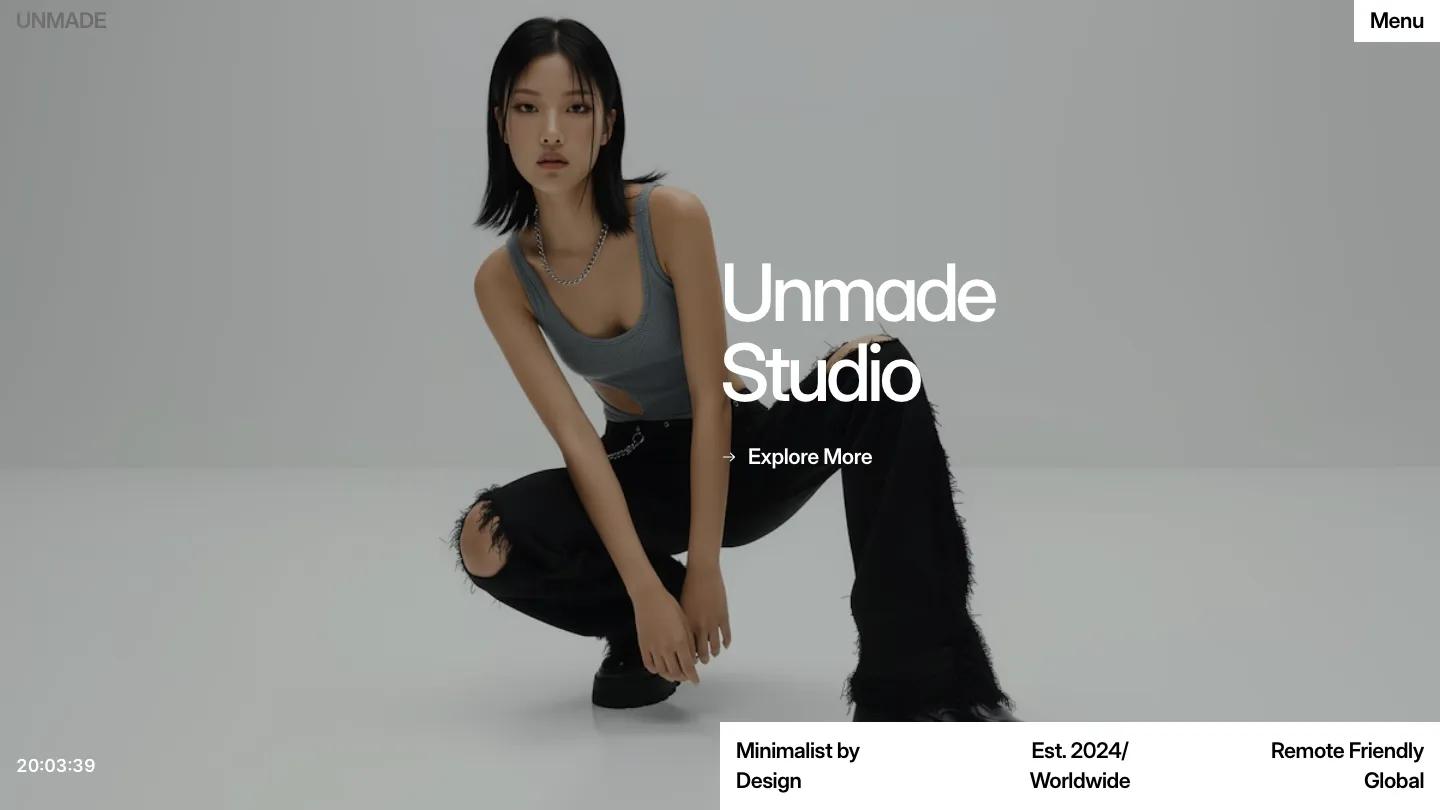
Overall Score: 9.6/10
Design Score: 9.6/10
Development Score: 9.7/10
Price: Free
Perfect for: Illustrators and visual artists who want a portfolio that feels like a gallery, with clean grid layouts that let your work breathe without fighting the design.
Unmade ships with CMS-driven project pages, light and dark themes, and smooth overlays so visitors can browse series without page reloads. The minimal structure works especially well if you also shoot; pair it with dedicated photography website templates when you need deeper image-handling tools. Free, responsive, and built with clean code that runs smoothly on Framer's hosting.
Elian
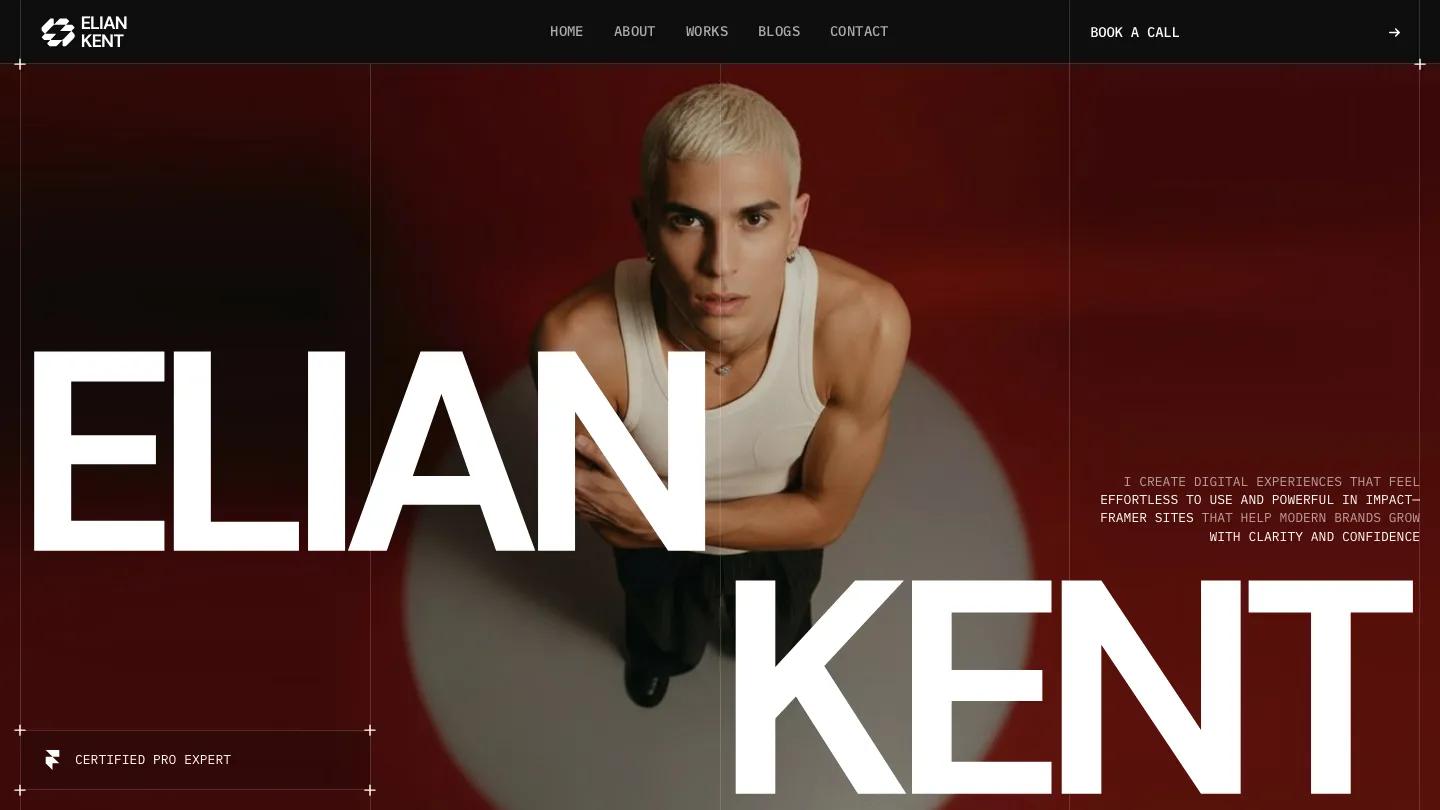
Overall Score: 9.6/10
Design Score: 9.4/10
Development Score: 9.7/10
Price: Free
Perfect for: Designers and artists who want a dark, grid-based portfolio that doesn't cost anything. Elian is free and ships with CMS-driven project pages, site search, and P3 color support for accurate hues on modern displays.
The multi-page structure includes blog, about, and contact forms; animations stay subtle enough for professional work. If you need more variety in layout styles, check out other portfolio templates for Framer, this one leans minimal and typographic.
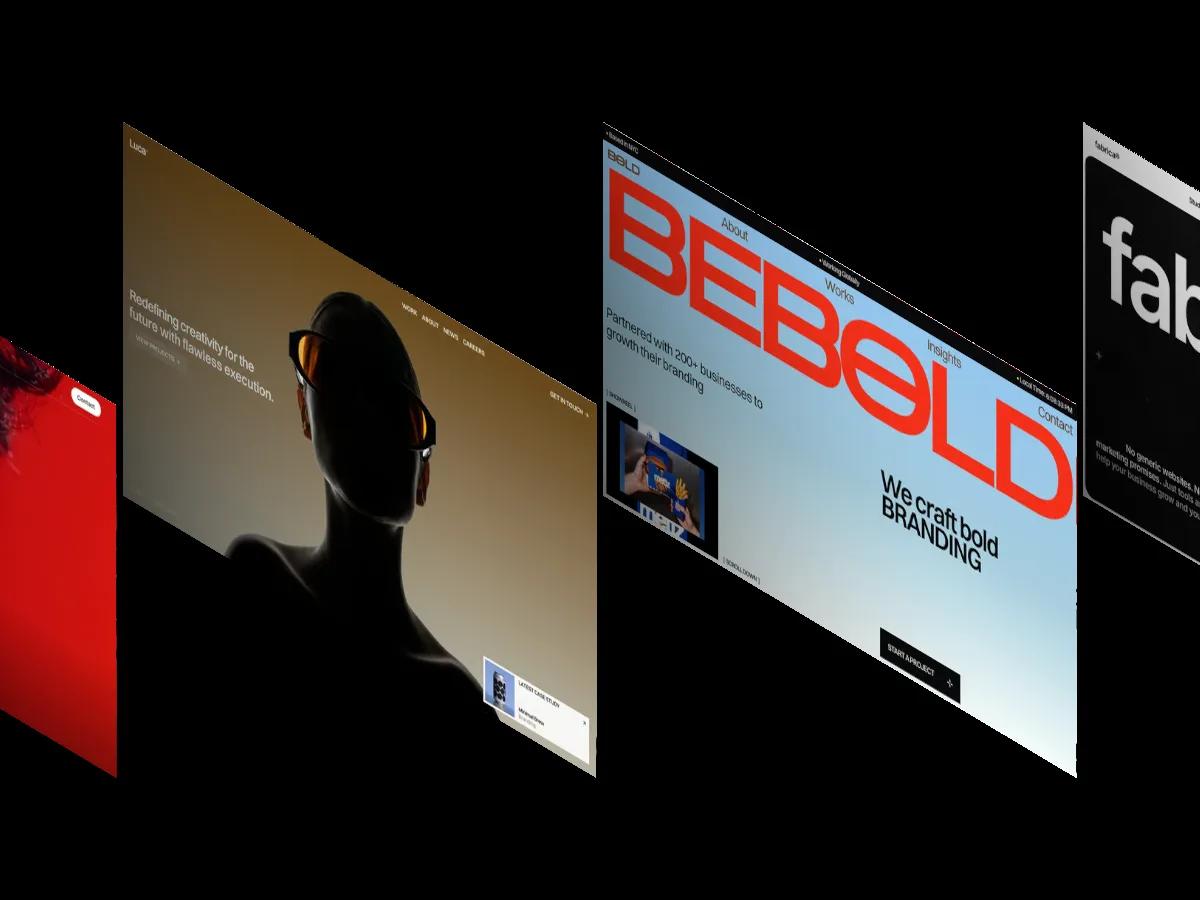
Fabrica
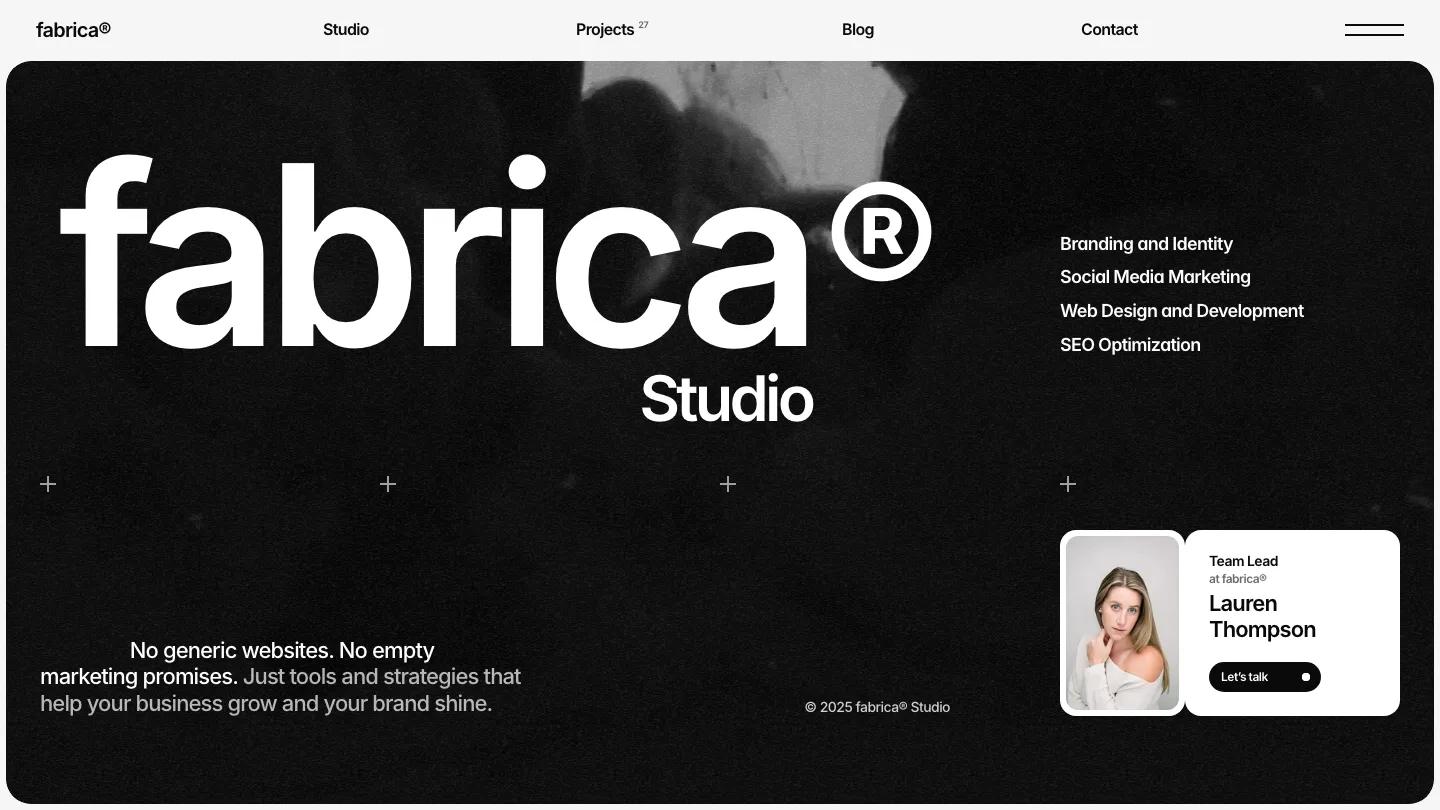
Overall Score: 9.6/10
Design Score: 9.4/10
Development Score: 9.7/10
Price: $129
Perfect for: Design studios and creative agencies that want a portfolio site as bold as their work
Fabrica pairs monochromatic layouts with sticky scrolling and background video to showcase projects without clutter. At $129, you get CMS-driven project pages, site search, and animation presets that feel intentional rather than overdone. If you also handle interior design website templates, the typographic emphasis and clean grid adapt well to spatial work.
Le Reve
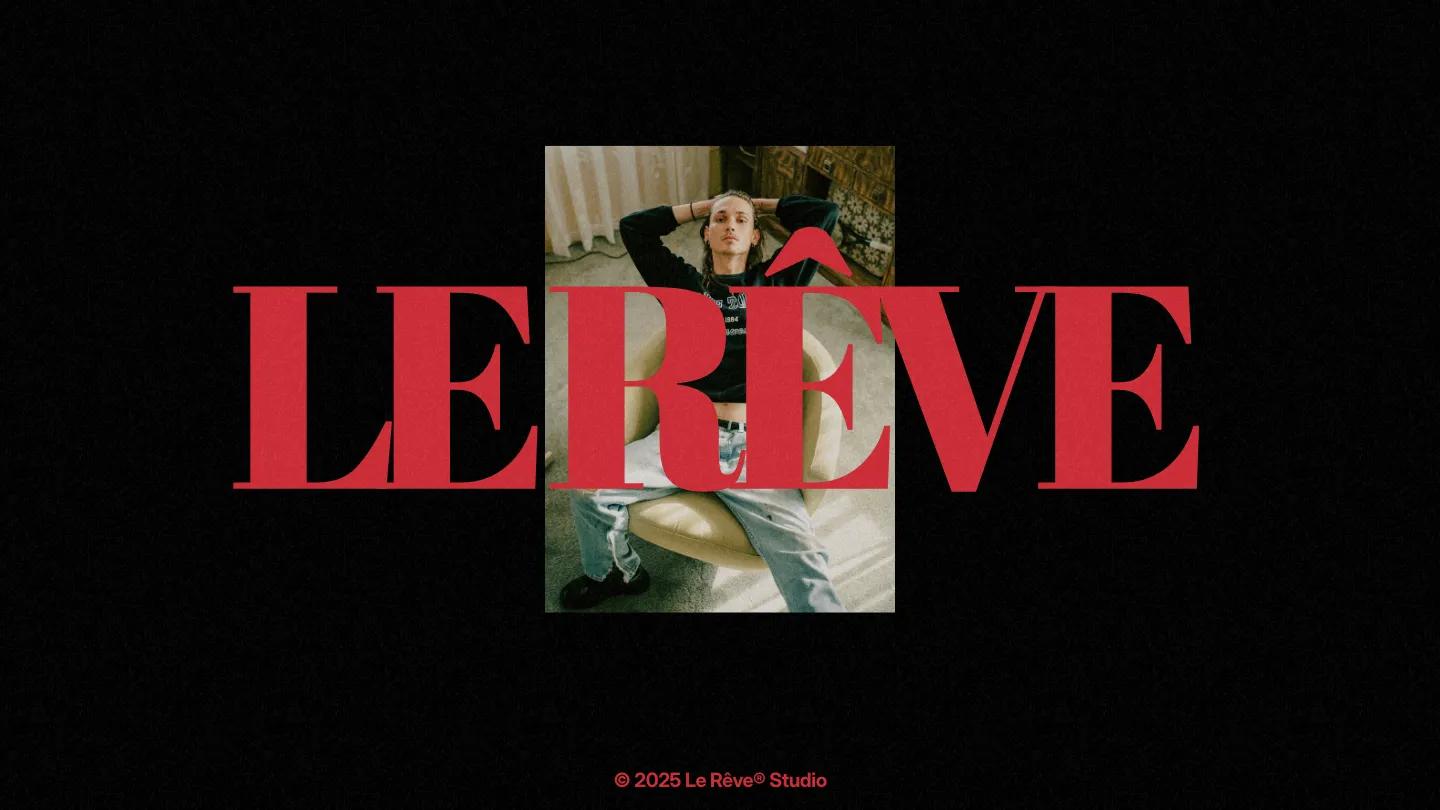
Overall Score: 9.6/10
Design Score: 9.5/10
Development Score: 9.6/10
Price: Free
Perfect for: Designers and creative agencies who want a portfolio that stays monochrome and dark by default, no color overload.
Le Reve scores 9.6 overall and comes free, with CMS-powered project pages, sticky scrolling, and variable fonts that give you typographic control. If you also work in physical spaces, check out Framer furniture and interior design templates for similar polish in a different niche.
Gordian
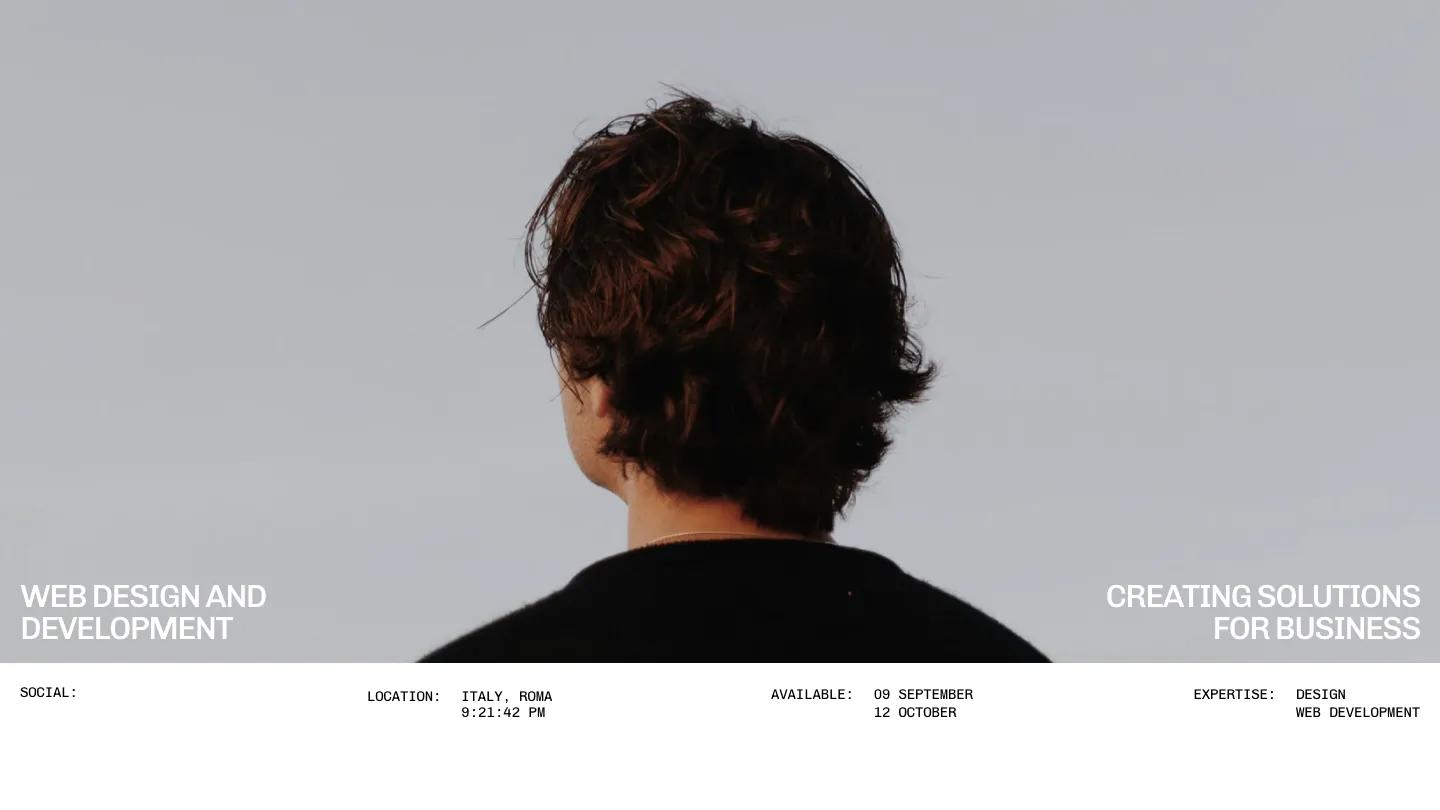
Overall Score: 9.5/10
Design Score: 9.5/10
Development Score: 9.6/10
Price: Free
Perfect for: Designers and creative studios who want a portfolio that stays minimal without feeling empty.
Gordian uses light backgrounds and strong typography to showcase project work. The template includes a CMS-driven projects page where you can add case studies without touching code, plus hover animations on project cards. At free, it's a solid starting point, though if you prefer dark-mode aesthetics, you'll need to adapt the light foundation yourself. For more options across niches, see our best Framer templates overall.
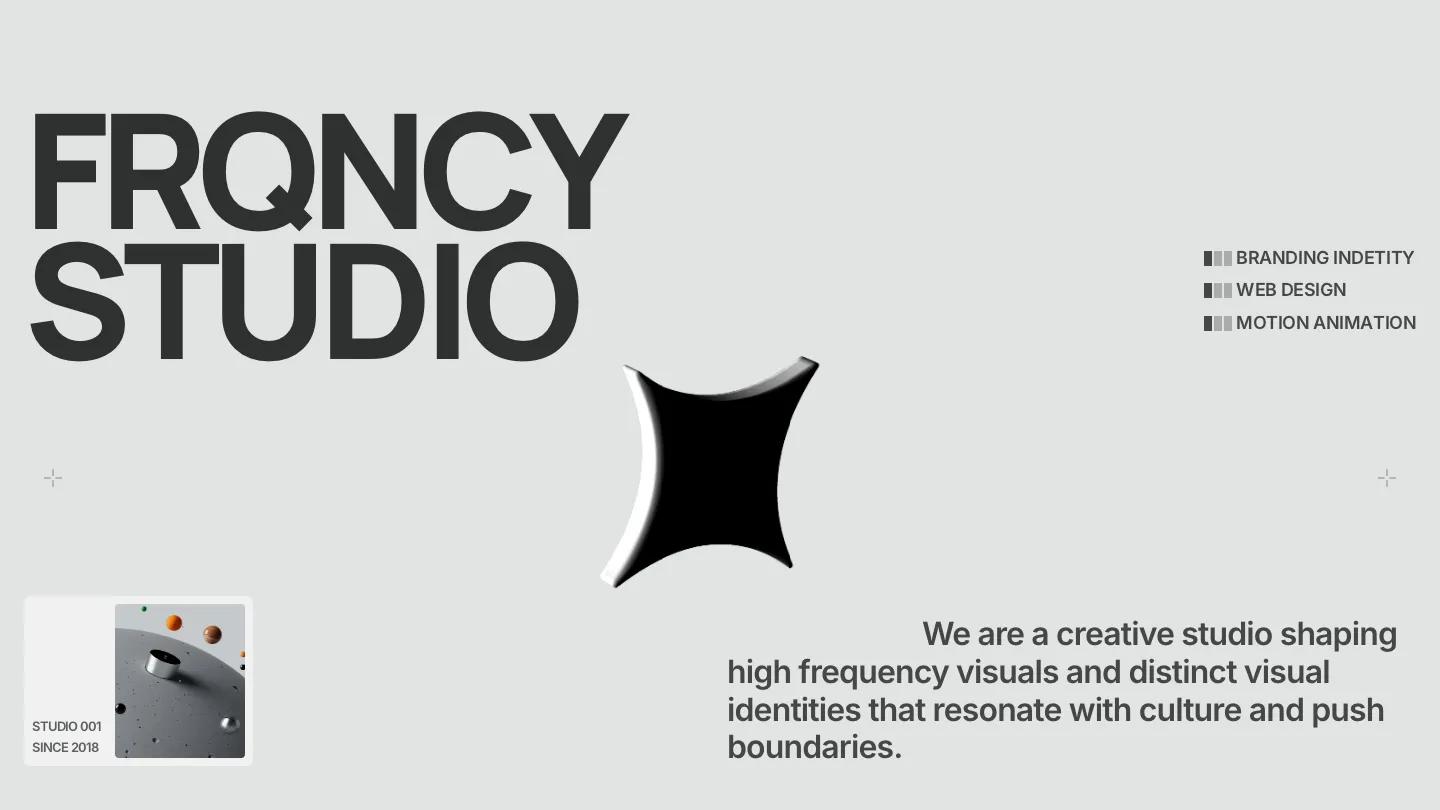
FRQNCY
Overall Score: 9.5/10
Design Score: 9.4/10
Development Score: 9.6/10
Price: $79
Perfect for: Design studios and creative professionals who want a portfolio that feels refined without overthinking it
FRQNCY ($79) uses a monochromatic grid system and variable fonts to keep the focus on your work, not the interface. The CMS handles project pages, custom cursors add polish, and sticky scrolling keeps navigation accessible as visitors browse. If you're comparing platforms, this Framer vs Webflow comparison covers speed and flexibility tradeoffs worth knowing before you commit.
TommasQuinn

Overall Score: 9.5/10
Design Score: 9.4/10
Development Score: 9.6/10
Price: $49
Perfect for: Creative directors and design studios that need a portfolio showcasing both finished work and process
TommasQuinn includes CMS-driven project pages, sticky scrolling for case studies, and overlays for image detail without leaving the page. At $49, this Framer template scores 9.5 overall (9.4 design, 9.6 dev) with animation, slideshows, and a full blog setup already wired. The monochrome, typographic style keeps attention on your work, and responsive components adapt cleanly across devices. If you want to understand what drives those scores, see how we score templates.
Elias

Overall Score: 9.5/10
Design Score: 9.5/10
Development Score: 9.5/10
Price: Free
Perfect for: Photographers and visual artists who want portfolio presentation that feels like a gallery, not a grid dump.
Elias uses variable fonts and custom cursors to give each project page weight without clutter. The CMS structure keeps case studies organized, and the monochrome palette lets your work speak. It's free, fully responsive, and includes animation presets you can dial back if minimalism tips into sterile; if you want to tweak type or layout further, check out how to customize a Framer template.
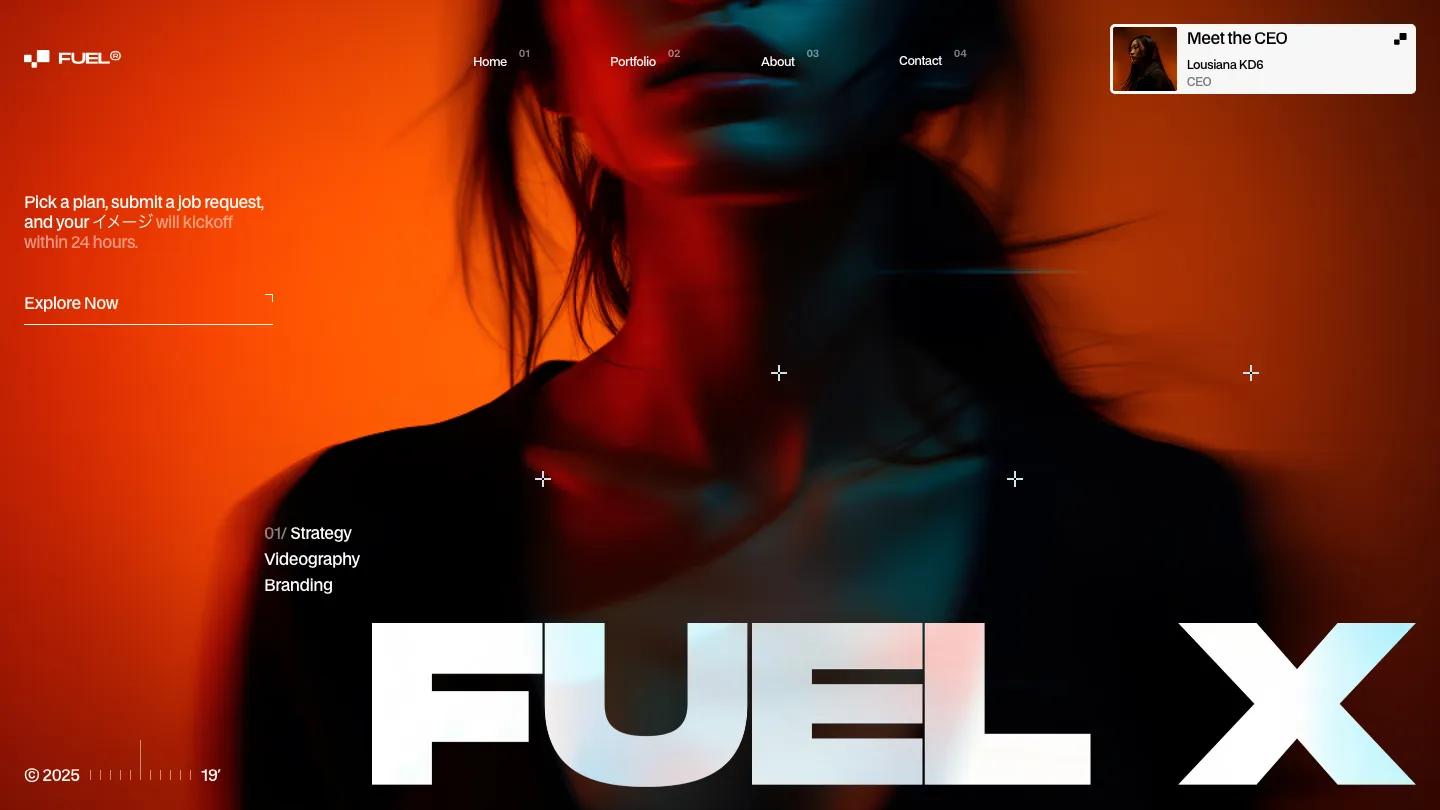
Fuel
Overall Score: 9.5/10
Design Score: 9.4/10
Development Score: 9.6/10
Price: Free
Perfect for: Designers who want a free portfolio that doesn't look free. Fuel ships with CMS-driven project pages, variable fonts, and sticky scroll animations already wired up.
The type system uses contrast and scale to create hierarchy, and the 9.6 development score reflects clean component logic and responsive behavior that holds up across devices. Multi-page structure includes pricing, about, and contact blocks, so you can adapt it for client work or personal branding without starting from scratch.
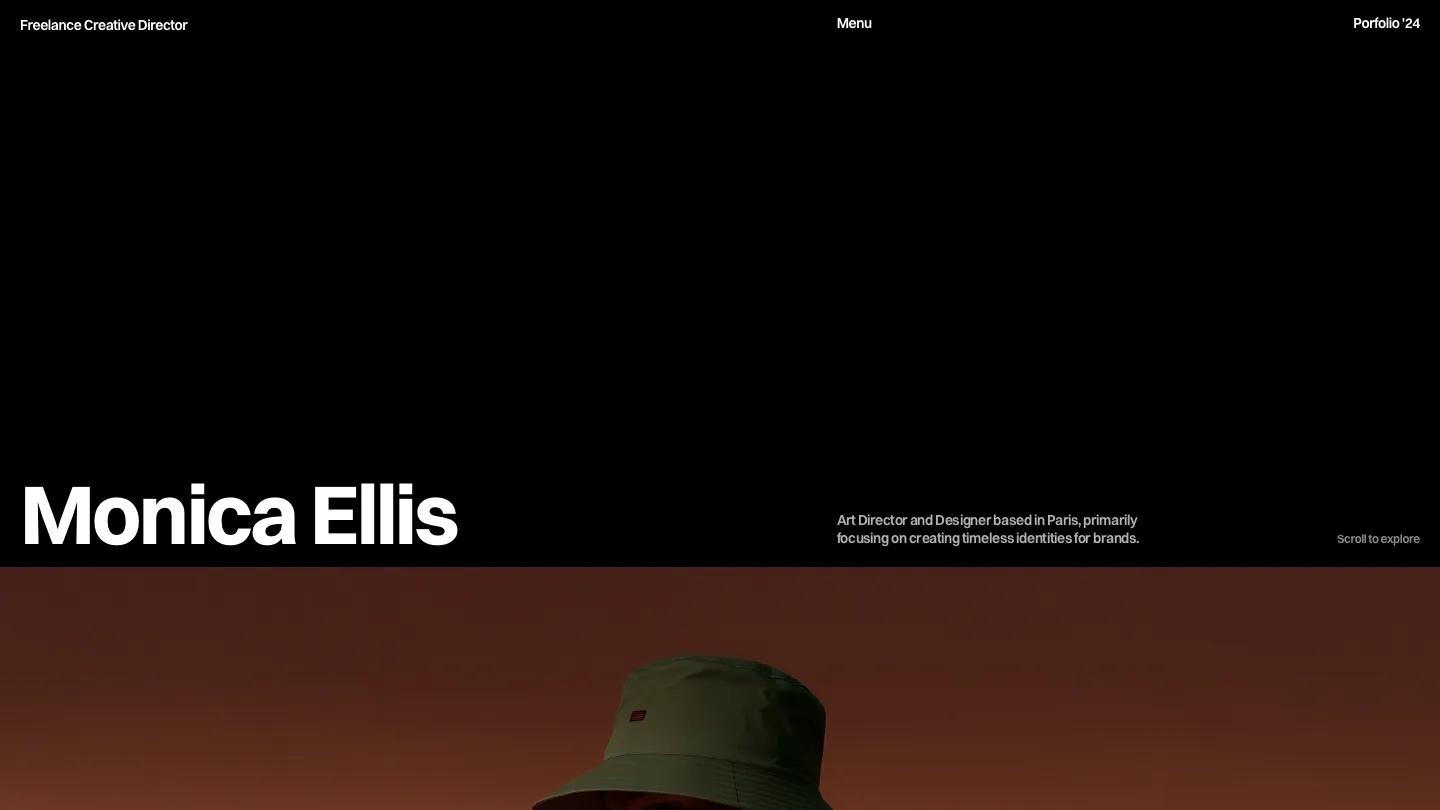
Monica Ellis
Overall Score: 9.5/10
Design Score: 9.4/10
Development Score: 9.6/10
Price: $49
Perfect for: Designers and creative directors who want a portfolio that feels like a statement piece, not just a grid of thumbnails.
Monica Ellis ($49) pairs bold typography with sticky scrolling and custom cursors, so every project reveal feels intentional. The CMS handles case studies, the dark mode stays readable, and the animation timing never drags. If you need a traditional agency landing page with service cards up top, this leans more editorial.
Final Thoughts
The templates above span different approaches to showcasing creative work, but a pattern emerges when you look at what actually works. The strongest art and design portfolios share one thing: they treat the work as the primary voice, not the designer's ego. That means restraint in color, typography, and animation. It means whitespace that breathes. It means navigation that gets out of the way so the images land harder.
If you're still choosing between these templates, start by asking what your work needs to say. If you're a photographer or visual artist whose pieces demand full-bleed presentation with minimal distraction, TITARVL and Olyver solve that immediately. If you're a multidisciplinary designer or studio showing case studies alongside still work, Unmade and Elian give you the structure to tell those stories without flattening them into a grid. If you're building something closer to an editorial presence or you want a site that feels as intentional as the work inside it, Fabrica and Le Reve reward the time spent customizing. The remaining templates each solve a specific problem well, which is exactly why they made this list. Pick the one that matches what your work actually needs, not the one with the most features or the slickest animation. The templates that work best are the ones that disappear into the work.