7 Best Shopify Themes for Blogs and Editorial Sites 2026

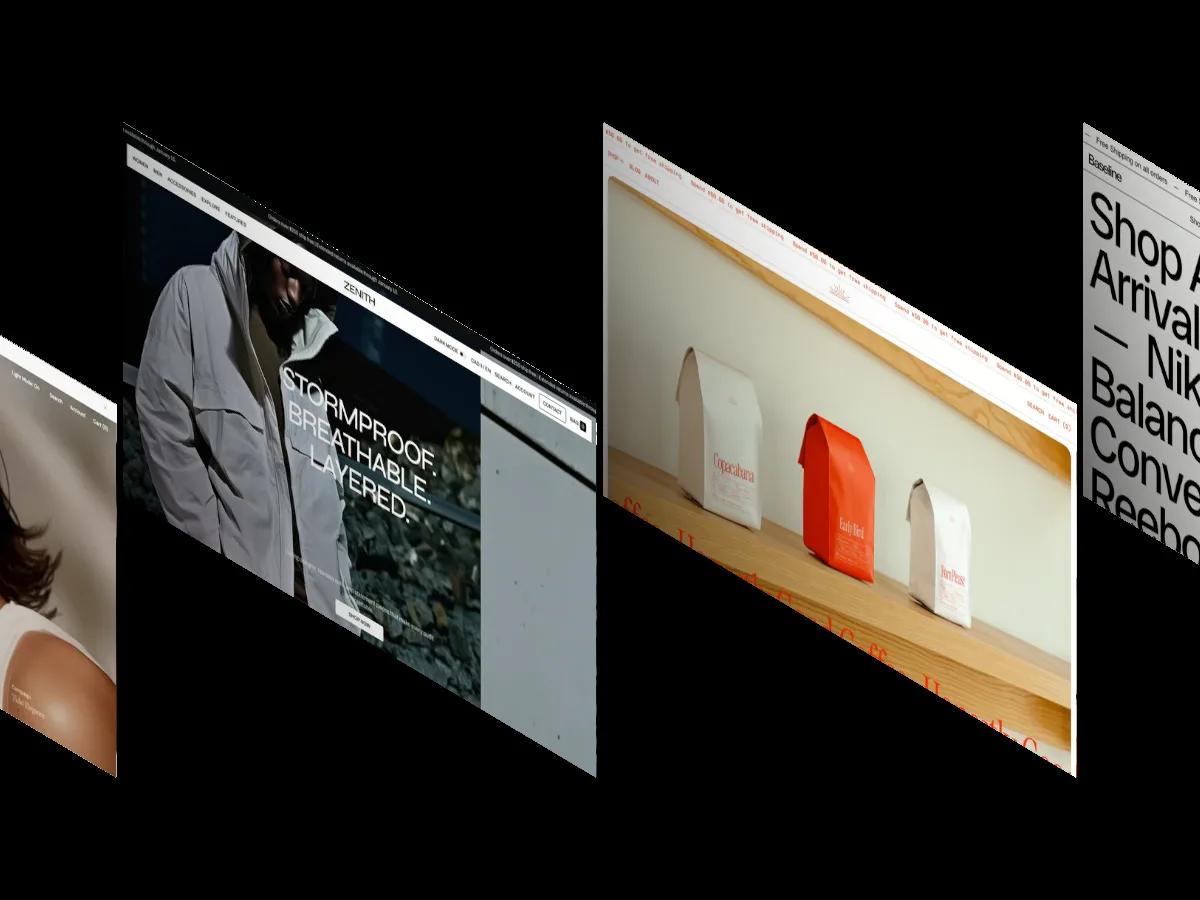
Every Shopify theme has a blog page, so we picked only the seven where editorial content is part of the homepage design: a journal row, a lookbook, feature stories, or a layout that reads like a printed catalog.
Shopify is a store builder first. Every Shopify theme ships with a blog page, so "has a blog" tells you nothing when you're choosing one for a brand that tells stories as much as it sells. What matters is whether the editorial side shows up on the homepage itself, or sits behind a footer link that nobody clicks.
So we set a stricter rule for this list. We only picked themes where editorial content is part of the homepage design: a journal or magazine row, a lookbook, feature stories set between the product sections, or a layout that reads like a printed catalog. Seven themes in our library meet it, and each entry below says exactly what the editorial part is. If you mainly publish and have little to sell, a store builder is probably the wrong tool, and our comparison of whether Shopify is the right platform for your blog covers the alternatives. For a publishing-first site, our best Framer blog templates are a better place to start.
Every theme in our library has an Overall Score of 7.0 or above. The seven here run from Overall: 9.3/10 down to Overall: 7.0/10, and two of them are free. You can also browse all the Shopify blog themes in our library.
Velour
Overall Score: 9.3/10
Design Score: 9.1/10
Development Score: 9.5/10
Price: $390
Perfect for: Fashion and apparel brands with strong lifestyle photography that want a lookbook and magazine-style posts on the homepage.
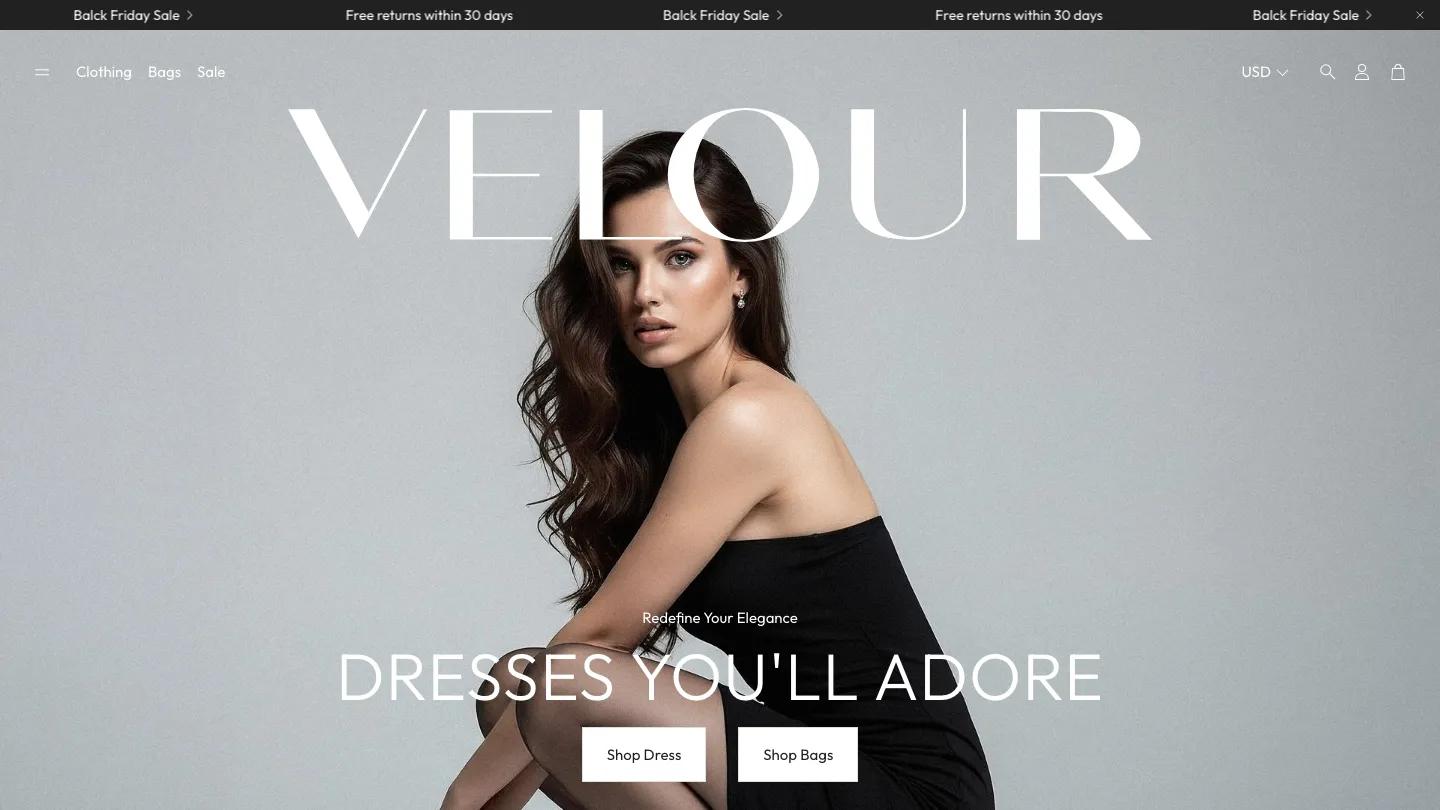
Velour's editorial side is a grid of blog posts styled like magazine features on the homepage, backed by a dedicated lookbook page and editorial-style blog posts in the demo. The hero sets the brand name in large white type over a full-screen lifestyle photo, and the Outfit typeface with soft whites, grays, and pale pinks leaves the product photography to carry the color. The quiz page and bundle builder give you formats beyond standard product listings, and animation stays at fade-ins and slow parallax shifts. If your catalog photos are plain or inconsistent, the airy layout may feel empty rather than elegant.
Beyond
Overall Score: 9.1/10
Design Score: 8.9/10
Development Score: 9.2/10
Price: $380
Perfect for: Jewelry, accessories, and small fashion labels that want the homepage to read like a fashion magazine, with a Journal link in the main menu.
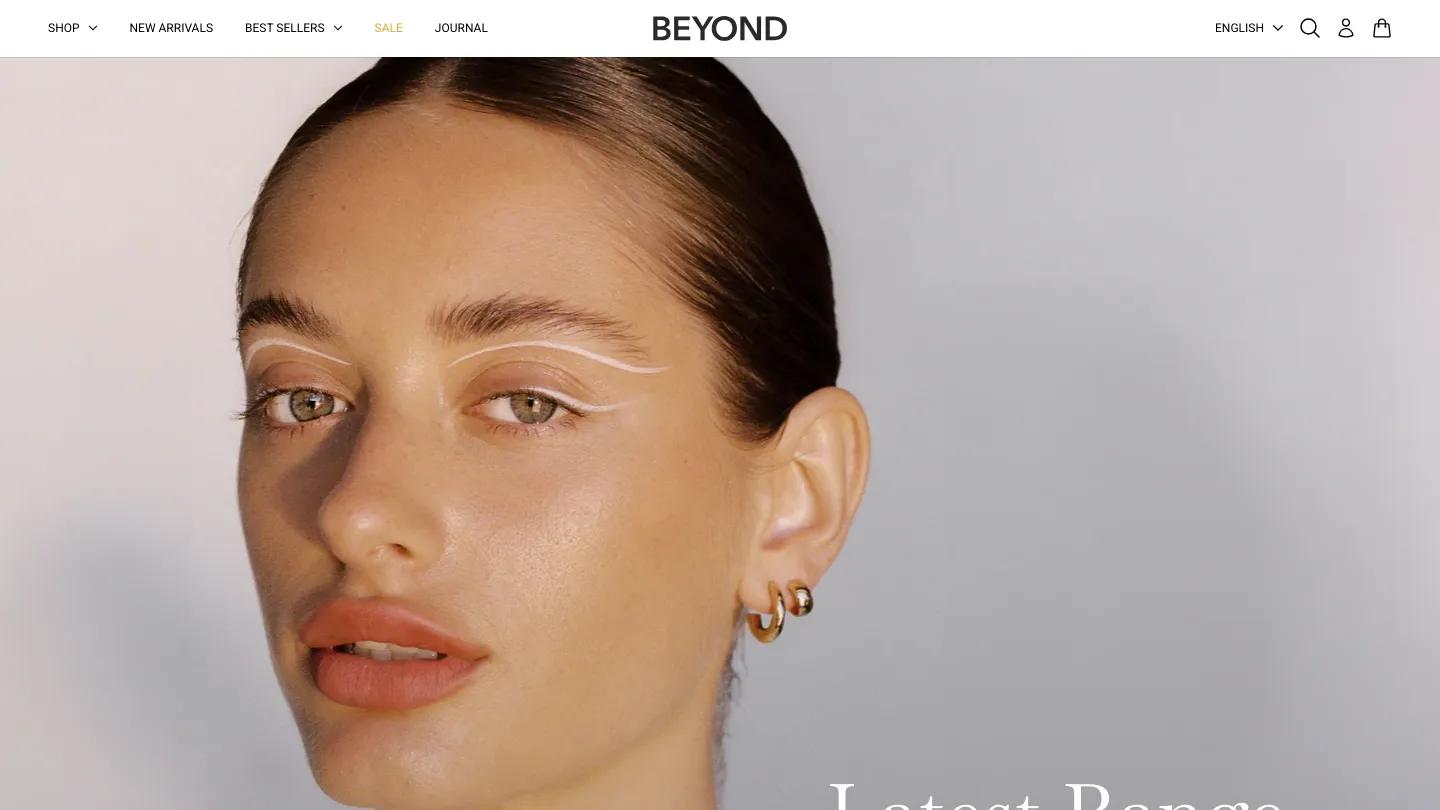
Beyond has the restraint of a fashion magazine, and most of that comes from type. Collections appear as a stack of huge serif headings, New Arrivals, Statement Pieces, Everyday Collection and Bestsellers, each with a one-line Poppins caption and hairline rules between them, like a contents page. The Signature Pendant section runs as a feature story beside close-up photos on deep burgundy, and Our Mission, Our Production and Our Impact alternate text and portraits in a calm split layout. Journal sits in the main navigation next to Shop and New Arrivals, so the blog gets equal billing. Check long italic intro lines on the product page, since one in the demo runs past the column edge.
Outsiders
Overall Score: 9.1/10
Design Score: 8.8/10
Development Score: 9.3/10
Price: $380
Perfect for: Streetwear, skate, and graphic tee brands with film-style photography that want a zine feel rather than a polished magazine.
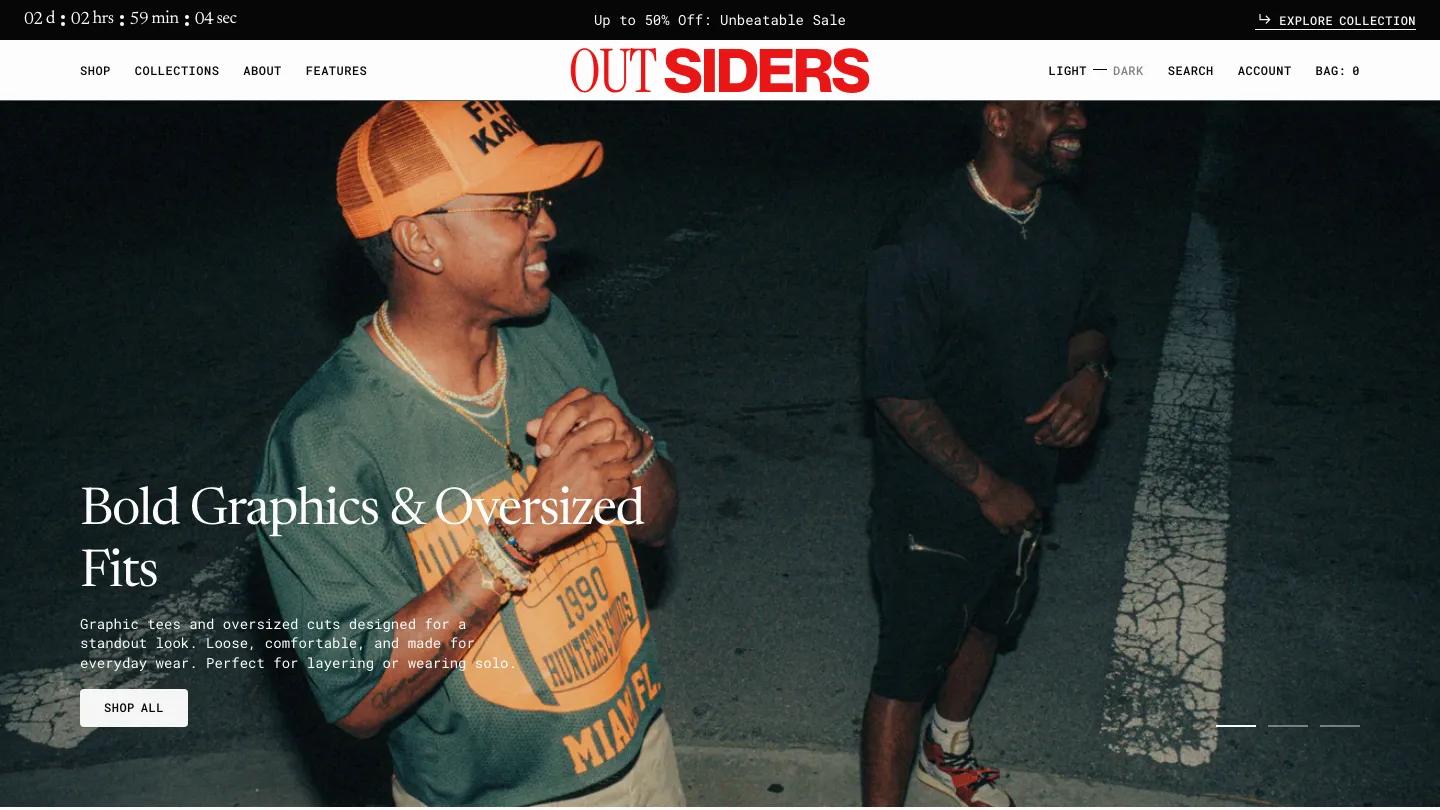
Outsiders mixes zine grit with a tidy editorial grid, pairing serif headings in Newsreader with monospaced body text all the way down. The editorial part is spread through the homepage: Shop by Collections stacks film-photo rows with a short paragraph each, Trending Street Style uses collage-like images with taped notes and scribbles, and a Style Insights story row sits near the bottom of the page. The header also carries a Light and Dark switch, so readers can pick their own mode. Some demo images show famous band and brand names on clothing, so swap those out, and decide whether two sale countdowns on one page suit your brand.
Distinctive
Overall Score: 9.1/10
Design Score: 8.9/10
Development Score: 9.2/10
Price: $360
Perfect for: Fashion and accessories stores with an editorial voice that want styling stories, press quotes, and journal cards on the homepage.
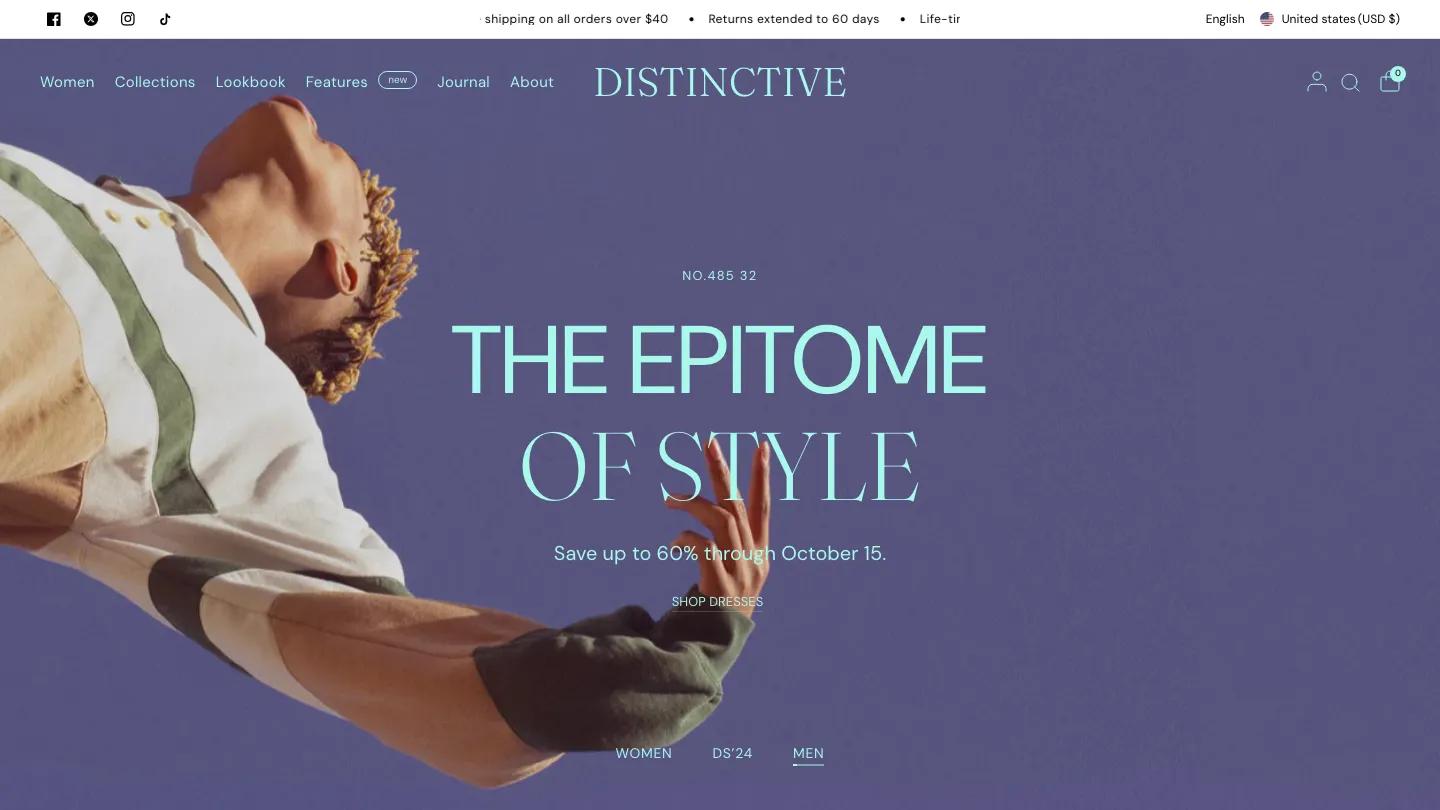
Distinctive carries a magazine streak through nearly every heading, mixing a clean sans with Fraunces, a high-contrast serif. Its homepage has more editorial blocks than any other theme here: a collections list set in large serif capitals like an index, a row of styling stories with bold lead-ins, an In the Press quote on a cream panel, and journal cards before the newsletter block. Lookbook and Journal both sit in the main menu. At $360 it's also the cheapest of the paid themes in this list. The logo strip uses famous brand names, so replace it with your own press or stockists, and plan imagery for each hero slide's different color scheme.
Brutalist
Overall Score: 8.5/10
Design Score: 8.2/10
Development Score: 8.9/10
Price: $400
Perfect for: Print shops, bookstores, and record labels with a confident editorial voice that want the whole site to read like a printed catalog.
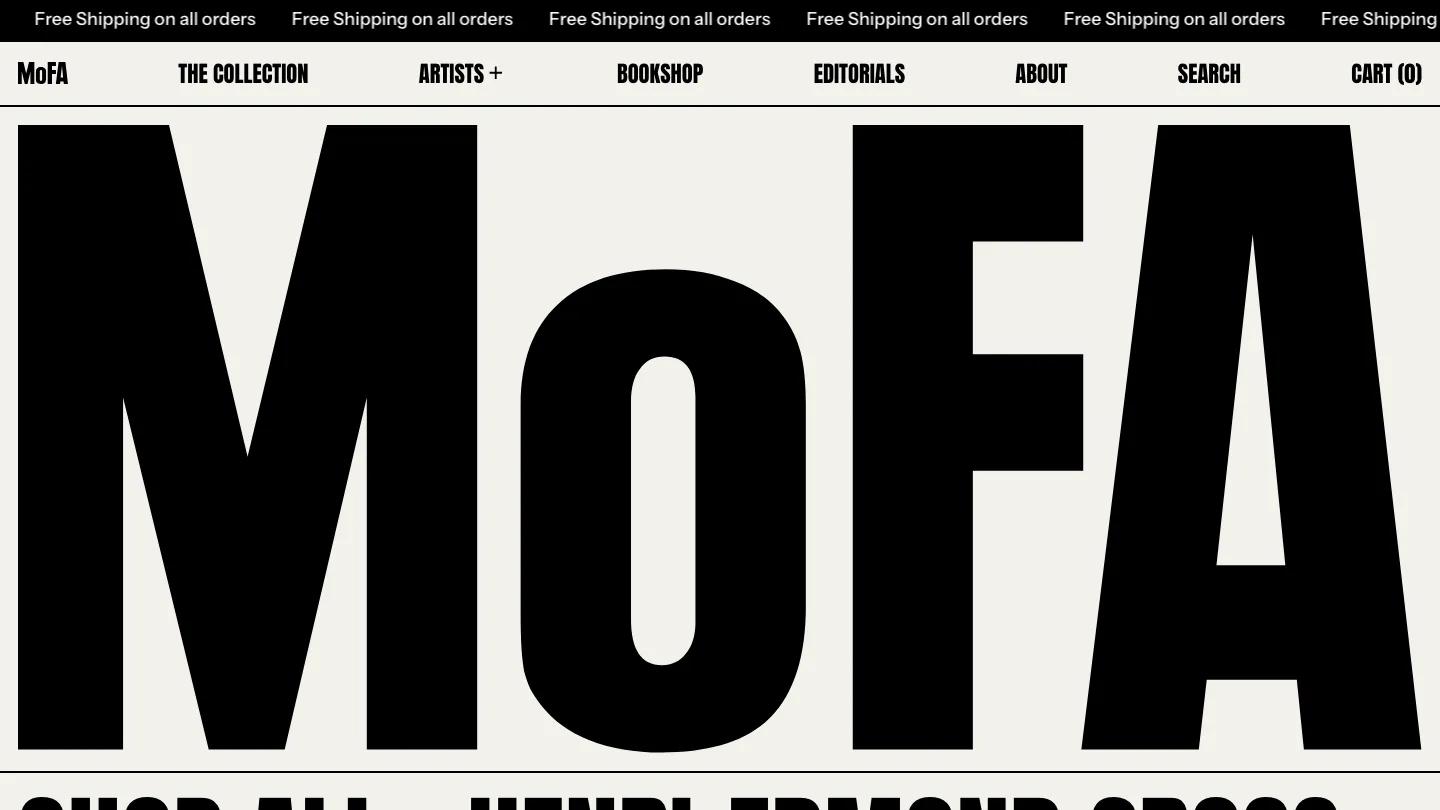
Brutalist is the closest thing to a publication in this list, and the demo dresses it as an art print house with Editorials and Bookshop in the header. The hero is nothing but a wordmark in black Anton spanning the cream page, followed by every artist in the catalog run together as one giant paragraph of condensed capitals. Thin black rules divide the page like a printed catalog, From Our Studio to Your Home explains printing and framing in alternating text and photo cells, and blog cards sit above a coral newsletter bar. A sortable table of the whole collection by Title, Artist, and Price is one of the best touches. Keep collection names short so the type stays readable, and replace the famous painters' names and magazine logos in the demo.
Publisher
Overall Score: 7.8/10
Design Score: 8.2/10
Development Score: 7.5/10
Price: Free
Perfect for: Independent studios and small publishers selling books, zines, and merch who want a free theme with magazine imagery up front.
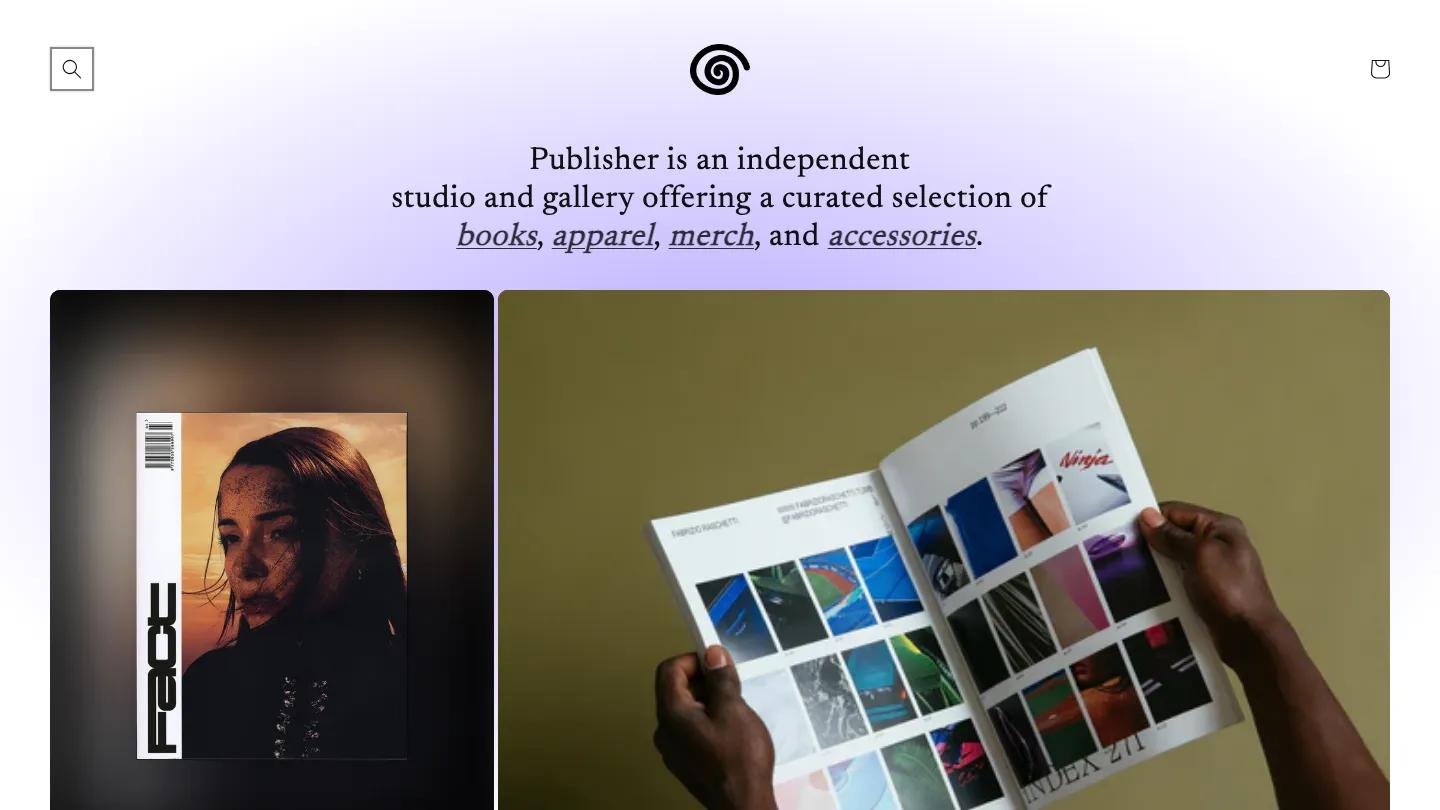
Publisher's demo is an independent studio and gallery, and its homepage opens with a sentence instead of a banner: a serif line on a soft lilac gradient, with books, apparel, merch, and accessories as underlined italic links. Below it, a magazine cover and an open photo book fill large rounded cards, so the editorial content is the first thing a visitor sees. Shopify lists blogs, lookbooks, and a sticky header among its features. We haven't published a written review of Publisher yet, so this entry sticks to its scores, cover, and listed features. If you're testing the waters first, our list of free Shopify themes has more options at no cost.
Craft
Overall Score: 7.0/10
Design Score: 6.7/10
Development Score: 7.3/10
Price: Free
Perfect for: Ceramicists, homeware studios, and small makers who want a calm, story-led shop with a magazine row and no big hero photo.
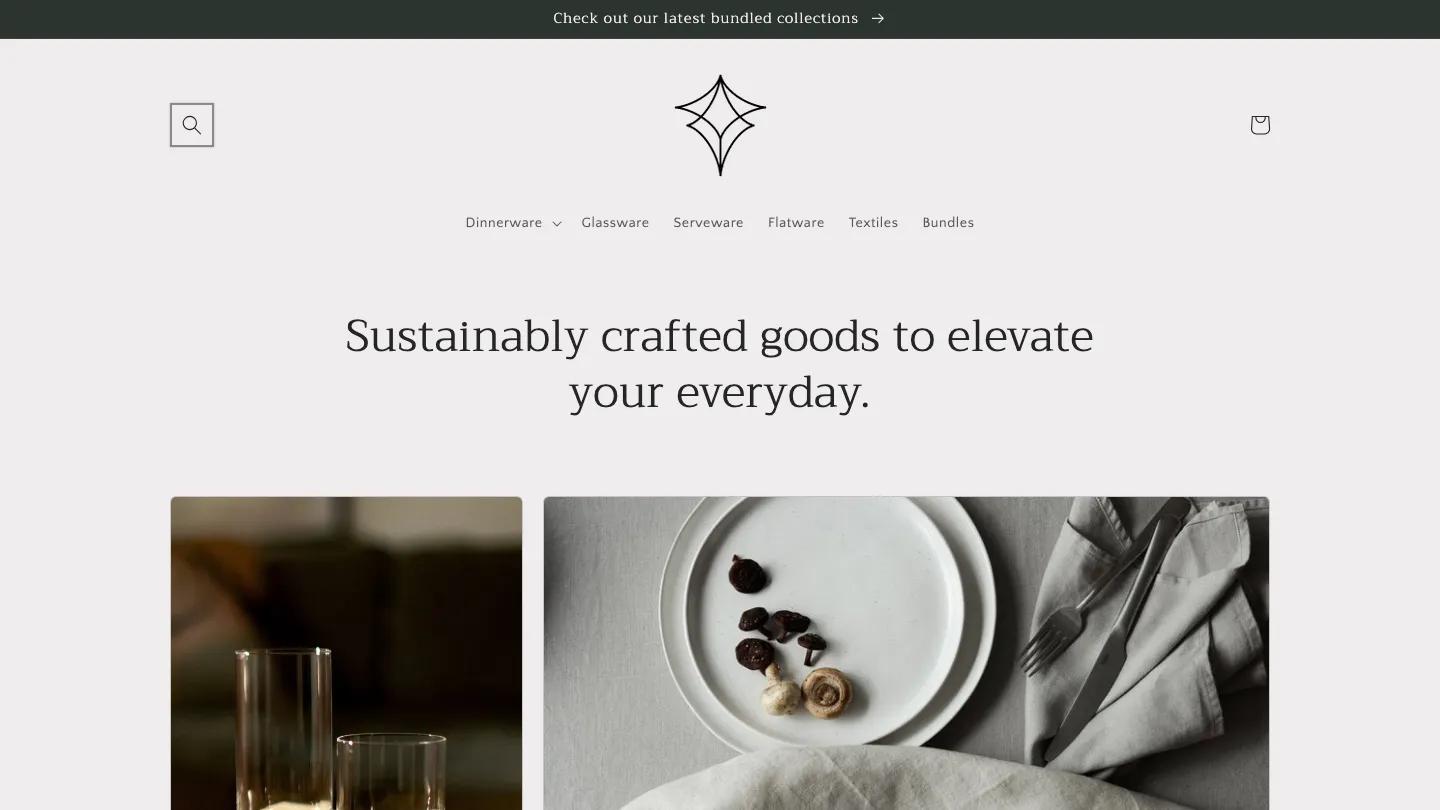
Craft skips the hero photo entirely and opens with a centered serif line in Trirong on a warm off-white page. Its editorial pieces are The Details Matter, a wide video panel of hands lifting a stamped bowl, a short belief statement with customer quotes in large serif type, and From the Magazine, a row of blog cards with dates in small caps. Its Design: 6.7/10 is the lowest in this list, and without a hero image the page depends on strong collection photos from the first scroll. The demo bowl is stamped with a real brand name, so replace that video and imagery with your own. If you plan to adjust type or spacing, read how to customize a Shopify theme before you start.
Final Thoughts
Every theme here is a store theme, so the real question is how much of the homepage you want to give to stories. Distinctive and Brutalist give it the most: Distinctive with styling stories, press quotes, and journal cards, Brutalist by turning the whole site into a printed catalog with Editorials in the header. Velour and Beyond keep the editorial side quieter, Velour through a lookbook and magazine-style post grid, Beyond through type that reads like a contents page. Outsiders suits a brand whose voice is closer to a zine than a glossy magazine. Publisher and Craft are the free options, and both deliver with caveats that match their scores.
If you're ready to move forward, our guide on how to customize a Shopify theme walks you through the practical steps of implementing one of these and making it yours without touching code. Before you pay for a premium theme, check Shopify theme licensing and refund policies. Start with the theme that matches your content pattern, not the one with the most features.
Frequently Asked Questions
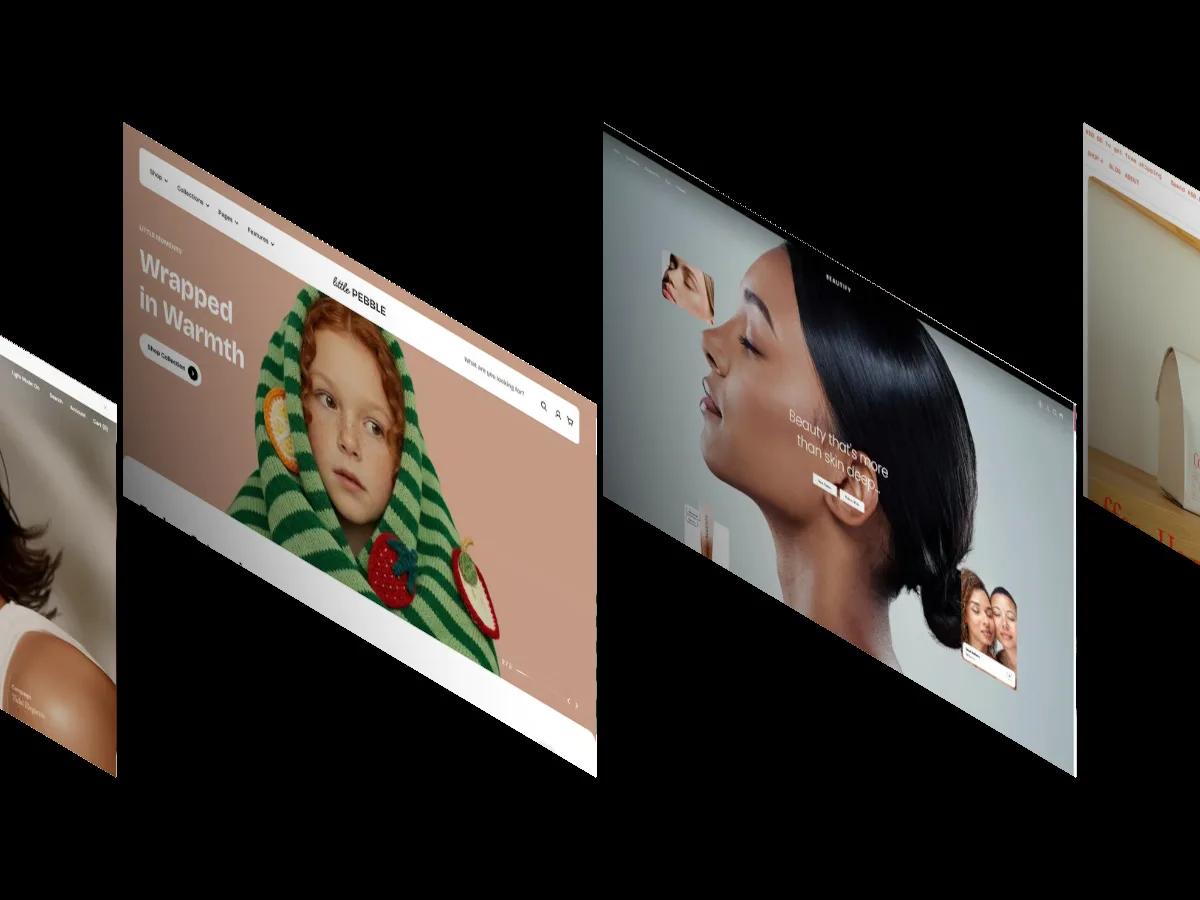
Best Shopify Themes for Online Stores and Retail 2026
by Daniel Harris
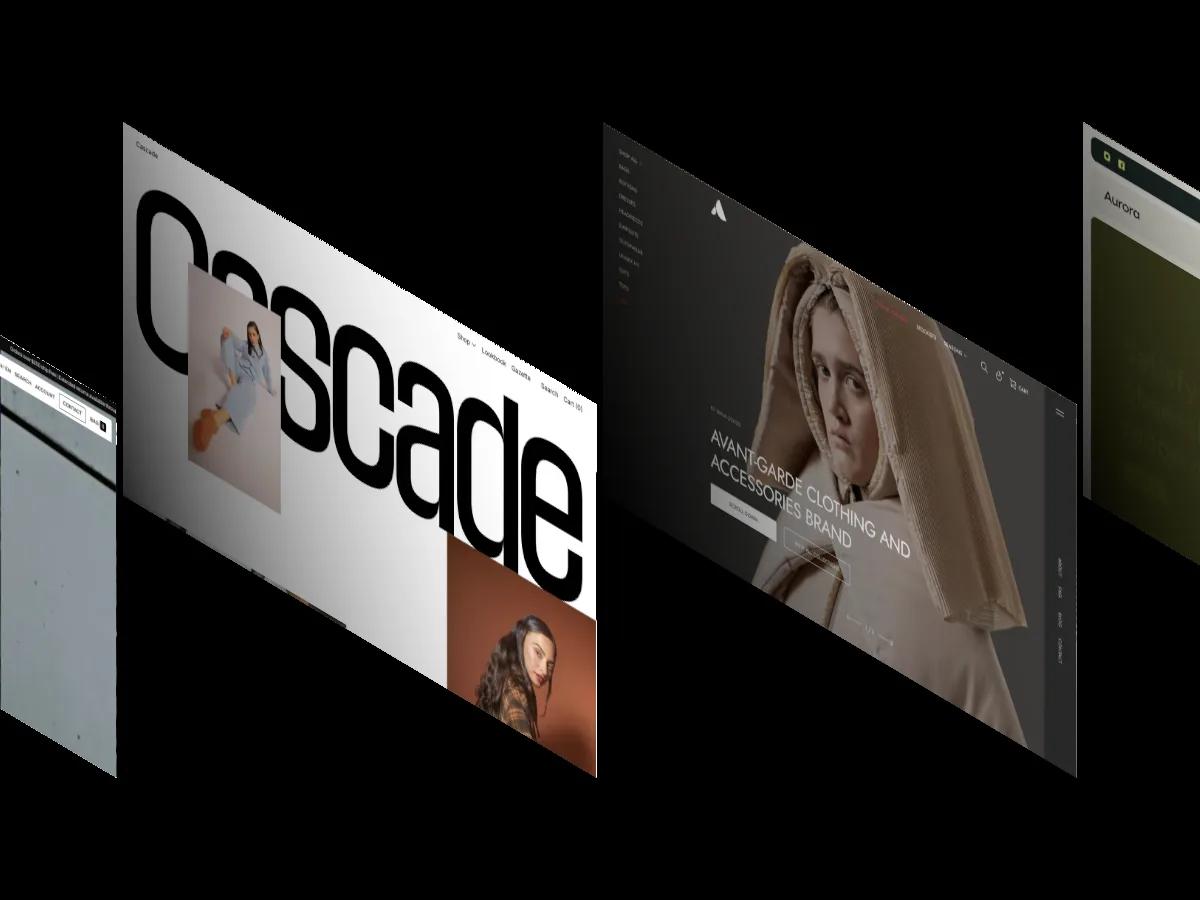
12 Best Shopify Themes for Clothing and Fashion Stores 2026
by Emma Clark
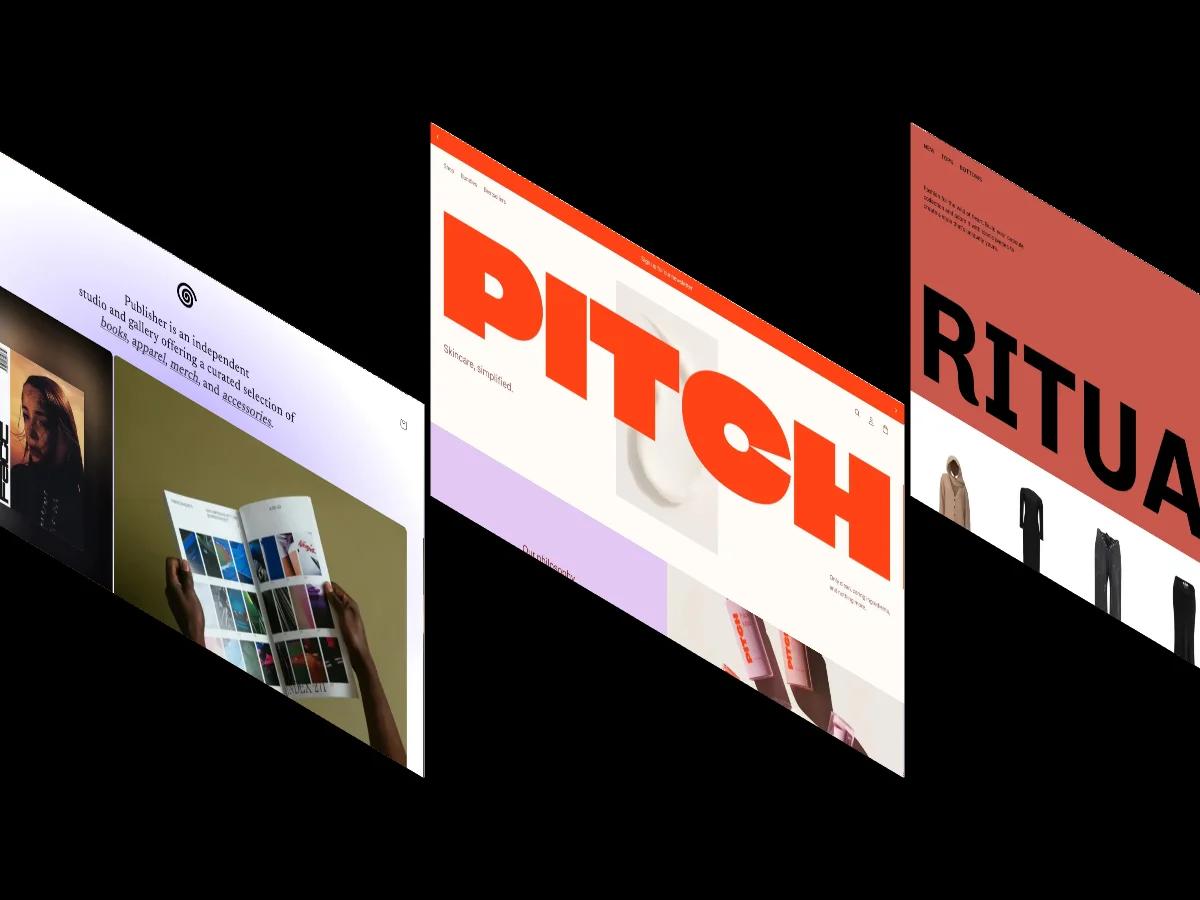
15 Best Free Shopify Website Themes 2026
by Jessica Reyes
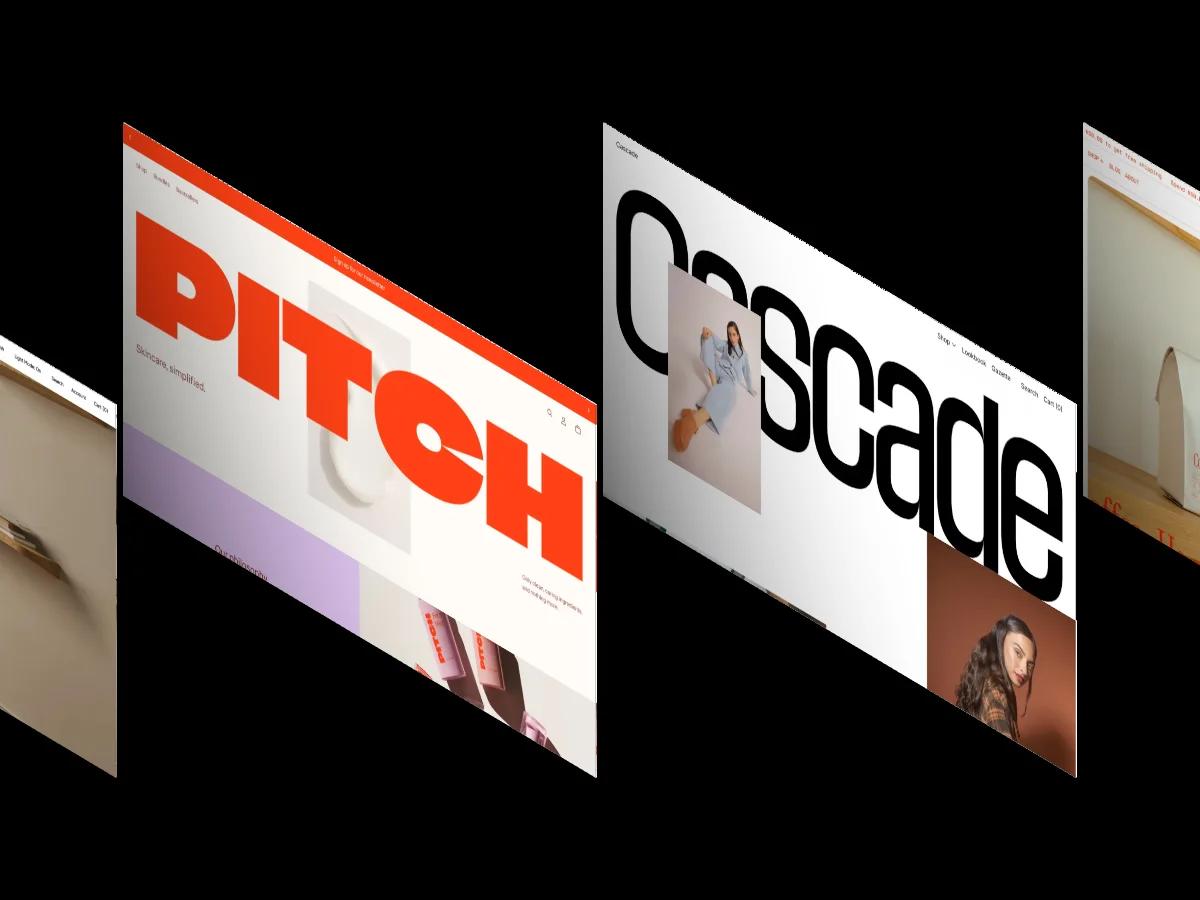
30 Best Modern Shopify Website Themes 2026
by Jessica Reyes
Best Shopify Themes for Dropshipping, Digital Products, and Speed
by James Miller