Where to Buy Shopify Themes and Who Makes the Best Ones

Shopify has one official theme store, a strict exclusivity rule, and a gray zone of third-party sellers around it. Where you buy determines whether your theme gets reviewed, updated, and supported. Here is how the sources compare, plus how to identify the theme behind any store you admire.
Shopping for a Shopify theme happens in a market with one official store, a strict exclusivity rule, and a gray zone of third-party sellers around it. That structure is worth understanding before you spend anything, because where you buy determines whether your theme gets reviewed, updated, and supported, or silently abandoned.
We've independently reviewed and scored 166 Shopify themes, each evaluated by professional designers and developers with 10 or more years of experience. This guide covers where to buy, which developers consistently earn top scores in our reviews, and how to identify the theme behind any Shopify store you admire.
Where can you buy Shopify themes?
The official Shopify Theme Store is the primary and safest source: every theme listed there passed Shopify's multi-stage review covering functionality, performance, and design, and updates arrive automatically inside your admin. Themes listed in the official store are exclusive to it by Shopify's own rules, so a theme you find there is not legitimately for sale anywhere else. Third-party marketplaces sell themes that never went through that review.
The exclusivity rule is the detail most buyers miss, and it makes Shopify different from Webflow and Framer, where creators sell the same template through multiple storefronts. On Shopify, the buying decision is really a two-way choice: reviewed themes inside the official store, or unreviewed themes outside it. Outside sources include general marketplaces and individual sellers, and the files they sell install as ZIP uploads that receive no automatic updates and no guarantee of compatibility with new Shopify features.
Our position after scoring 166 themes: buy from the official store unless you have a specific, verified reason not to. The worst files we've evaluated all came from outside it. What the official store doesn't give you is comparative quality data, it lists what passed review, not how well, and that's the gap our Shopify library fills with independent Design and Dev Scores on every theme we publish.
Where do you find premium Shopify themes with responsive design?
Every premium theme in the official Theme Store is responsive by requirement: mobile support is a listing condition, not a selling point. So "premium responsive Shopify theme" simplifies to "premium Shopify theme," and the real questions become price and quality of the mobile experience. Premium themes in our library run $100 to $490, with a median of $360 and an average of $336.
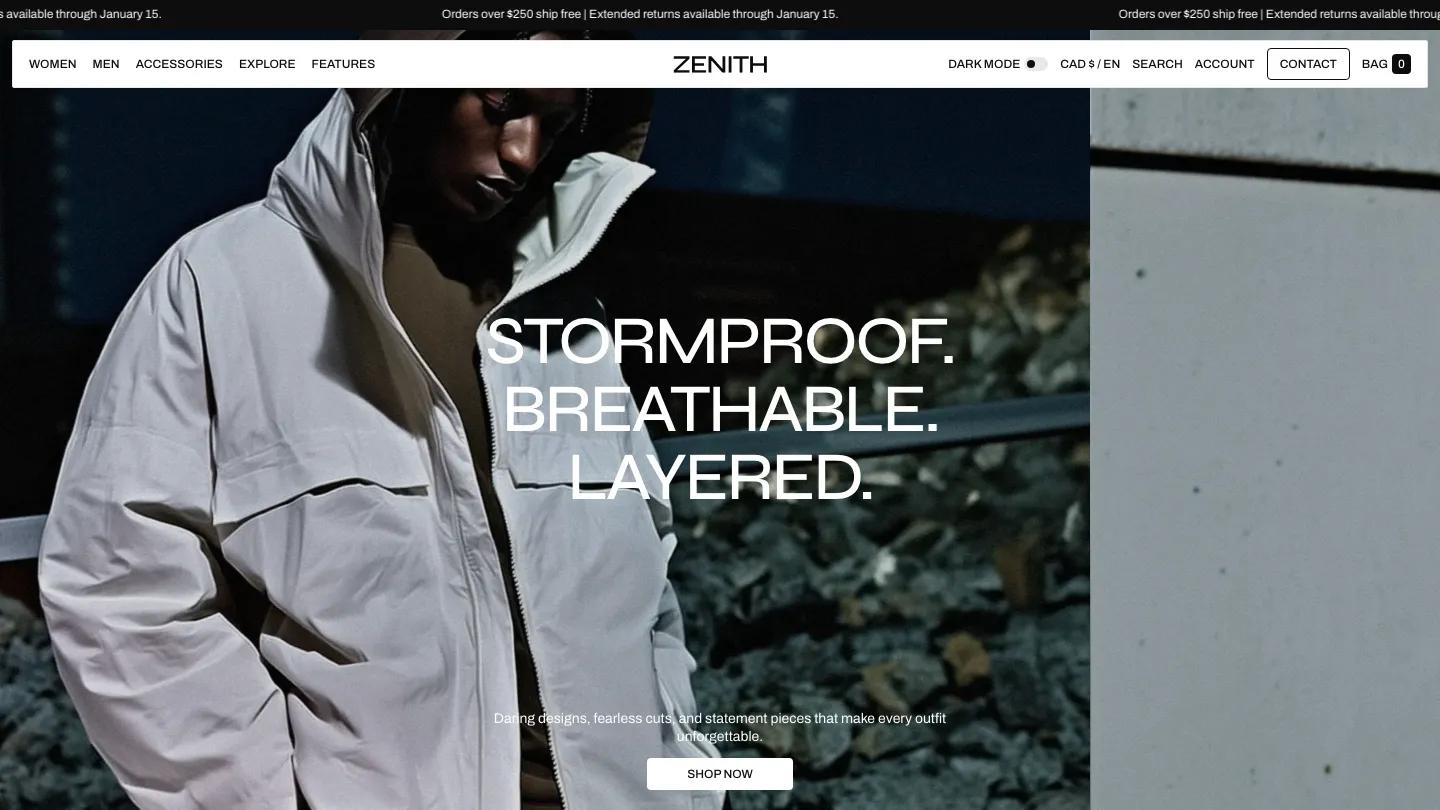
Price and quality correlate only loosely in our score data. The $380 to $420 band contains both the best files we've reviewed and several mediocre ones, which is why we publish scores instead of price-based recommendations. The top of the premium tier, Zenith ($380), Affair ($380), and Aurora ($390), all score Overall: 9.5/10, while themes at identical prices score two full points lower.
"Responsive" also deserves a sharper test than a listing badge. Open the demo at 375px width and try the actual buying flow: tap a product from a collection, pick a variant, add to cart. Mobile is where most store traffic lands, and the difference between technically-responsive and genuinely-good-on-mobile is exactly what separates a 7-point theme from a 9-point one in our reviews. Our template pricing breakdown has the full premium pricing data across platforms.
Who are the top Shopify theme developers?
By our score data, the strongest Shopify theme studios are Apparent Collective, Switch, and a tier of specialists including FoxEcom, Krown Themes, Clean Canvas, and Staylime. Apparent Collective has 11 themes in our library including Zenith and Affair, both at Overall: 9.5/10. Switch has 14 scored themes, the most of any commercial studio we cover, with Candy, Aura, and Press all reaching 9.5/10.
Shopify itself is the platform's biggest free-theme developer: 14 of the 15 free themes in our library are first-party, which is why the free tier stays maintained and compatible in a way free templates on other platforms often don't.
Studio names matter on Shopify more than on other platforms because themes are long-term relationships. Theme Store developers are required to provide documentation, a public support contact, and responses to merchant requests within two business days, and your theme's future updates depend on the studio staying active. A studio with a deep, consistently scored catalog is evidence of that staying power. If you're building a content-heavy store or editorial site, our Shopify themes for blogs and editorial sites roundup covers the subset of themes that prioritize reading experience over product grids. The full rankings inside each studio's catalog are in our 30 best modern Shopify themes roundup, and our data study across 860 templates compares studio patterns across platforms.
How do you find out which Shopify theme a website is using?
View the page source and search for "Shopify.theme". Nearly every Shopify storefront exposes a small JavaScript object containing the theme's name and, when the theme came from the official Theme Store, a theme_store_id you can use to find its listing. Right-click the store's page, choose View Page Source, then search the text for Shopify.theme; the name field sits right in that snippet.
Two caveats keep this honest. First, merchants can rename themes in their admin, so the name field sometimes shows an internal label like "Copy of Launch v2" instead of the real theme name; the theme_store_id is the more reliable signal, since it points at the actual store listing regardless of renaming. Second, a missing or null theme_store_id usually means a custom-built or heavily forked theme, in which case there's nothing to buy; what you're admiring is agency work.
Browser extensions that "detect" Shopify themes read this same public data, so you don't need one. And a practical note from our review work: stores rarely run themes as-shipped. The storefront you admire is usually a theme plus weeks of customization, so check the theme's actual demo before buying, and compare its scores in our library rather than judging by one customized storefront.
FAQ
Best Shopify Themes for Dropshipping, Digital Products, and Speed
by James Miller
7 Best Shopify Themes for Blogs and Editorial Sites 2026
by Olivia Taylor

Best Shopify Themes for Online Stores and Retail 2026
by Daniel Harris
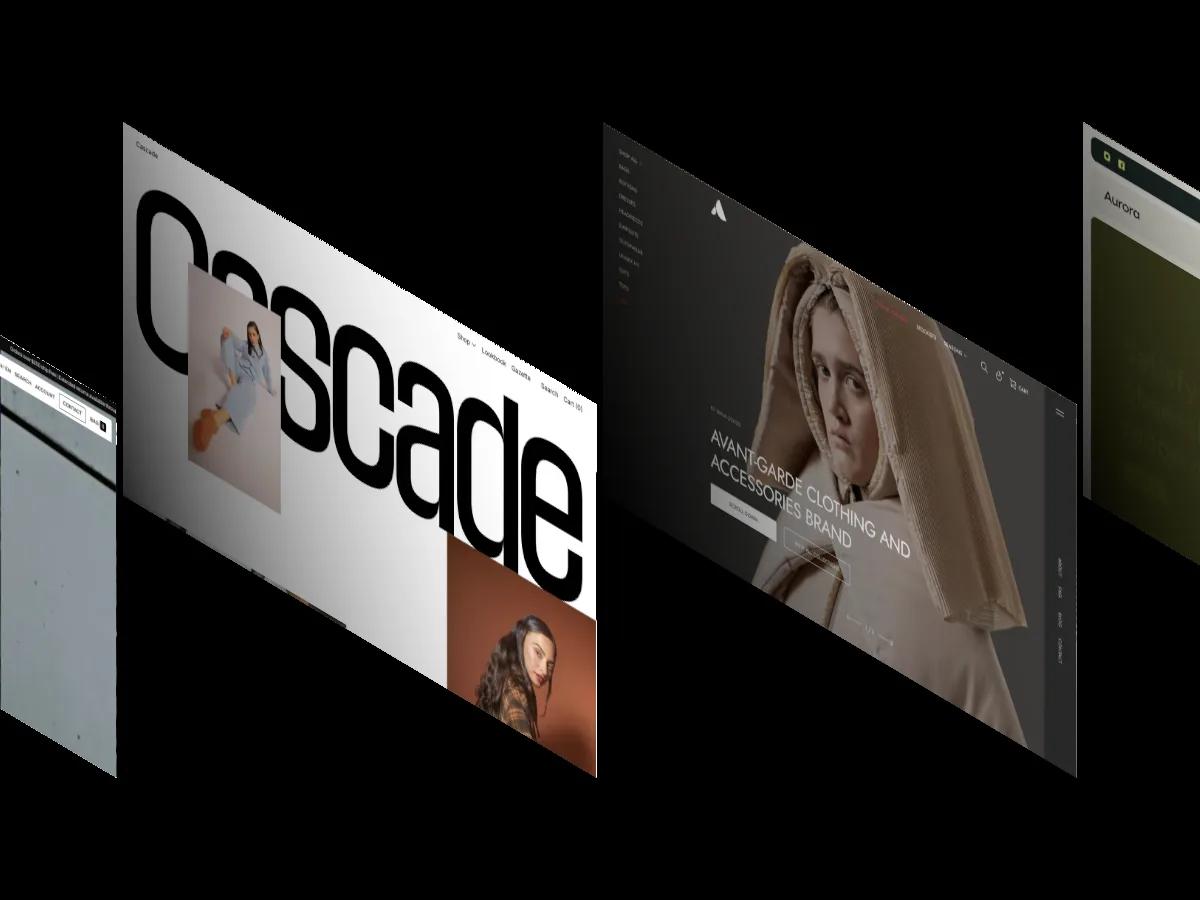
12 Best Shopify Themes for Clothing and Fashion Stores 2026
by Emma Clark
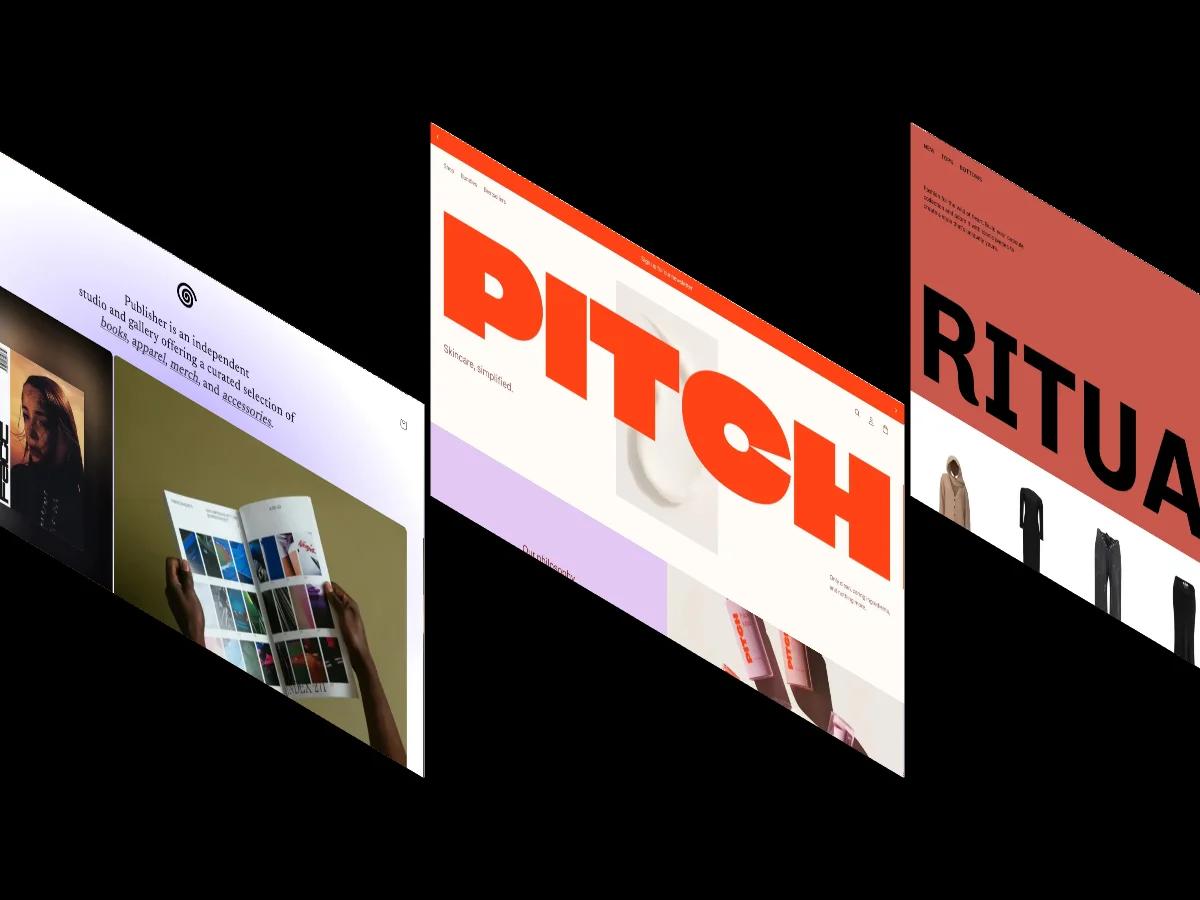
15 Best Free Shopify Website Themes 2026
by Jessica Reyes