Are Free Webflow Templates Good Enough for Client Work?

A free Webflow template can be a defensible client choice or a quiet margin killer, and the score data shows which is which. We scored all 36 free Webflow templates in our library and mapped where free holds up, where it breaks, and when the $79 paid median is the cheaper option overall.
A client approves a modest website budget, you open Webflow's template marketplace, and the free tab is sitting right there. Skipping the template cost feels like an easy way to protect your margin on a small project. Then the doubt creeps in, because at some point the client will ask what they actually paid for.
The short answer: yes, free Webflow templates for client work can hold up, with conditions. We scored all 36 free Webflow templates in our library, and the best of them are production grade. Two score above 9.0 overall, which puts them ahead of most paid templates we've reviewed. For a portfolio, an agency site, or a marketing site with light content needs, free is a defensible choice you can explain to a client without flinching.
The conditions are where projects go wrong. Free templates average 7.7/10 overall in our library against 8.4/10 for paid, and the weak spots cluster in predictable places: CMS depth, page count, and niche layouts. Here is what the score data says, where free genuinely works, where it quietly costs more than a paid template would have, and a framework for deciding per project.
How big is the quality gap between free and paid Webflow templates?
The gap is measurable but narrower than the price difference suggests. Free Webflow templates in our library average 7.7/10 overall. Paid templates average 8.4/10. That works out to 0.62 points on the unrounded data, against a median paid price of $79. Free options are also scarce: 36 of the 333 Webflow templates we've published are free, about 11% of the library.
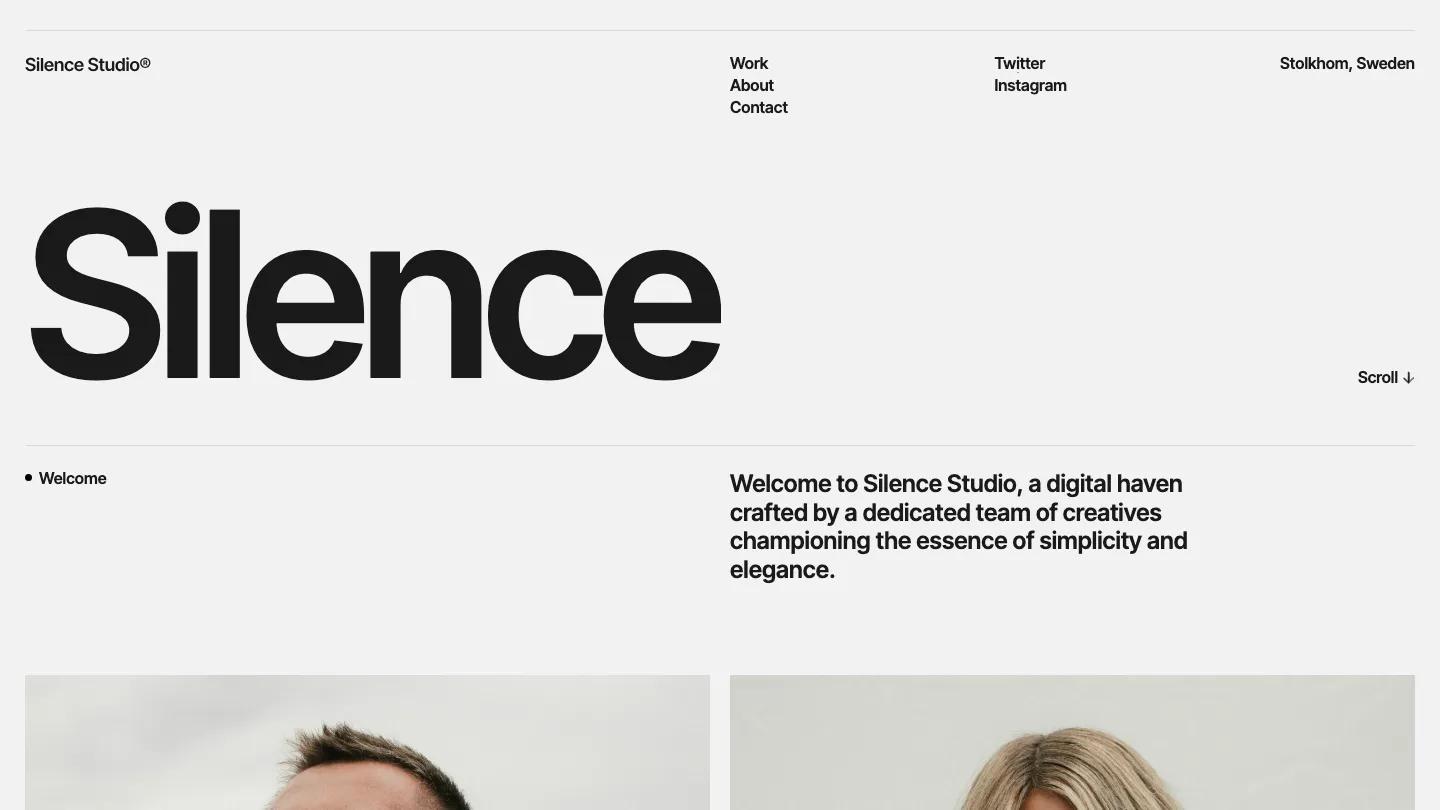
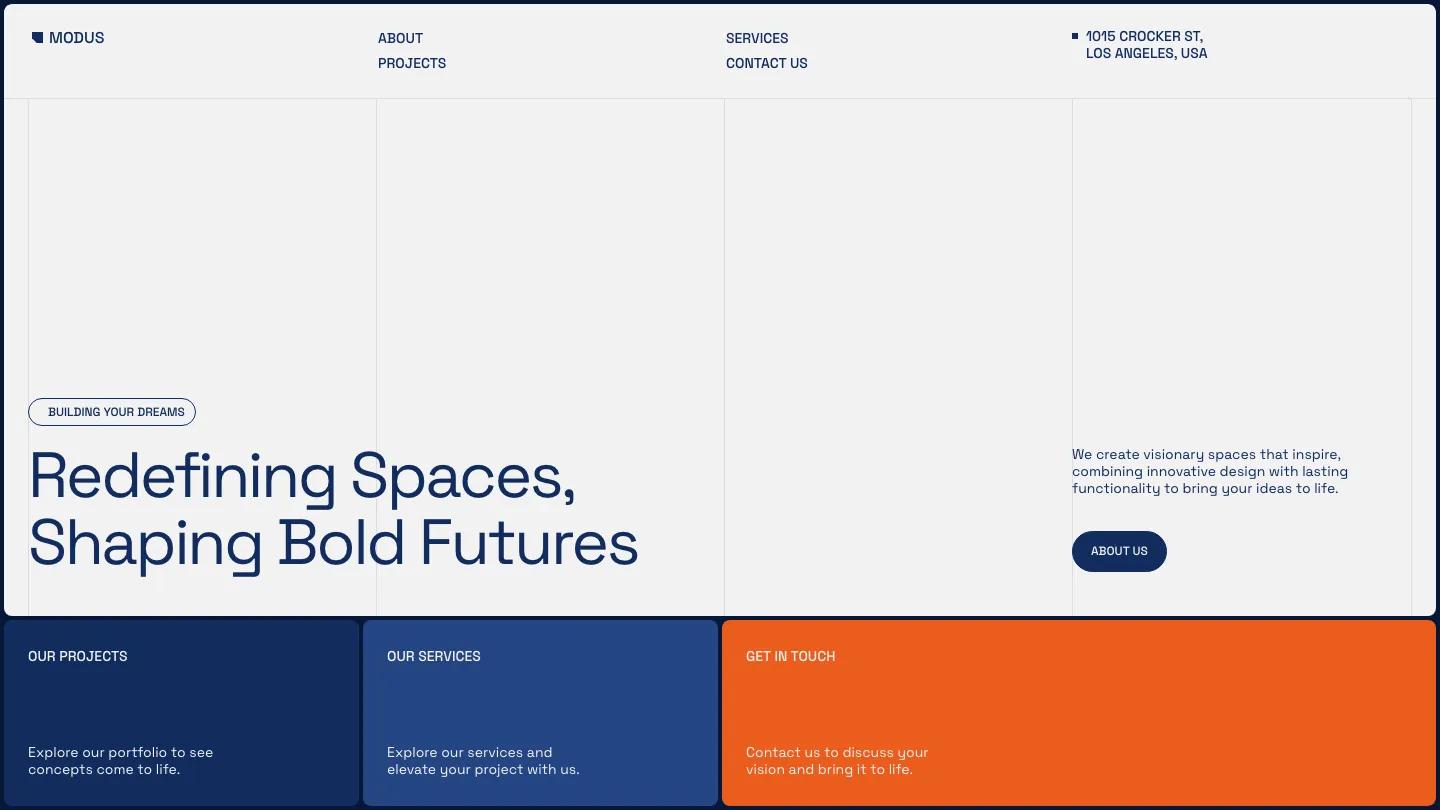
The distribution matters more than the average. Every one of the 36 cleared our 7.0 minimum threshold, because templates scoring below 7.0 are not published, no exceptions. Our methodology explains how multiple reviewers score each template independently and how those scores get averaged. Within the free group, 12 of 36 score 8.0 or above, and two cross into the 9.0 range: SilenceFolio at Design: 9.4/10, Dev: 9.5/10 and MODUS Light at Design: 9.5/10, Dev: 9.3/10.
The remaining two thirds of the free shelf sits in the 7.0 to 7.9 band. In our scoring language that means good with real limitations, and those limitations are exactly what you need to map before putting a free template in front of a paying client.
Where do free Webflow templates genuinely hold up?
Free templates are strongest for portfolios, agency sites, personal sites, and simple startup marketing pages. Of the 36 free Webflow templates in our library, 19 cover the Portfolio & Agency category, and the highest scorers all live in that cluster. If the client project is a designer's portfolio or a small studio site built around a projects page, an about page, and a contact form, the free shelf can carry it.
The top of the table proves the point. SilenceFolio's Dev: 9.5/10 is the highest development score of any free Webflow template we've reviewed, backed by a clean CMS-driven projects structure and a typographic layout that doesn't lean on stock imagery to look finished. MODUS Light earns its Design: 9.5/10 with a disciplined grid, background video that stays out of the content's way, and a full services-and-projects page structure a small consultancy could launch with as-is.
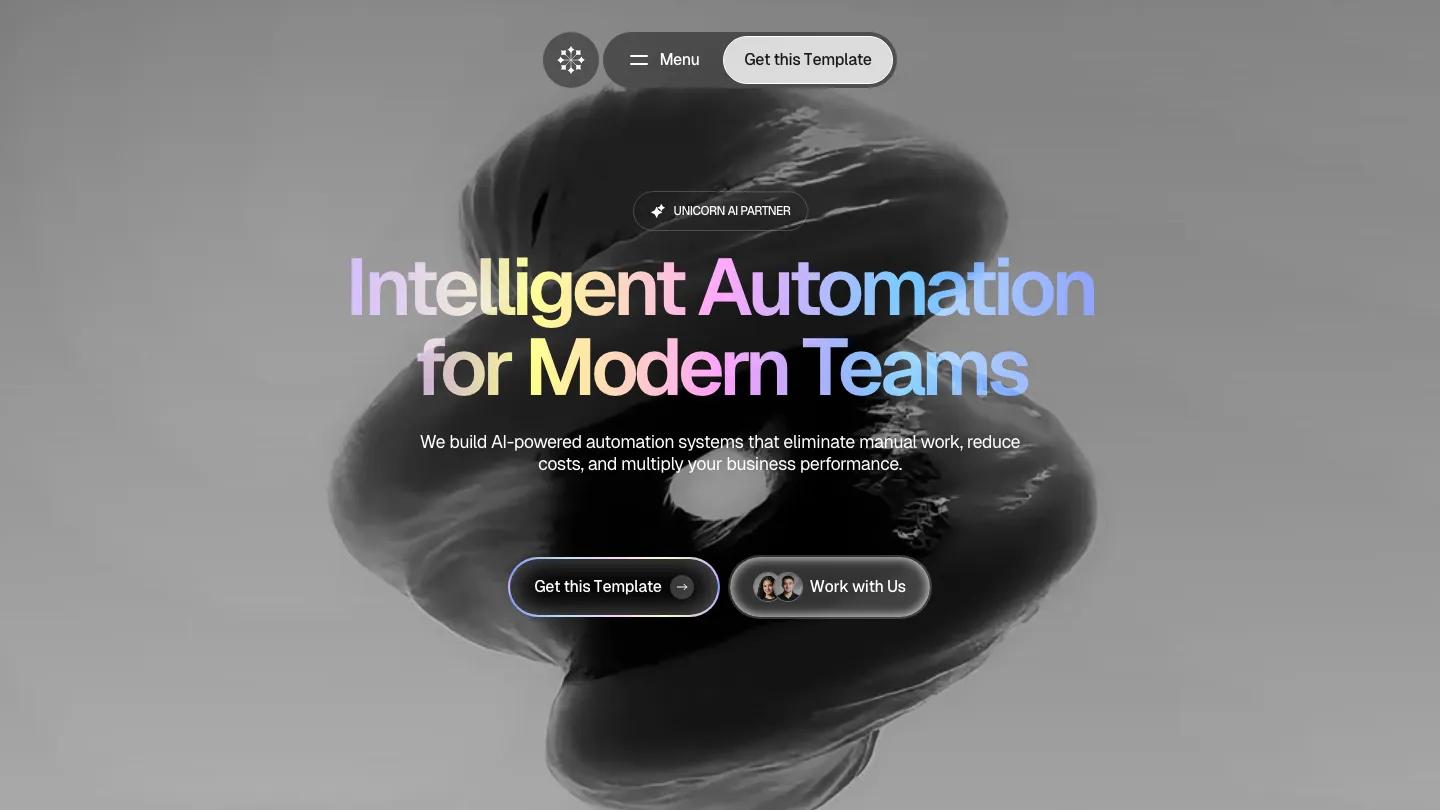
Startup marketing sites are the other viable lane. Conicorn at Design: 8.5/10, Dev: 8.8/10 ships pricing and careers pages alongside the usual set, which covers what an early-stage software company actually needs on day one. The pattern across all three: standard page structures, one or two content types, no niche layout requirements.
Where do free templates break down?
The failures cluster in three areas: CMS depth, page count, and niche coverage. Free templates that include a CMS typically ship one or two collections, a projects list and sometimes a blog. Ask one to handle four content types, say team members, case studies, resources, and events, and you're rebuilding the collection structure from scratch on billable time. A handful of the free templates we scored skip CMS collections entirely.
Niche coverage is thinner still. Across the 36 free Webflow templates in our library, education has exactly one option, real estate has two, and dedicated retail has effectively one. The full library counts 66 Retail & E-commerce templates and 65 for Technology & Software, so almost all of that depth sits behind a price tag. A client in a specific industry usually needs layouts the free shelf simply doesn't offer: property listings, course catalogs, product grids with variant handling.
Page count is the quieter constraint. The feature lists on free templates repeat the same standard set: home, about, projects or services, contact, 404. Client sitemaps rarely stop there. Every page you build from scratch inside someone else's class naming system is slower than building it in a template that already includes it.
The hidden costs of a free template in client work
A free template stops being free the moment you restructure it on billable time. The median paid Webflow template in our library costs $79. At typical freelance rates, that's roughly an hour of work. If a free template forces two hours of CMS rebuilding, breakpoint fixes, or extra page construction that a paid alternative ships ready-made, the client effectively paid more for free, and either you absorbed the difference or they did.
Licensing is the second check. Confirm the license permits commercial client use before you clone anything. Some free Webflow templates are marketplace listings with standard terms, while others are community cloneables where the creator sets their own conditions, occasionally with attribution expectations. Two minutes of reading the license beats an awkward client email six months later.
The third cost is sameness. A free template has no purchase barrier, so the same layout appears across the web far more often than a $79 one does. At some point your client will find a site that looks like theirs. Some clients shrug. Others treat it as grounds to question the whole invoice. Know which kind you're working with before you commit.
When should you use free Webflow templates for client work?
Use a free template when the project is a portfolio, studio, or simple marketing site with one or two content types. Pay when the sitemap or the niche demands more. The $79 median price of a paid Webflow template is almost always the smallest line item on a client invoice, so treat this as a build-time decision, not a budget decision.
Free is the right call when:
- The site is a portfolio, agency, personal, or basic startup site, the categories where free options score 8.0 or above in our library
- The sitemap fits the standard page set: home, about, work, services, contact
- Content needs one or two CMS collections, not four
- The client accepts that other sites use the same layout
Paid is cheaper overall when:
- The client needs three or more content types in the CMS
- The industry requires specific layouts, such as property listings or product grids, that the free shelf barely covers
- Ecommerce is involved in any serious way
- The client has named distinctiveness as a requirement
When the answer is free, start with our free Webflow templates listing. Hovering over any card plays a looping screen recording of that template's full homepage, so you can visually compare the entire free shelf in a few minutes without opening a single external tab.
The free templates we'd put in front of a client
Beyond SilenceFolio, MODUS Light, and Conicorn, three more free templates earn a place in client conversations. The GSAP Field scores Design: 8.7/10, Dev: 9.2/10, and the development score reflects how cleanly its GSAP-driven animation is implemented rather than bolted on. It suits studios that want motion as part of the identity, though the playful tone won't fit conservative clients.

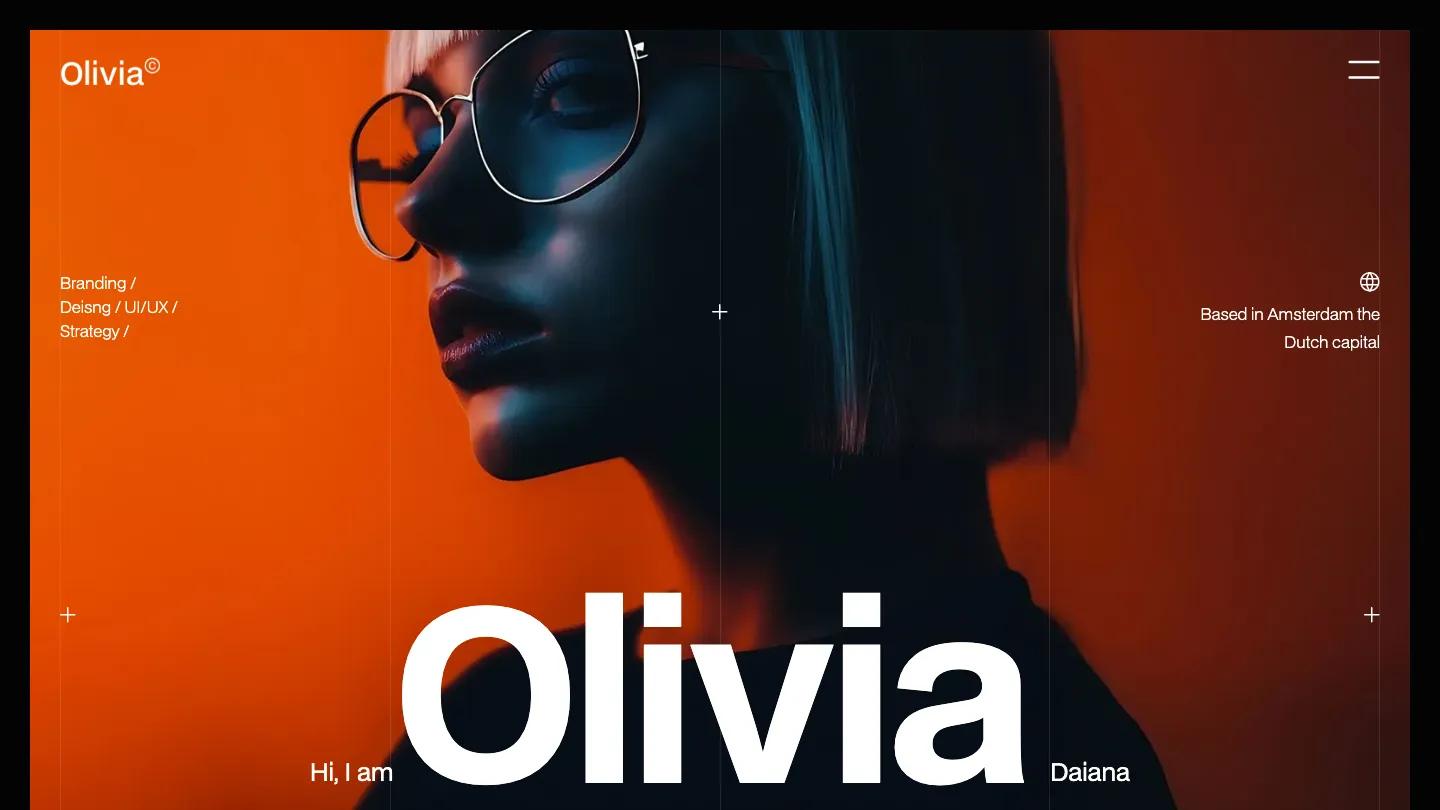
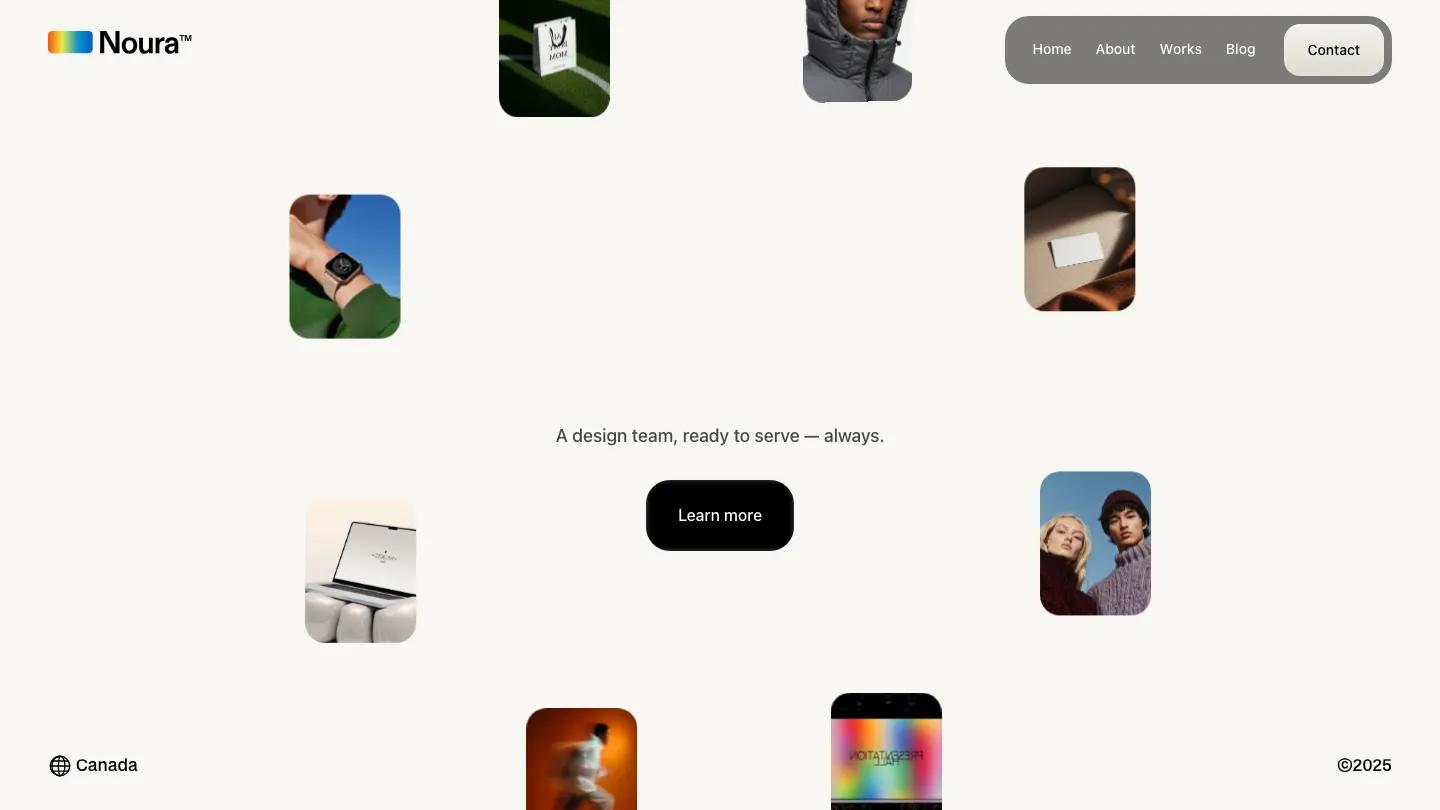
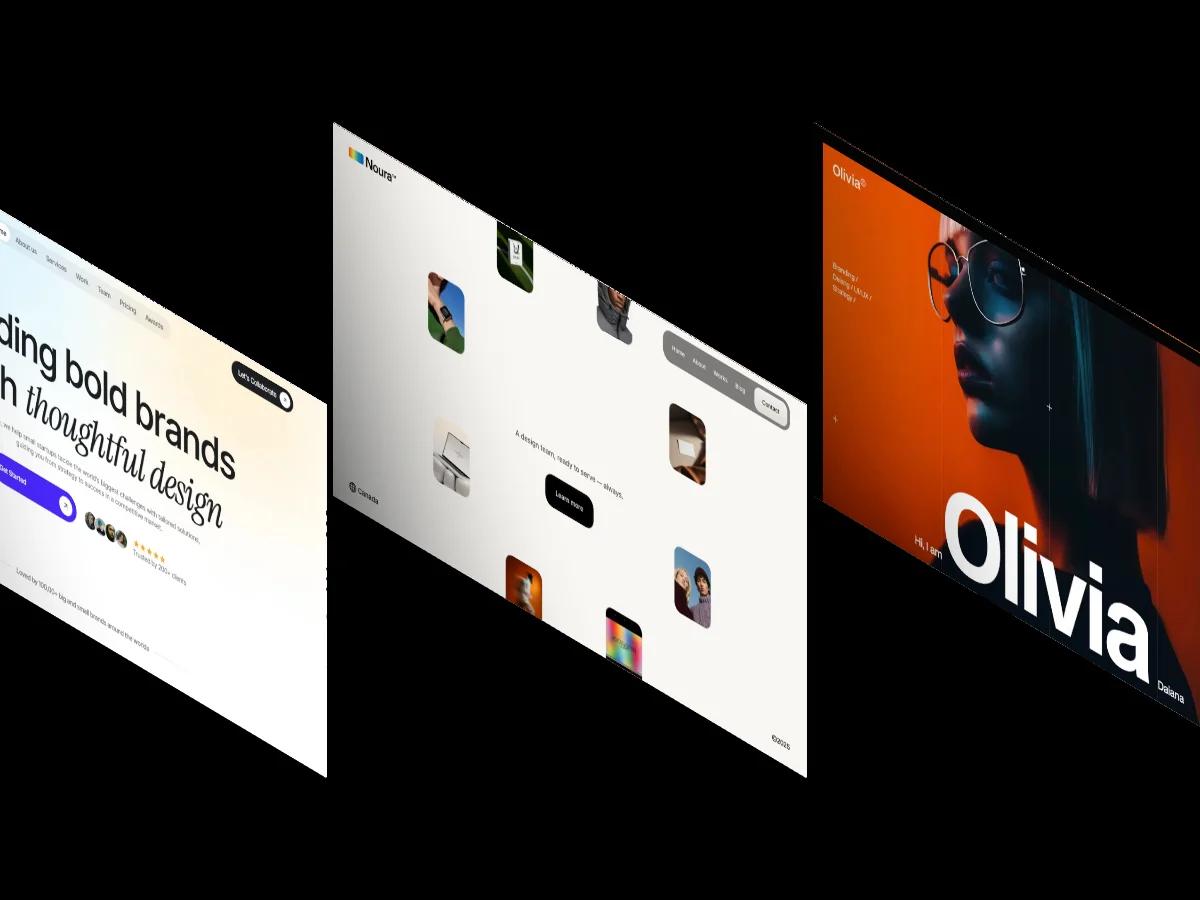
Olivia12 at Design: 8.9/10, Dev: 8.7/10 is a dark, typographic portfolio with an unusual amount of range for a free template: ecommerce support, pricing, and slideshow components alongside the CMS. Noura at Design: 8.8/10, Dev: 8.5/10 takes the lighter route, a playful agency layout with a blog and CMS collections included, which makes it one of the few free options that supports an ongoing content plan.
For the full ranked list with limitations noted on every entry, our 30 Best Free Webflow Website Templates roundup covers the free shelf in depth. For the paid side, our top-rated Webflow templates for portfolios, agencies, and small businesses ranks the strongest options by score.
FAQ

Best Websites to Find Professional Webflow Templates
by Marcus Jones
Best Webflow Templates for Digital Products 2026
by Lauren Smith
Top-Rated Webflow Templates for Portfolios, Agencies, and Small Businesses (2026)
by Marcus Jones
15 Best Webflow Templates for SaaS and Tech Startups 2026
by Lauren Smith
30 Best Free Webflow Website Templates 2026
by Emma Clark