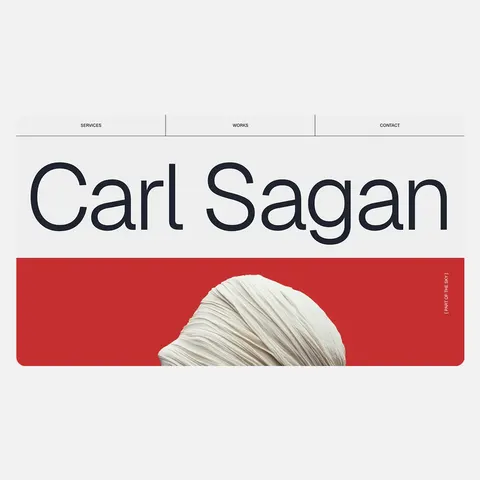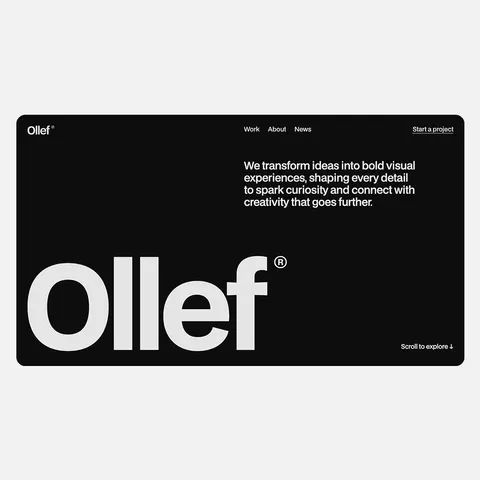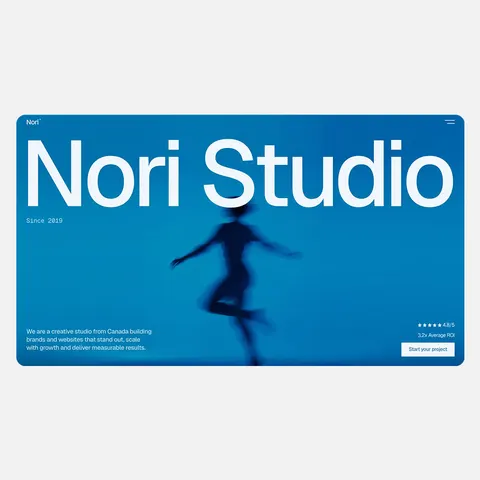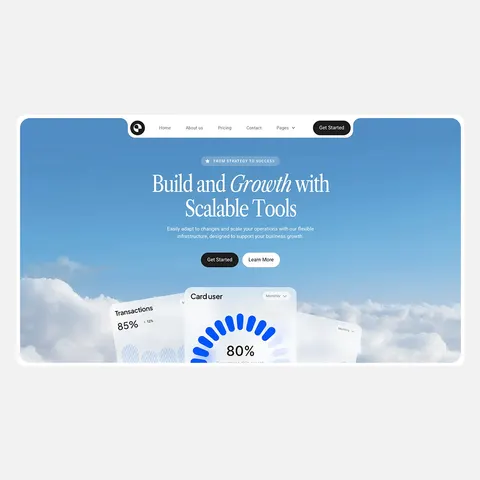
Website Mockup Generator
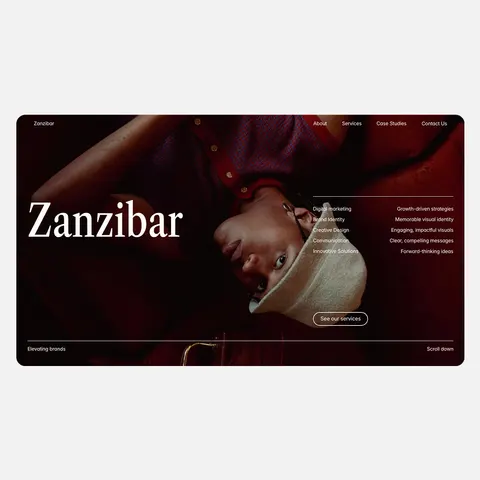
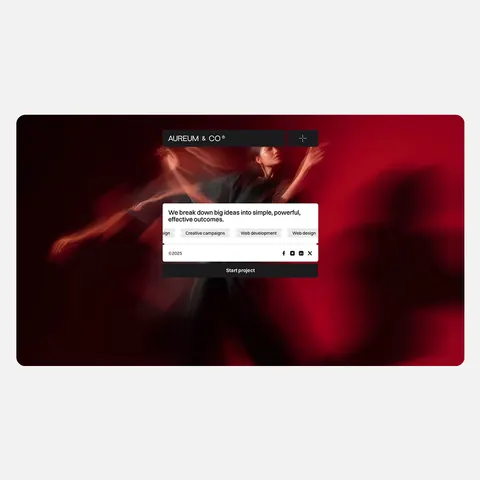
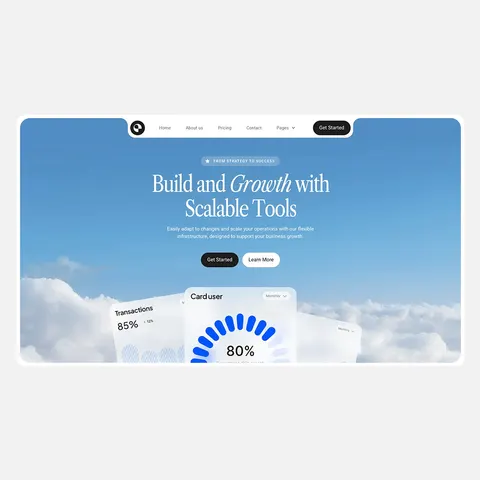
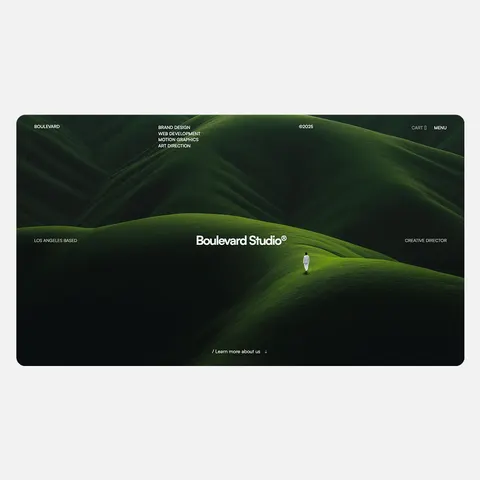
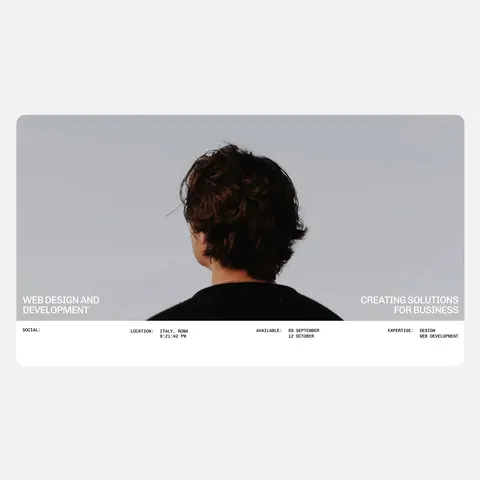
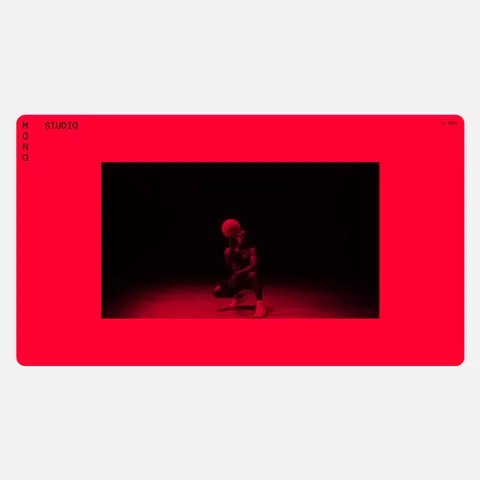
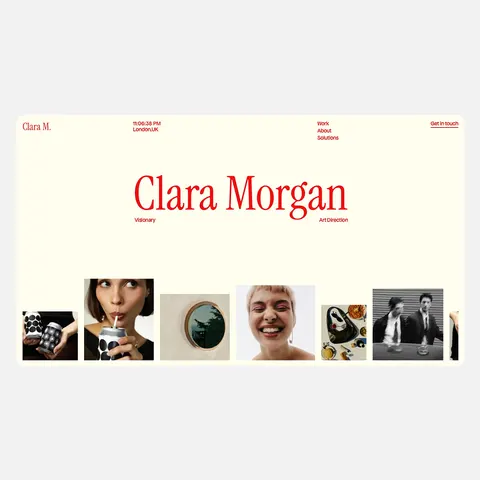
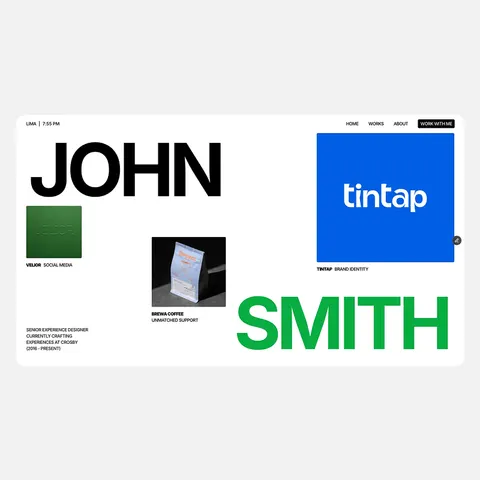
Put your screenshot in a browser, laptop or phone frame.
You can also paste a screenshot. It never leaves your browser.
Large PNG, 2400px wide. No watermark.
More free tools
- Webflow vs Framer vs ShopifyCompare them side by side and see which fits you.
- Website Builder Cost CalculatorSee what your site would cost on Webflow, Framer and Shopify.
- Shopify Theme DetectorFind out which theme any Shopify store uses.
- What Is This Website Built With?Find out which platform any website is built on.
- Website Font FinderSee the fonts and colors any website uses.
- Font Pairings From Top TemplatesHeading and body fonts that work well together.
- Shopify Profit Margin CalculatorSee what you keep from each order.
- Open Graph and Social Preview CheckerSee how your link looks when shared.







Good to know
Tips for Better Mockups
Screenshot the page at the size it was designed for. A desktop screenshot taken in a narrow window will look cramped inside a laptop frame, and a desktop screenshot squeezed into a phone frame won't look like a real phone. Your browser's device mode, or a real phone, gives you an honest mobile shot.
Close cookie banners and chat bubbles before you take the screenshot, and pick a background that matches where the mockup will appear. Transparent works for slides and case studies.
Need a Site to Show Off?
If you're building a portfolio, our portfolio templates are scored by designers and developers, and many of the best are free on Framer.